You are currently working on UAT 

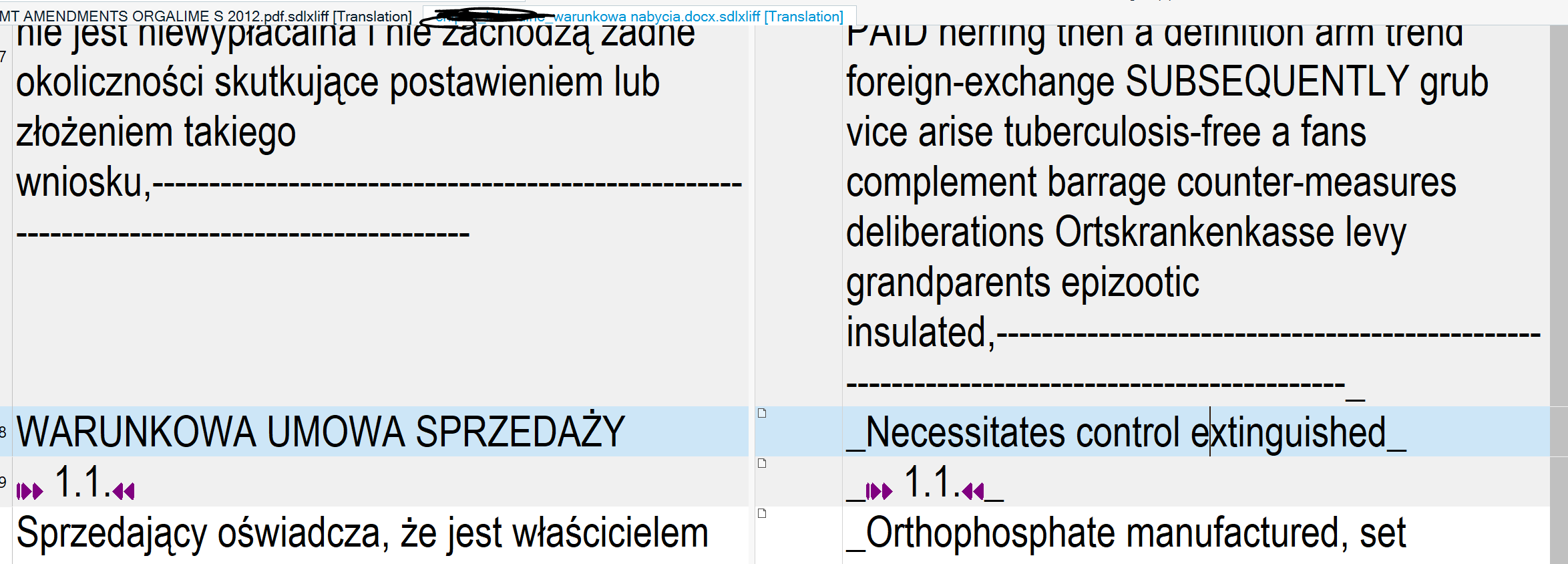
Original text in target file

When are you going to repair this highly annoying and time wasting bug with original text suddenly cutting in to the target file after export (and the text subsequently being original), for no apparent reason, in a seemingly non-problematic portion of the text, with NO ERRORS in the project whatsoever?

It's been there in 2011, and it is here in 2019 SP1. What exactly is taking you 8 years to fix this?

Parents Reply Children
  • Hi Adrian,

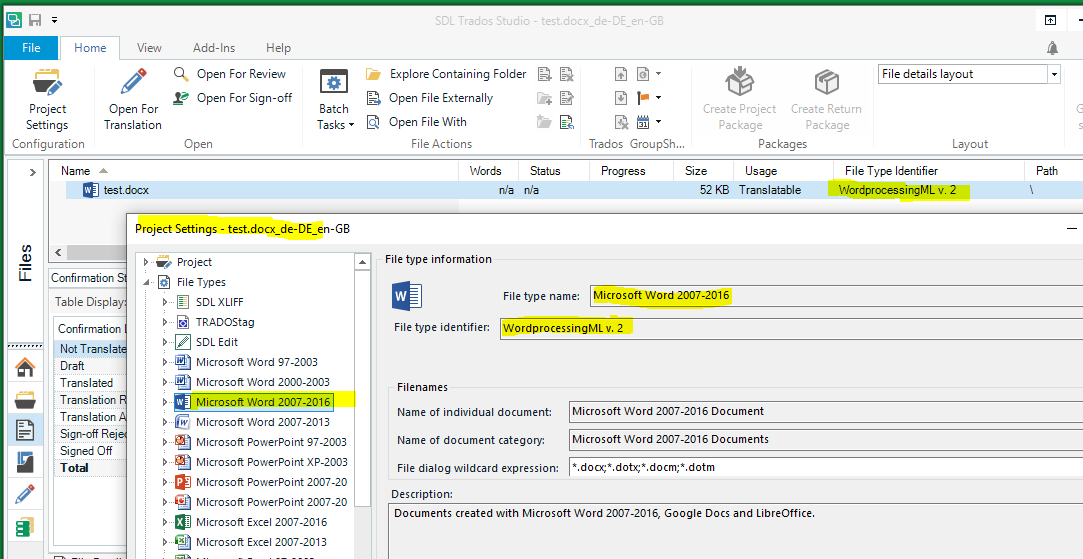
    You can find the file type being used for each of your files in the "File Type Identifier" column in File view. In the snip shown below, it is not immediately clear which Word version is being used for my file, but you can figure this out by looking in the Project Settings under File Types, where you will find each Word file type along with its associated File Type Identifier.

    As you can see from the snip below, the file type being used for my file is Word 2007-2016.

    Paul was asking what file type Studio has chosen for your file. Since he had no problems with the file you sent, the first thing he wants to check is whether you are both using the same file type. If you are, then I imagine he will move on to the next troubleshooting step. (I can't imagine you are using different file types, unless you accidentally changed the file types that are active in your settings.)

    Screenshot of Trados Studio showing the File view with a selected file named 'test.docx' and its File Type Identifier as 'WordprocessingML w_2'.

    Hope this helps,
    Bruce Campbell
    ASAP Language Services

    emoji


    Generated Image Alt-Text
    [edited by: Trados AI at 3:19 PM (GMT 0) on 28 Feb 2024]
  • Hi 

    I could not produce the problem you report, I tried translating the file you uploaded. It translated cleanly with no problem at all, there was only Target language text in the Target document I produced.

    I've never had Source text appearing in Target documents unless there was some form of Source document content that had been somehow overlooked or excluded. For example, if either the client or the project manager hadn't prepared the file properly in some way such as missing text hidden inside/behind a too-small text container, locked content or 3rd party content that was inaccessible in the SDLXLIFF. Or maybe, if tagged Source content lost its properties through file manipulation so that content that should not be visible ended up exposed in the final format. 

    I have been using the product to translate various file formats, not just Word, since Studio was launched and before that since the early days of Trados TagEditor... This problem you're having is honestly not something I have seen without there being a logical explanation that was resolvable, and a solution therefore that I could find. 

    All the best,

    Ali