TERM RECOGNITION STILL NOT WORKING

We've had problems for months with the term recognition in Trados Studio. We upgraded to the newest version recently and honestly thought there would be an improvement, but if anything, it's worse.

Here is some info/context:

  • We are a small team of three people
  • We have recently upgraded our three licences to the 2024 SR1 version (Trados and Multiterm).
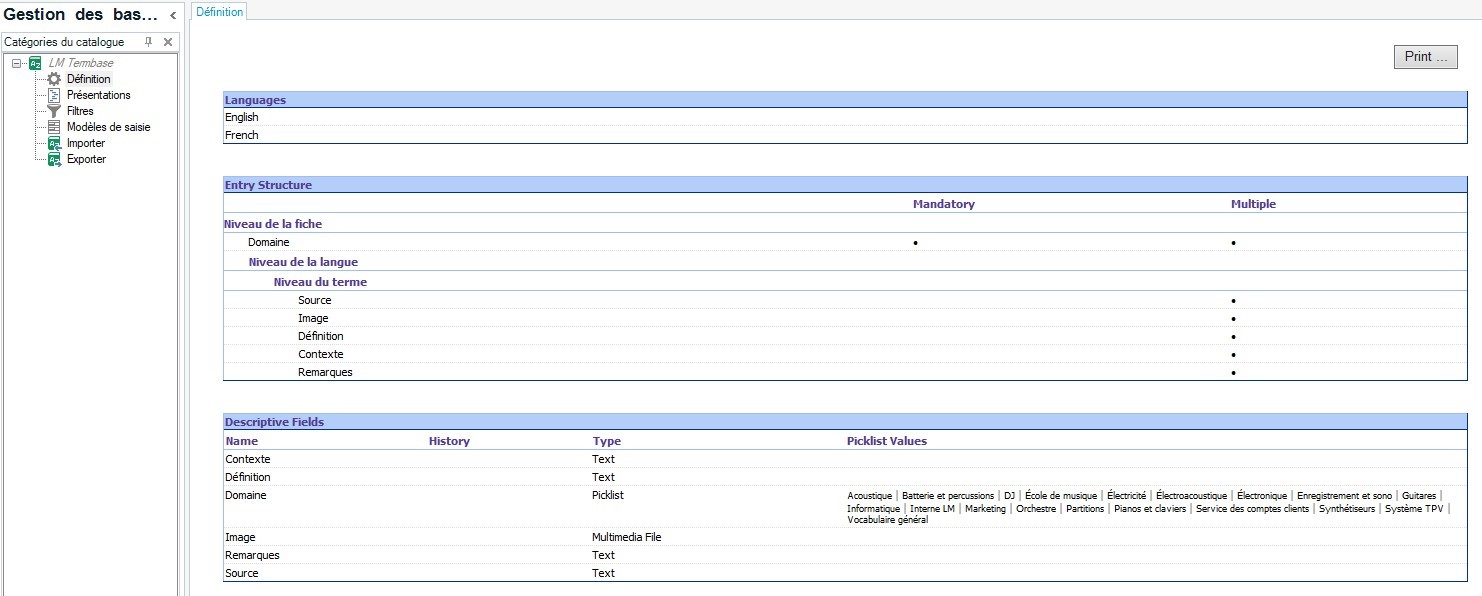
  • Our termbase is file-based, not on a cloud.
  • We do not share our termbase (each one of us has a local copy).
  • Our language pair is English CA -> French CA.
  • The project and file type have no impact (the problem persists when we try various scenarios).

Currently, one user has no problem, while the other two are getting results ONLY for two-letter terms in the term recognition window. The term search feature always works, though.

Please help! With the amount of money thrown into this software, this is getting frustrating.
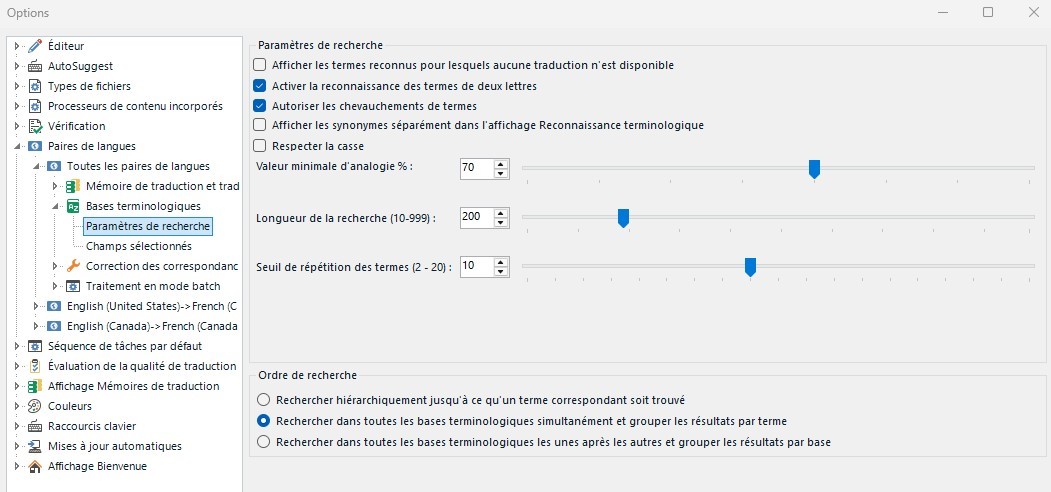
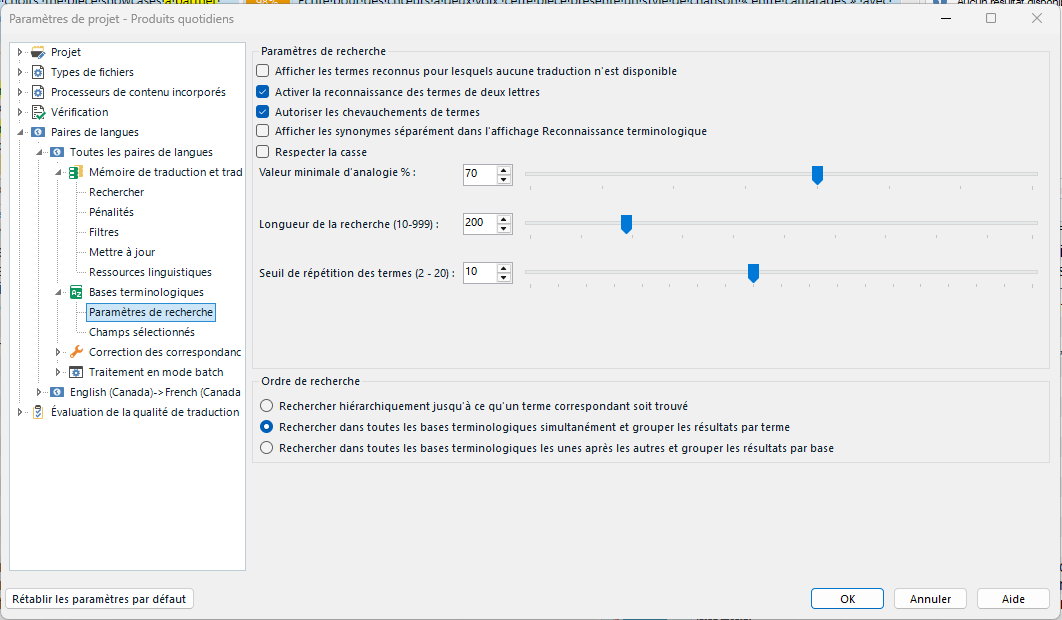
Trados Studio options window showing term recognition settings, including sliders for analogy percentage, search length, and term repetition threshold.


Generated Image Alt-Text
[edited by: RWS Community AI at 4:27 PM (GMT 1) on 8 Oct 2025]

emoji
Parents
  •  

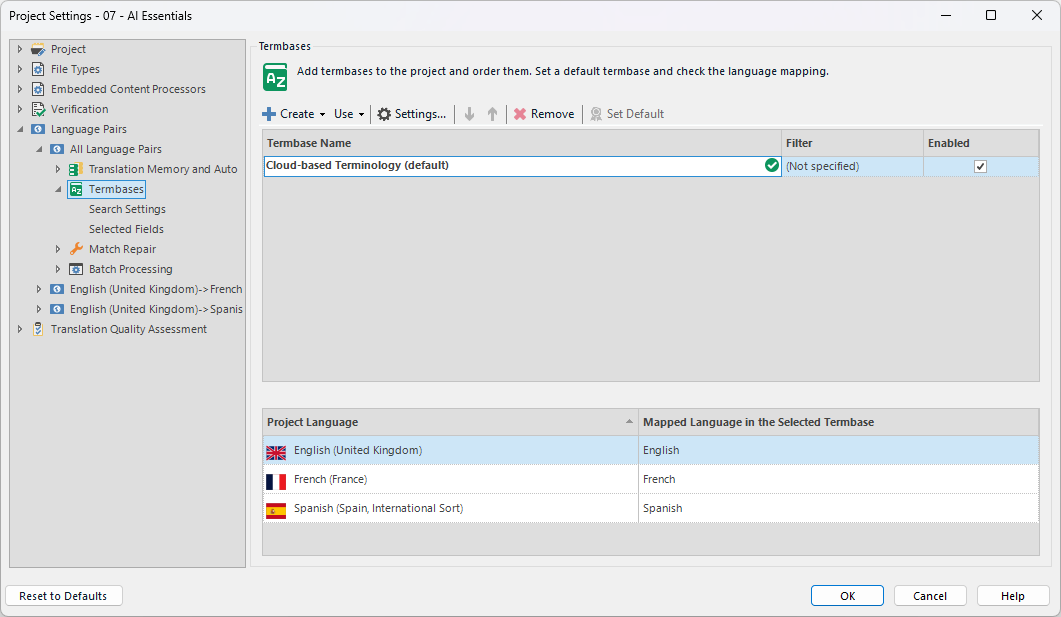
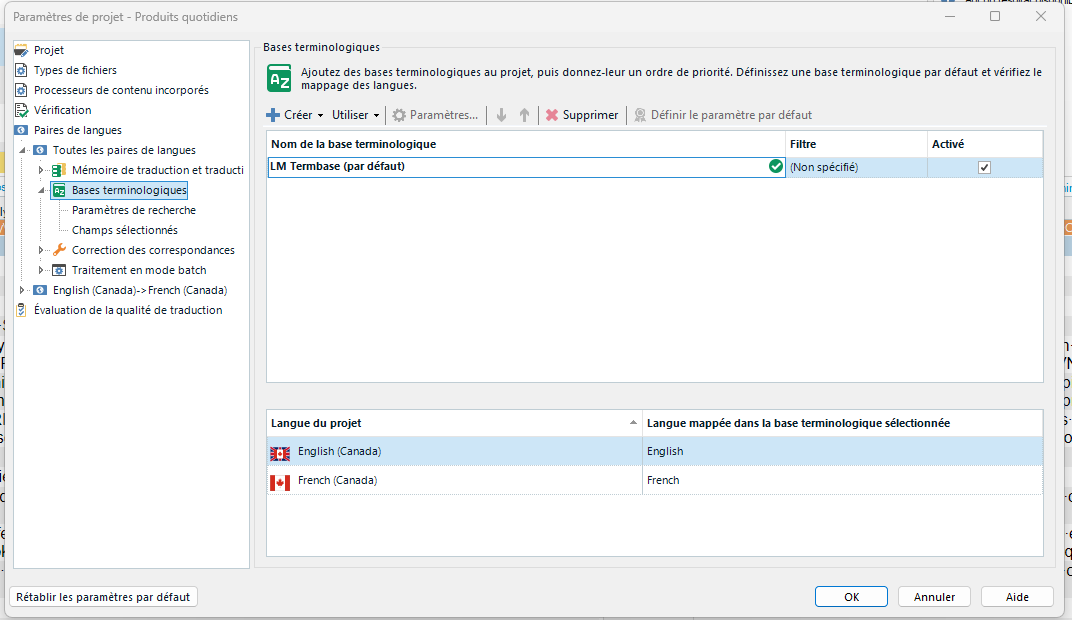
    Can you share a screenshot of your project settings and not your main options.  Worth checking what's actually in the problematic settings.

    Paul Filkin | RWS

    Design your own training!
    You've done the courses and still need to go a little further, or still not clear? 
    Tell us what you need in our Community Solutions Hub

    emoji
  • There you go.

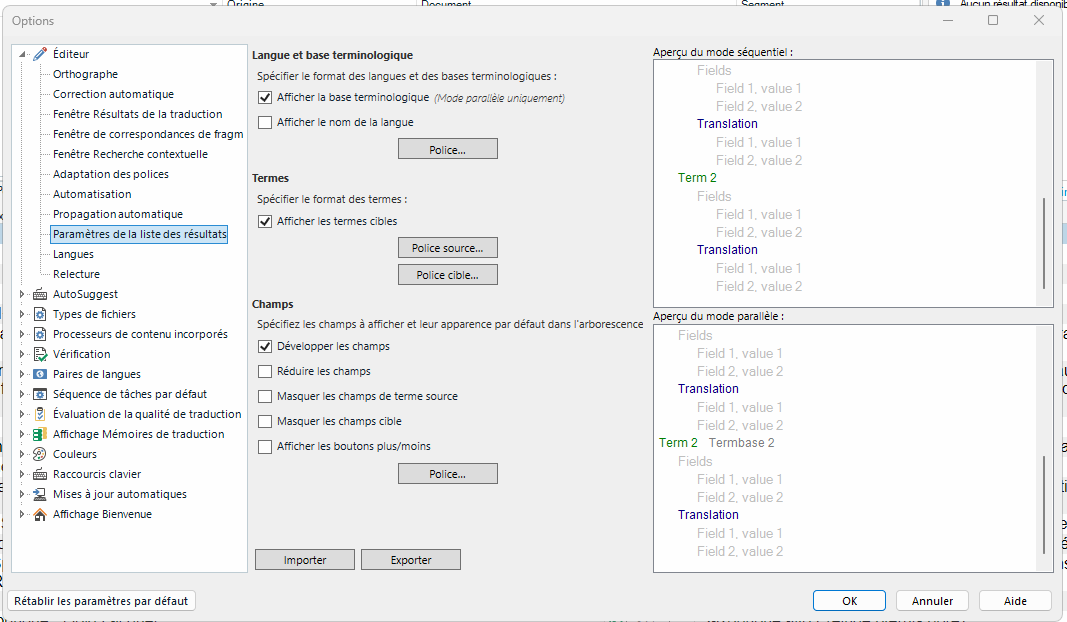
    Trados Studio settings window showing 'Parametres de recherche' options, including term recognition, case sensitivity, and search length sliders set to specific values.

    We all have the same settings. My term recognition works, but it does not for the other two users.

    emoji


    Generated Image Alt-Text
    [edited by: RWS Community AI at 6:36 PM (GMT 1) on 8 Oct 2025]
  •  

    Can you confirm the path to the termbase on each machine and note which one is working?  The full path please.

    Have you done any troubleshooting like reorganising the termbase for example?

    Paul Filkin | RWS

    Design your own training!
    You've done the courses and still need to go a little further, or still not clear? 
    Tell us what you need in our Community Solutions Hub

    emoji
  • Yes, I did reorganize it last week to try and fix the problem, but it did not change anything.

    • The one that works (mine) is here, stored on an external drive: D:\LM Termbase for Projects
    • This one doesn't work, and is stored locally on my colleague's computer: C:\Users\frich\Documents\Mémoires\LM Termbase.sdltb

    The third person is on vacation right now and will be back on Tuesday, but I believe it's pretty much the same thing as my other colleague (maybe stored on his Desktop instead of the Documents folder).

    emoji
  •  

    Here is the third path (term recognition in this one doesn't work either): C:\Users\Maxime Guay\Ressources\Base termino

    emoji
  •  

    ok - the paths are the exact opposite of what may cause a problem, so it's not that!  Yours is an external drive... but it works.  This one might have been a problem "Mémoires" but the other non-working doesn't have anything suspicious in the path.  So a lot of inconsistency here and the issue must lie somewhere else.

    Can you take an example of one that doesn't work and provide screenshots (a video might be faster if you can do that) that demonstrate the problem and show all the project settings associated with that problem project?

    Paul Filkin | RWS

    Design your own training!
    You've done the courses and still need to go a little further, or still not clear? 
    Tell us what you need in our Community Solutions Hub

    emoji
  •   

    Sorry for the delay; here is the requested video. Let me know if it works and if there is anything else you need to see.

    emoji
Reply
  •   

    Sorry for the delay; here is the requested video. Let me know if it works and if there is anything else you need to see.

    emoji
Children