Translate


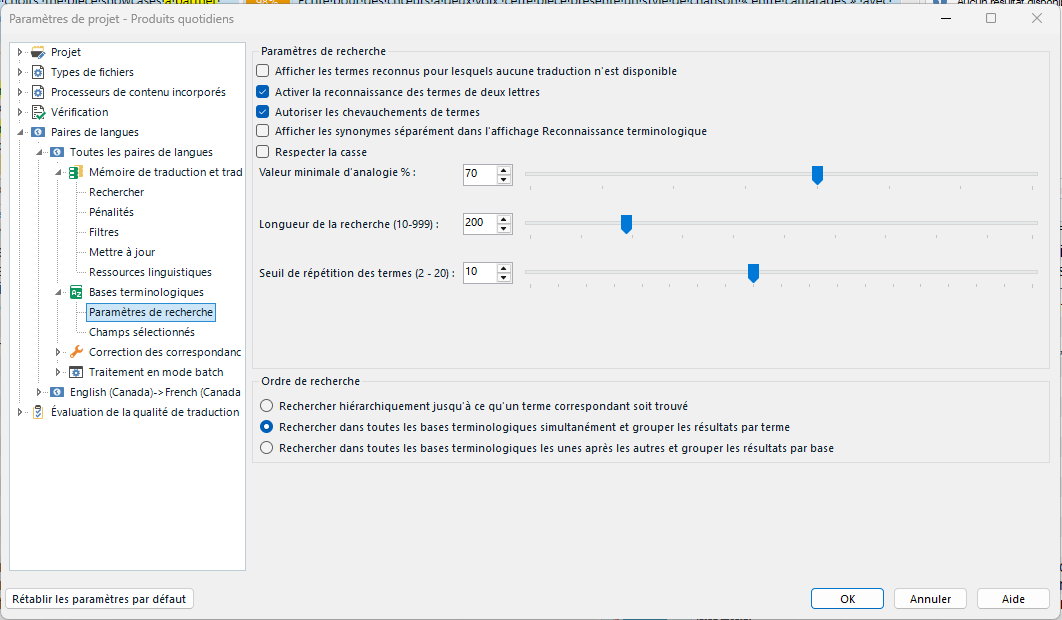
We've had problems for months with the term recognition in Trados Studio. We upgraded to the newest version recently and honestly thought there would be an improvement, but if anything, it's worse.
Here is some info/context:
- We are a small team of three people
- We have recently upgraded our three licences to the 2024 SR1 version (Trados and Multiterm).
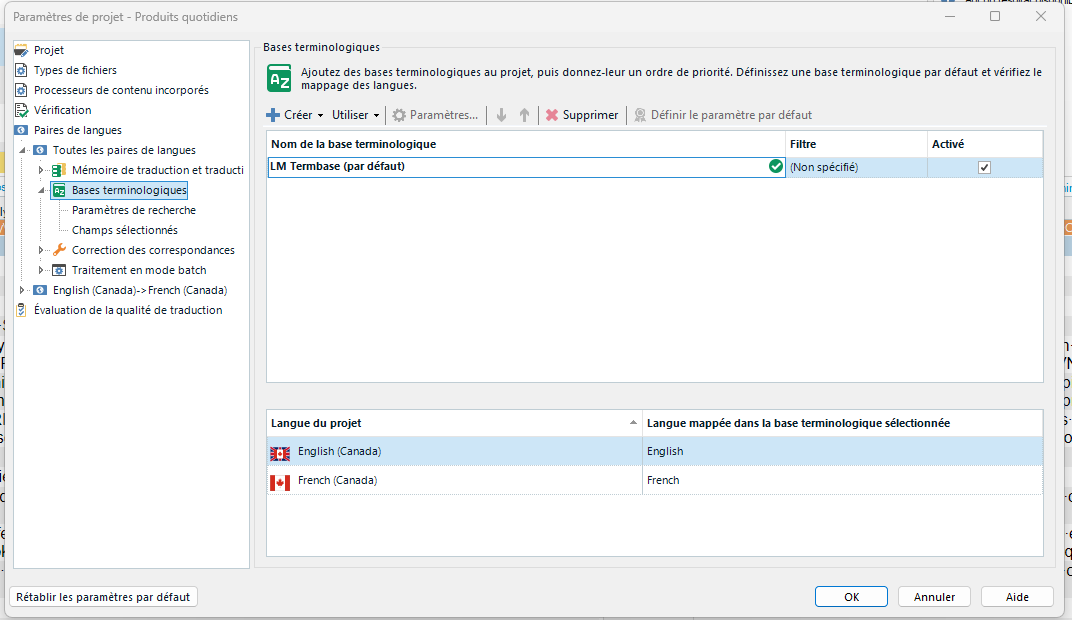
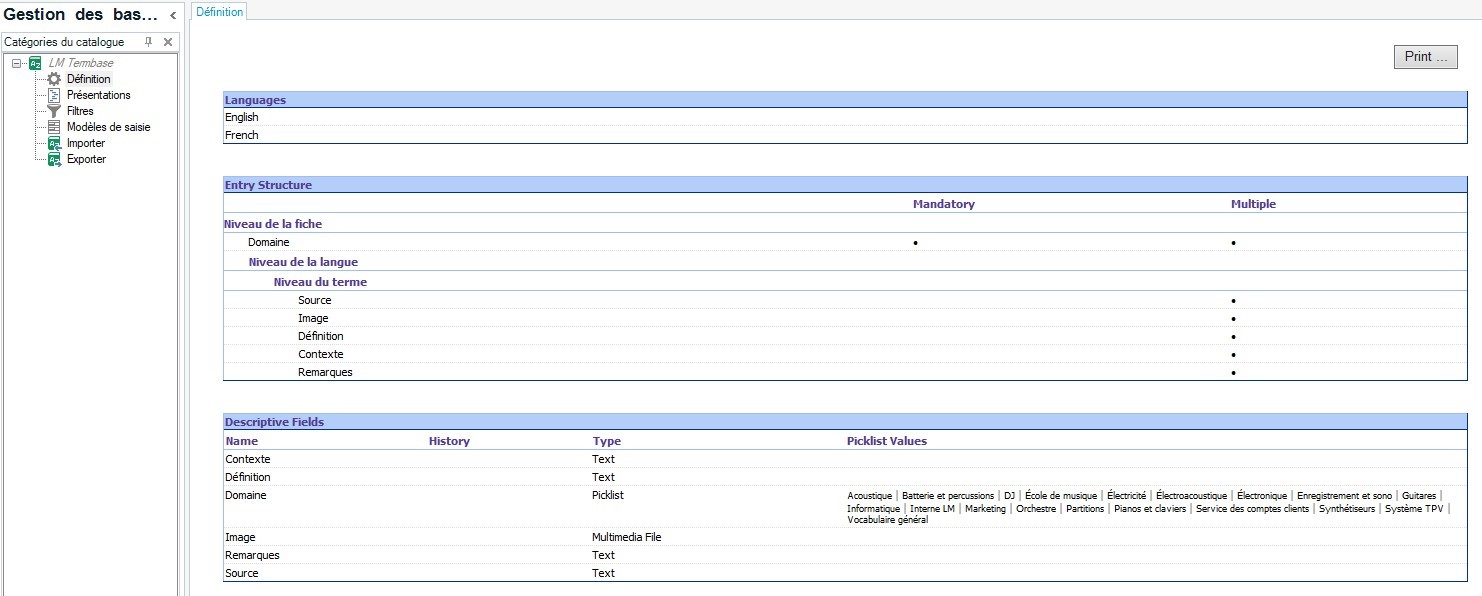
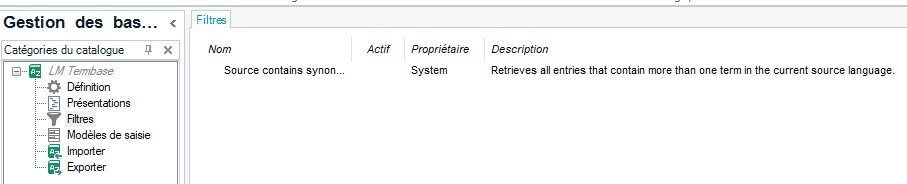
- Our termbase is file-based, not on a cloud.
- We do not share our termbase (each one of us has a local copy).
- Our language pair is English CA -> French CA.
- The project and file type have no impact (the problem persists when we try various scenarios).
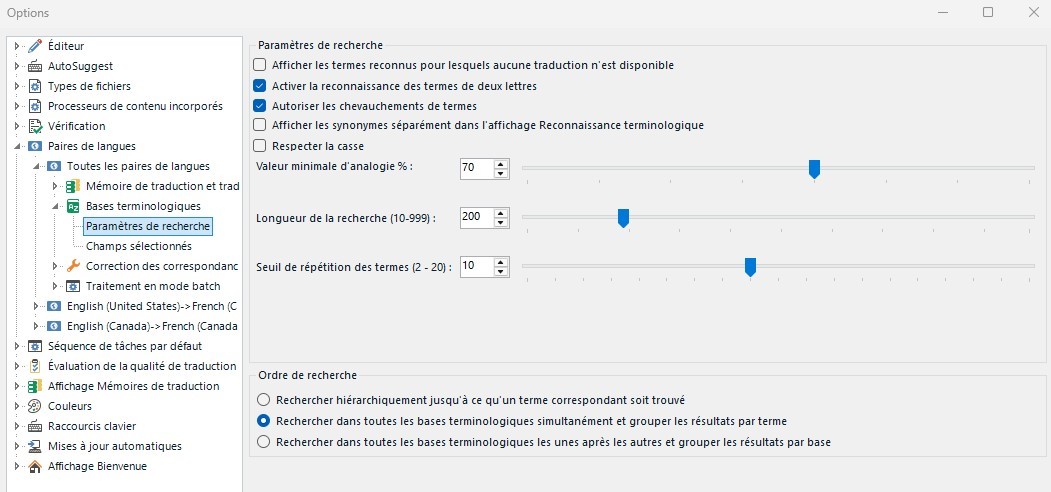
Currently, one user has no problem, while the other two are getting results ONLY for two-letter terms in the term recognition window. The term search feature always works, though.
Please help! With the amount of money thrown into this software, this is getting frustrating.
Generated Image Alt-Text
[edited by: RWS Community AI at 4:27 PM (GMT 1) on 8 Oct 2025]