How can I disable AT?

Hi folks,
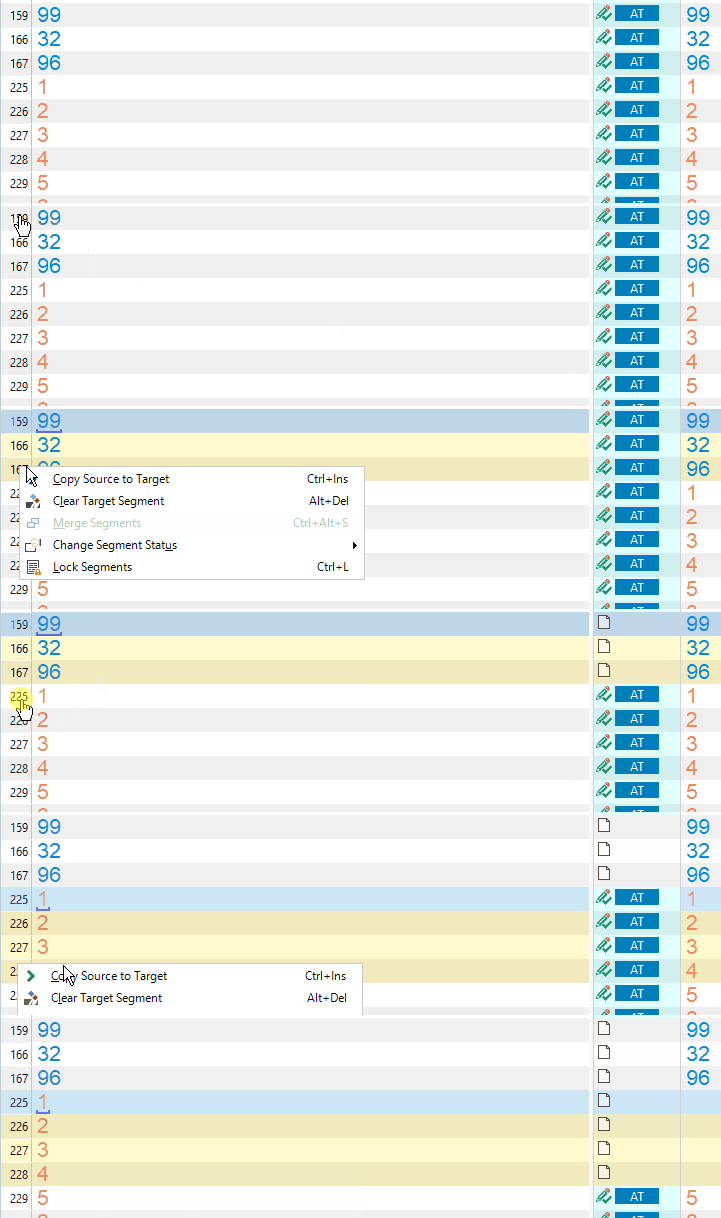
Does anybody know how can I prevent the blue AT status appearing in hyperlink-only segments? 
All of them are just a copy of the source and I don't need them marked as AT.
I know that there are apps or scripts for hiding AT status but I don't need hiding. I need to disable it.
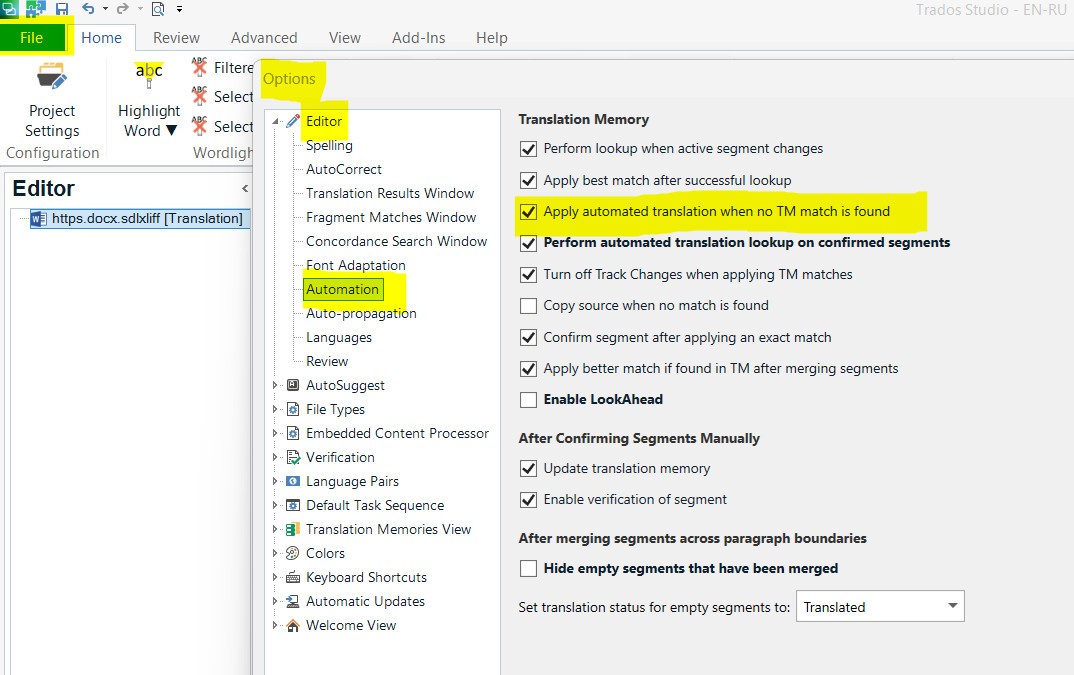
I seem to have fiddled with all options I could find but AT survives all my efforts.
Any idea?

Screenshot of Trados Studio showing segments with hyperlinks, some segments are marked with a blue 'AT' status.


Generated Image Alt-Text
[edited by: Trados AI at 2:37 AM (GMT 0) on 29 Feb 2024]

emoji
Parents Reply
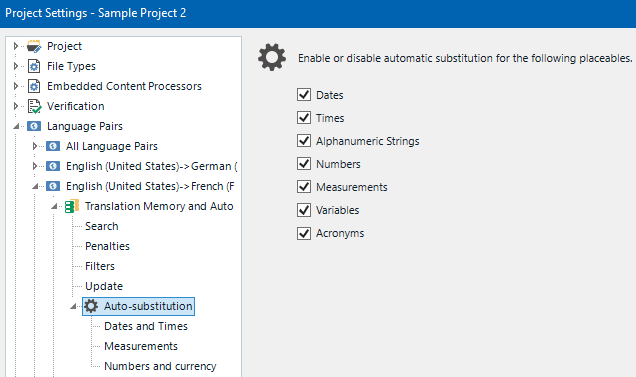
  • Well ... my apologies for not telling you immediately how to disable the Acronym and Hyperlink recognition in your TM.  My first thought was whether you were confusing this with machine translation.  My second thought, where I struggled later, was in understanding why you wanted to go to all this hassle and lose this capability when the effort involved in working manually, compared to removing them later (or just dealing with them before you start working), will be the same.

    My apologies for that too!

    Paul Filkin | RWS

    Design your own training!
    You've done the courses and still need to go a little further, or still not clear? 
    Tell us what you need in our Community Solutions Hub

Children