How can I disable AT?

Hi folks,
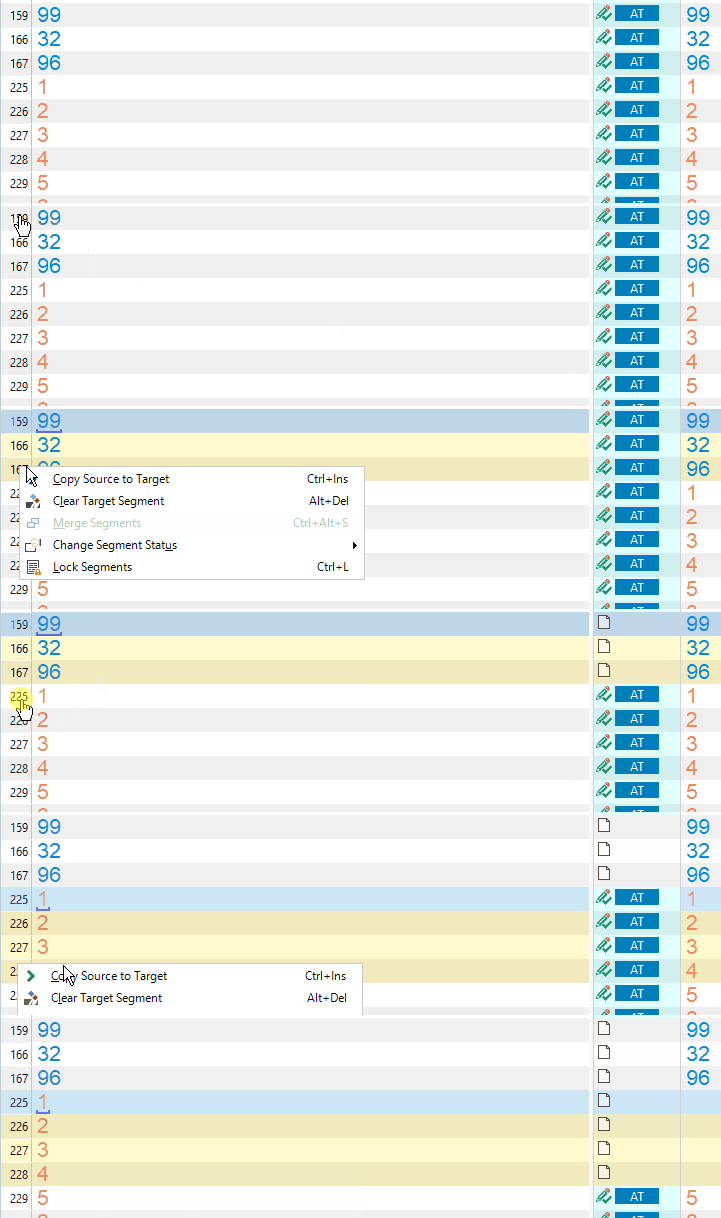
Does anybody know how can I prevent the blue AT status appearing in hyperlink-only segments? 
All of them are just a copy of the source and I don't need them marked as AT.
I know that there are apps or scripts for hiding AT status but I don't need hiding. I need to disable it.
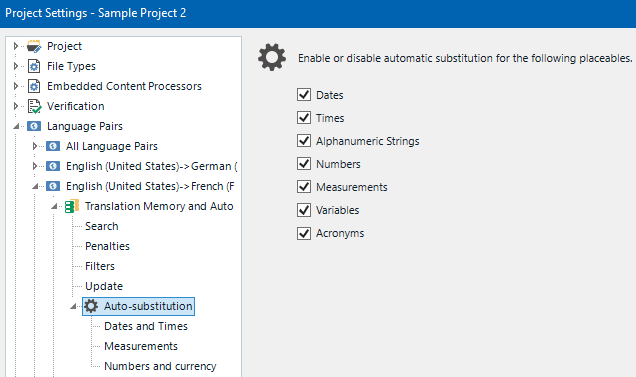
I seem to have fiddled with all options I could find but AT survives all my efforts.
Any idea?

Screenshot of Trados Studio showing segments with hyperlinks, some segments are marked with a blue 'AT' status.


Generated Image Alt-Text
[edited by: Trados AI at 2:37 AM (GMT 0) on 29 Feb 2024]

emoji
Parents Reply
  • I think you should ask those who developed the software.
    Your segments have been already confirmed with blue AT marker too, which means that you observe exactly the same behavior as I do.
    Yes, if I confirm segments first and then re-insert them again (the way you do), their status changes. I didn't know that. Thank you for the tip. But isn't this workflow too complicated for such a simple task? Insert > Confirm > Insert again > Confirm again... I mean not even doing this trick but getting to know how to do it. Needs brainstorm and experiments to figure out.

Children