You are currently working on UAT 

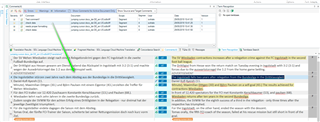
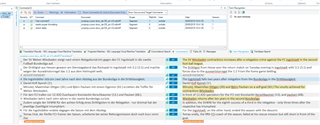
After deleting a comment in the editor, Studio always jumps back to comment #1 (bug?)

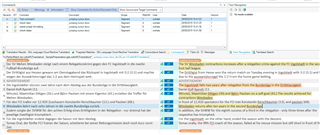
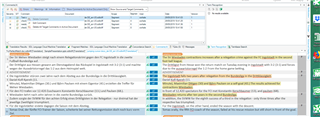
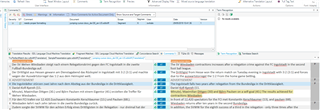
I'm experiencing a very annoying behaviour in Studio 2017: I'm checking a translation with a lot of comments. I run through the comments one after a time. Only a subset of the comments is directed at me. Whenever I delete a comment after editing the corresponding segment, Studio jumps back to the first comment (instead of going to the next). This makes the editing process very cumbersome, as I have to manually locate the next unchecked comment.

I suppose this is a bug? Or is there some setting I'm missing? Is it a feature?

Many thanks in advance,

kind regards,

Erik

Parents Reply
  • Hello Steven,

    Thanks for getting back to me. 

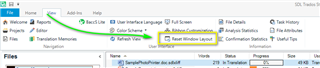
    Resetting the windows layout doesn't help. I'm also running the latest updates.

    Just to make sure: I can reliably reproduce this. Minimal steps as follows:

    1. Open a short text to translate.

    2. Enter n (n>=3) comments in different segments.

    3. Delete comment #m (1<m<n) (by right-clicking in the comments window and selecting "delete" from the context menu).

    Following these steps, the former comment #m+1 should become active (and now be comment #m, since the one before has been deleted). Instead, the active comment will always be #1.

    If you want to check for local language keyboard setting: I'm using the software in German, with a German keyboard layout.

    Thanks for looking into this.

    Kind regards,

    Erik

Children