Translate



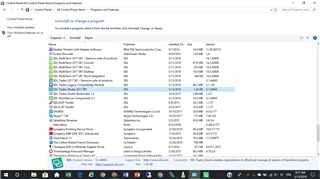
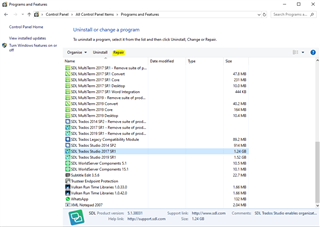
I have two instances of SDL Trados Studio 2017 SR1 in the list of Apps & Features in Windows 10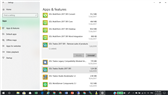 . One says SDL Trados Studio 2017 SR1 – Remove suite of products; the other one just says SDL Trados Studio 2017 SR1. The Modify button is greyed out on both. A screenshot is attached. Is this normal? If not, how can I fix the problem? Thank you.
Generated Image Alt-Text
[edited by: Trados AI at 4:31 PM (GMT 0) on 28 Feb 2024]





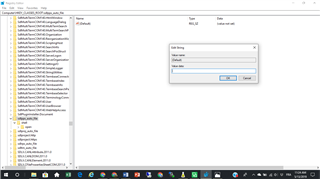
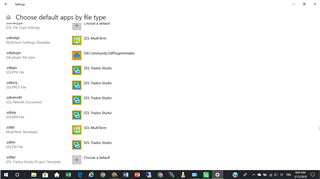 . It is only a minor annoyance but I would like to be able to open the file directly from the file itself if possible. Any advice would be welcome.