You are currently working on UAT 

DeepL not working with Trados Studio 2017

Hello community,


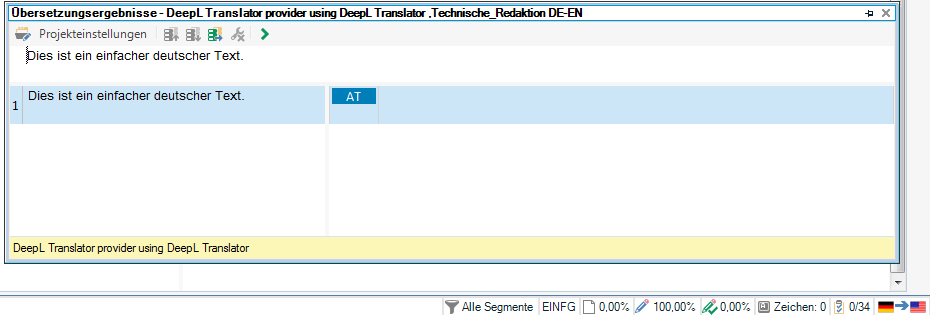
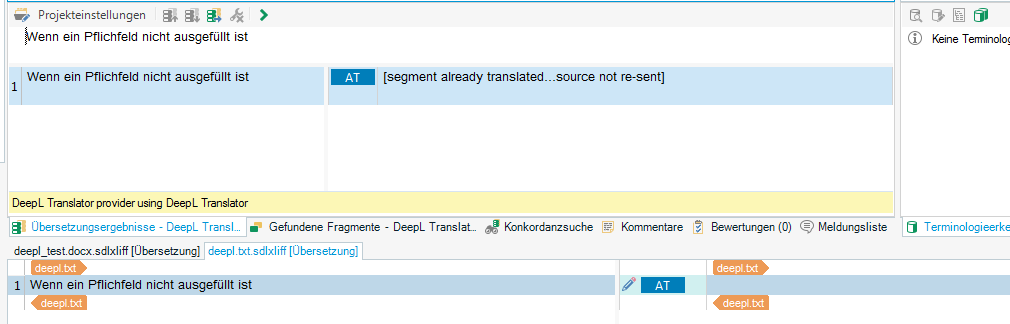
we are using the latest version of SDl Trados Studio 2017 (with latest updates etc.) and have just installed the DeepL add-in. Unfortunately, it does not suggest any translations. In the target segment area it does show the status AT next to the pencil (edit) icon, though.

I've already checked and regenerated the DeepL API key, reinstalled the add-in, moved the DeepL TM to the top TM, but nothing works.

Should the DeepL add-in also be visible in the Add-Ins tab? The Checkbox under the Plug-Ins overview is activated.


I hope you can help :).


Thank you very much.

Vanessa

Parents Reply
  • Please check these settings:
    File -> Options -> Editor -> Automation -> Apply automated translation when no TM match is found -> shall be selected
    Project Settings -> Language Pairs -> All language pairs OR Certain language pair (depends, WHERE your TM is configured) -> Translation Memory ... -> Search -> Look up segments ... -> should be activated

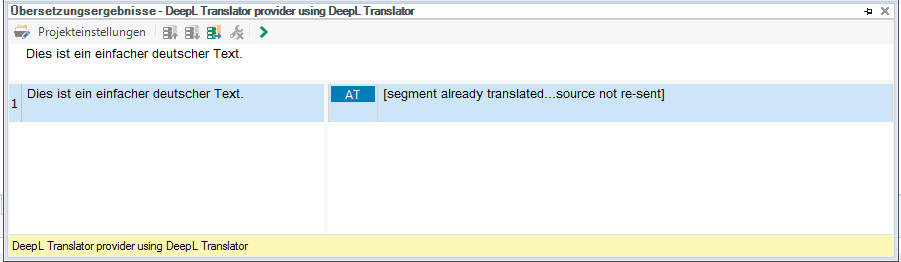
    And when a segment already has a draft status, the MT will NOT perform any searches. To have the segment searched again in MT, clear the segment, go out and return (I am not certain, if the command "Lookup translations" (CTRL+SHIFT+T) will also toglle MT to work again).

    _________________________________________________________

    When asking for help here, please be as accurate as possible. Please always remember to give the exact version of product used and all possible error messages received. The better you describe your problem, the better help you will get.

    Want to learn more about Trados Studio? Visit the Community Hub. Have a good idea to make Trados Studio better? Publish it here.

Children
No Data