You are currently working on UAT 

DeepL not working with Trados Studio 2017

Hello community,


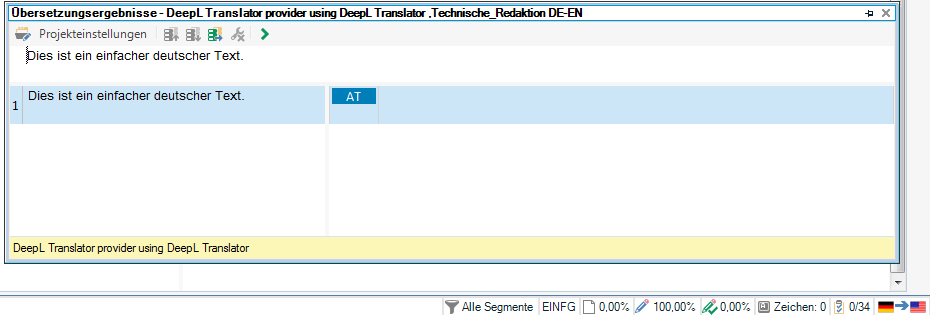
we are using the latest version of SDl Trados Studio 2017 (with latest updates etc.) and have just installed the DeepL add-in. Unfortunately, it does not suggest any translations. In the target segment area it does show the status AT next to the pencil (edit) icon, though.

I've already checked and regenerated the DeepL API key, reinstalled the add-in, moved the DeepL TM to the top TM, but nothing works.

Should the DeepL add-in also be visible in the Add-Ins tab? The Checkbox under the Plug-Ins overview is activated.


I hope you can help :).


Thank you very much.

Vanessa

Parents Reply
  • Good morning Paul (pfilkin) and Jerzy Czopik (JerzyCzopik)

    thank you very much for your quick replies.

    We translate from German to (US) English, so I guess the language combination is supported.

    I've just created a new test translation project with a simple one sentence document to check if I had not set the right source language. As you can see in the screenshot the source language is German and the target language English. The sentence in the document is in German as well.

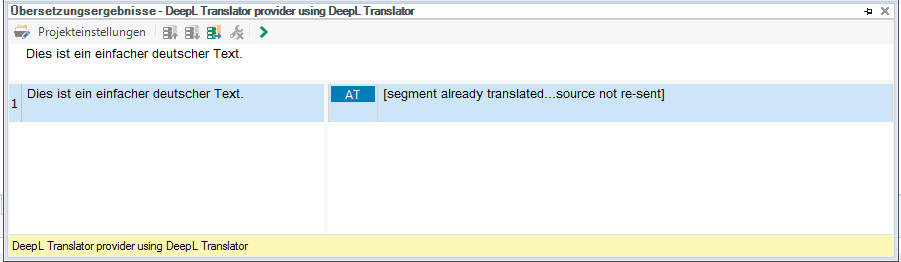
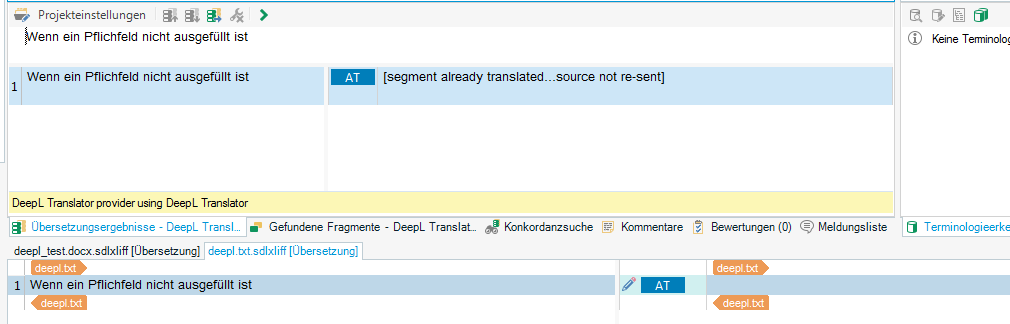
    I've then deleted our own TM, which I had added as second TM in the Project, and started "Pre-translate file" with the checkbox "Apply automated Translation" (When no match found) activated. The DeepL TM then showed the message "[Segment already translated...source not re-resent]".

    Do you have any other ideas? :)


    Thank you very much

    Vanessa

Children