Translate



Hello community,
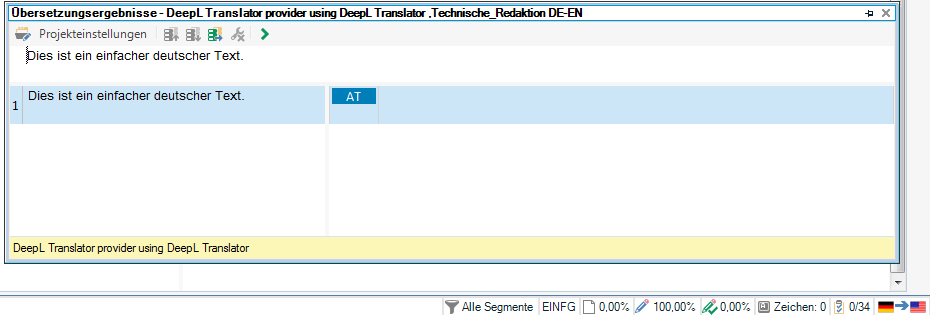
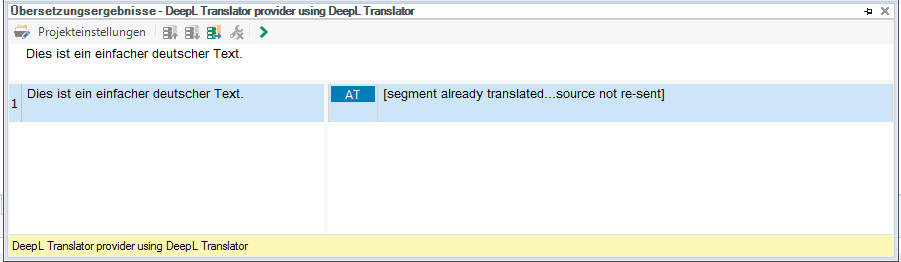
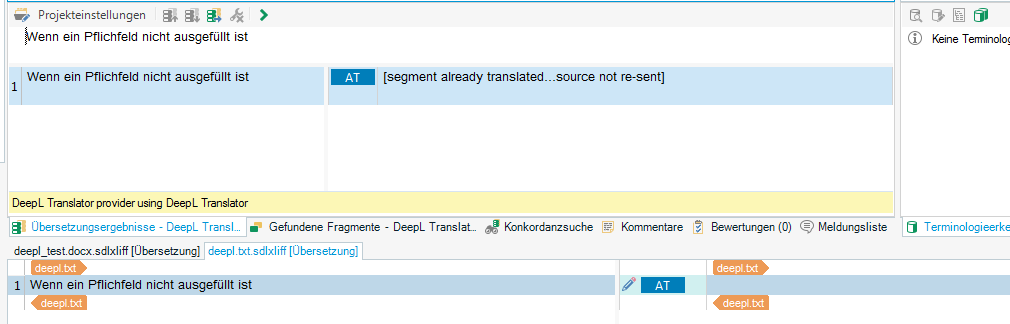
we are using the latest version of SDl Trados Studio 2017 (with latest updates etc.) and have just installed the DeepL add-in. Unfortunately, it does not suggest any translations. In the target segment area it does show the status AT next to the pencil (edit) icon, though.
I've already checked and regenerated the DeepL API key, reinstalled the add-in, moved the DeepL TM to the top TM, but nothing works.
Should the DeepL add-in also be visible in the Add-Ins tab? The Checkbox under the Plug-Ins overview is activated.
I hope you can help :).
Thank you very much.
Vanessa