Translate



I have an excel glossary for several languages including variants for Spanish (Mexico, Argentina) and Portuguese (Brazil, Portugal). I treated each variant as a new language and therefore I create separate columns for them like this:

Then, I use Multiterm Convert to create Multiterm Database and carefully asign each column to language variant like this:
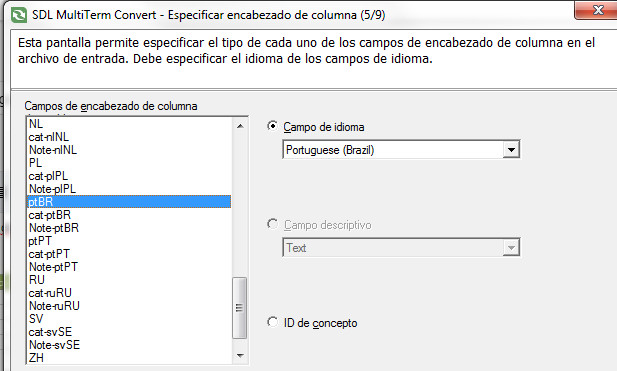
Same for ptPT for Portuguese (Portugal). Then I get my structure:
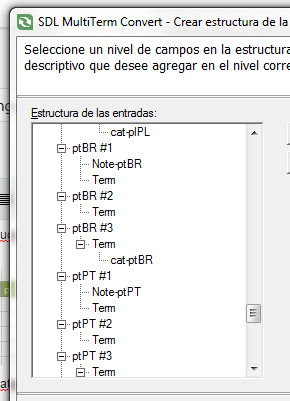
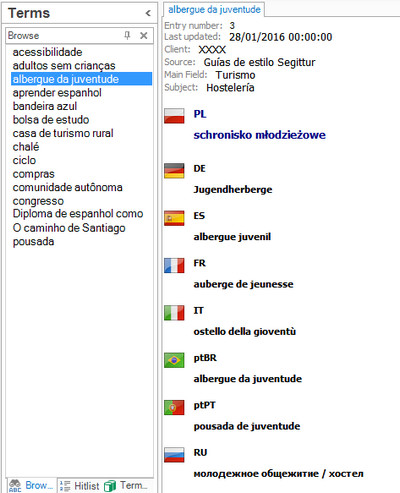
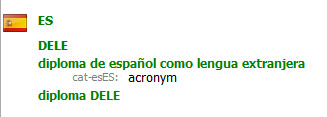
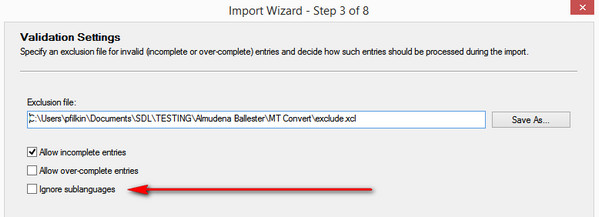
which distinguish between both language variants. But when I create my Termbase with Multiterm Desktop or Multiterm Server, I just get all portuguese terms under Portuguese (Brazil) and all spanish terms under Spanish (Argentina), no terms for Spanish (Spain), Spanish (Mexico), nor for Portuguese (Portugal), like this:
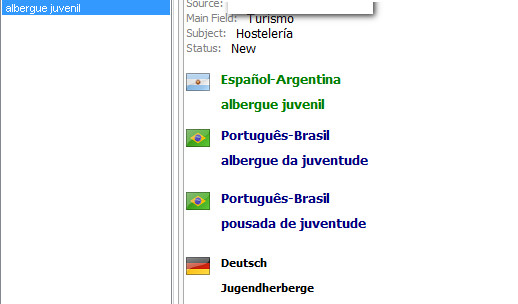
I've been using Multiterm, Multiterm convert and all Multiterm products since ever, so this time I think it is not a matter of not doing things right... I think it's a bug :(
I like to use Multiterm Convert instead other solutions like Glossary Converter because I want to keep .xcd, .xdt files for further Termbase updates and I also like to have control over structure and fields, etc.
Any suggestions?
Thanks in advance,
Almudena