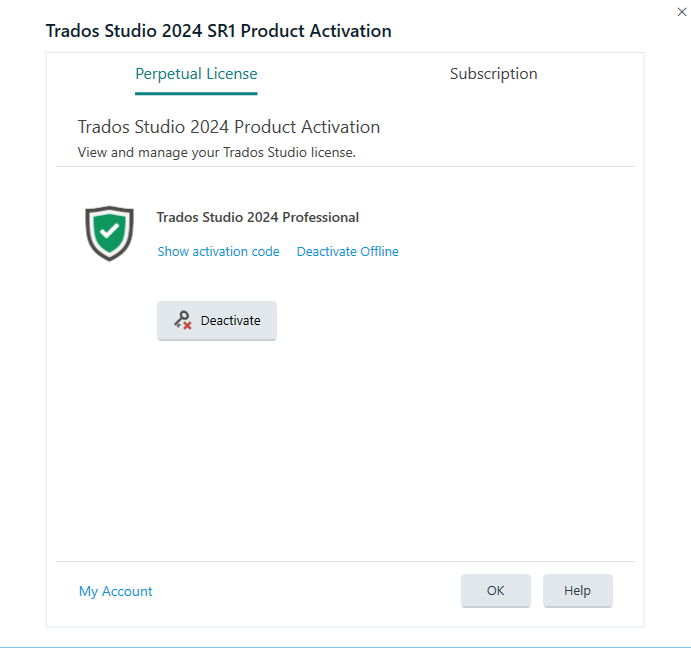
Deactivation / Activation of License

Dear All,

I have problems with deactivation of my license. I have first reset it in my rws account and waited for 30 mins. On opening Trados Studio 2019 I wanted to perform offline deactivation which did not work because of an invalid certificate and the online deactivation required a connection to the activation server, which did not work as well. 

What can I do here ?

Kind regards,
Ute

emoji
Parents Reply
  • Hi Anca, 

    Studio works so far. I have Windows 11 installed. In the Windows registry article it says: How to edit the Registry -Windows 8/10 machines only-  

    I think this will not work then. I do not feel comfortable at all making changes to the registry. Would it make more sense to deactivate the license key and the software and delete all the SDL Studio prgrammes from my PC? And afterwards download a new 2019 version? I saw it is still available.

    Kind regards,
    Ute

    emoji
Children