
 Translate


Dear Trados Support Team,
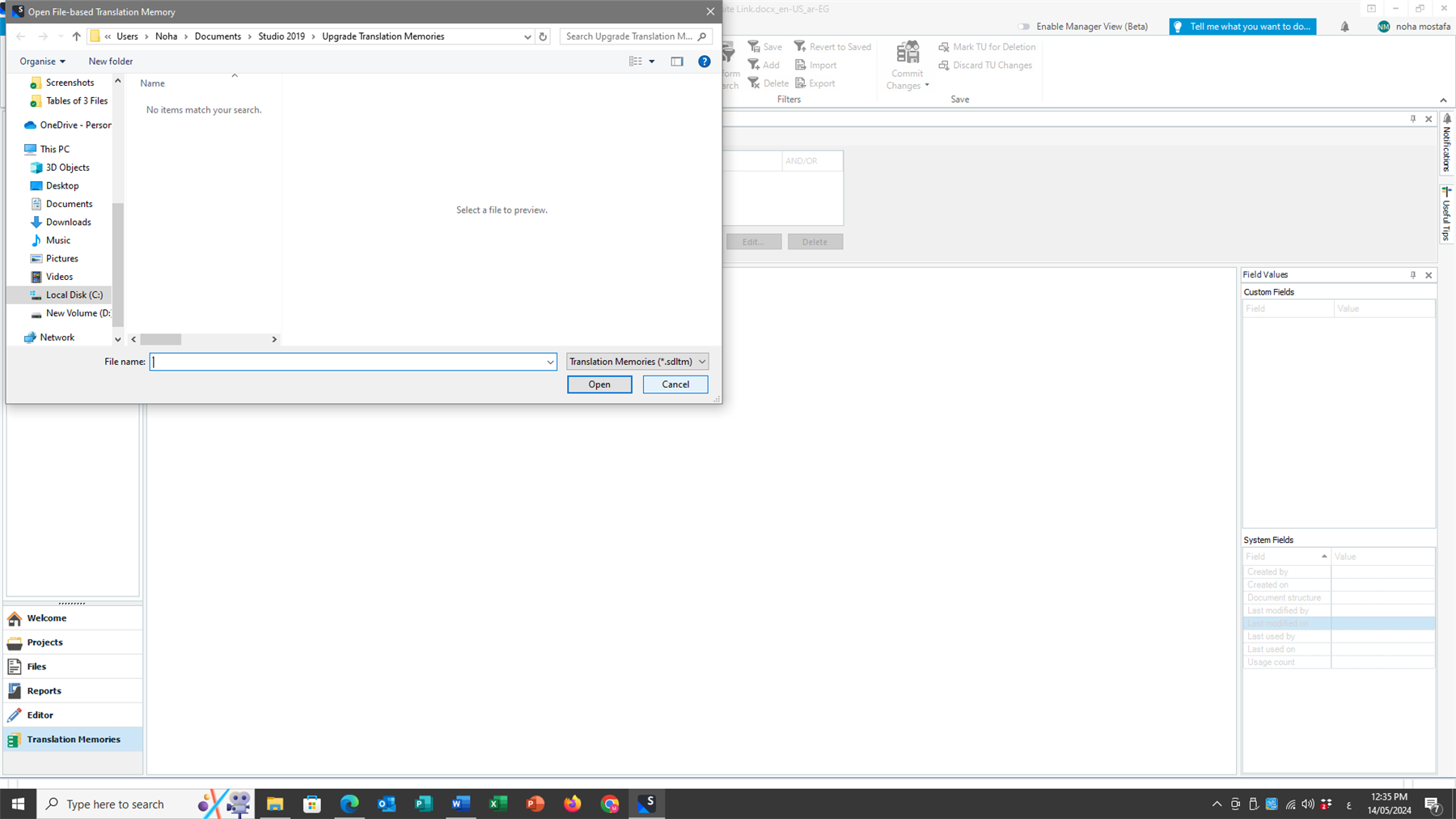
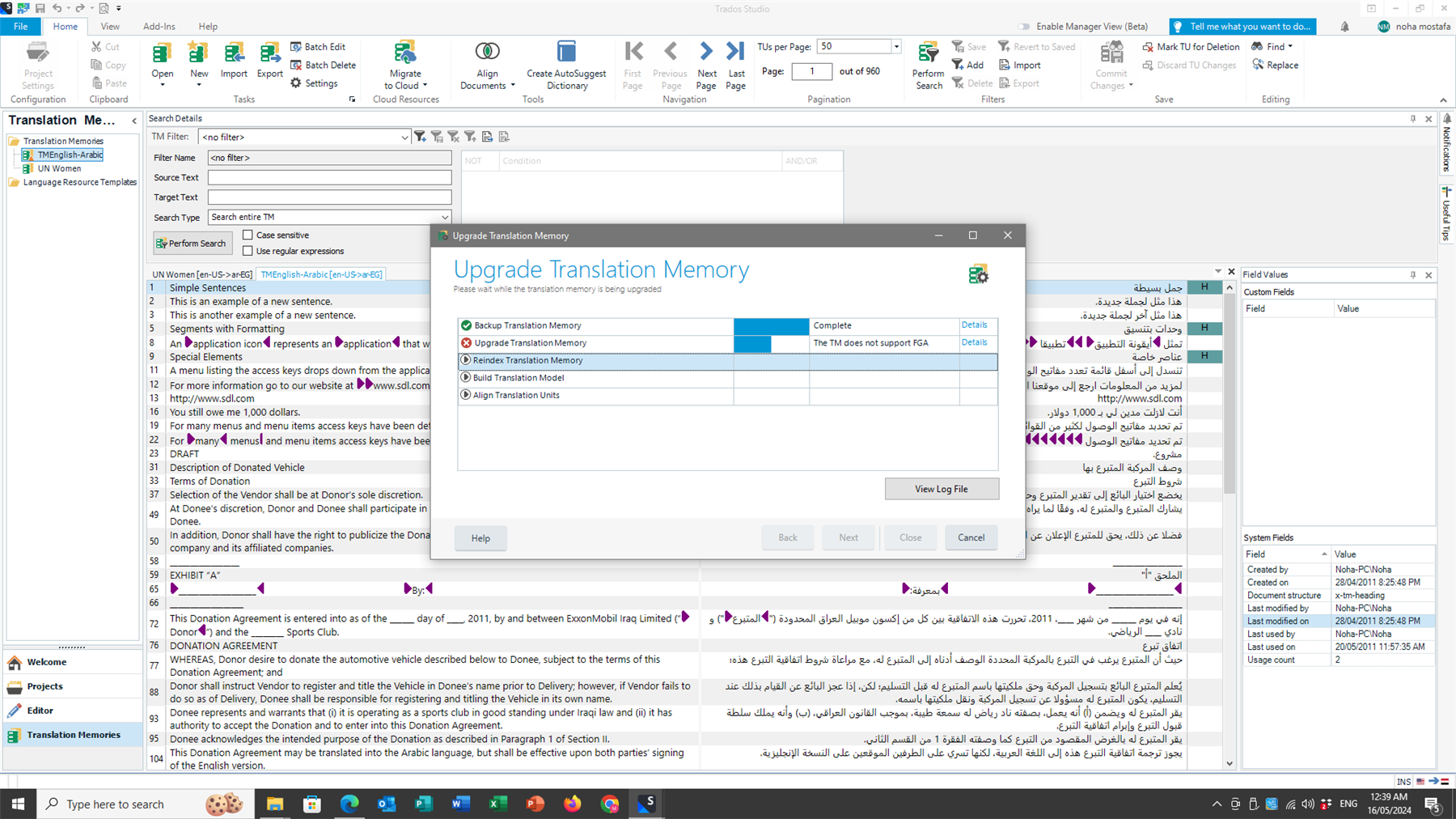
After upgrading from Trados Studio Freelance 2019 to Trados Studio Freelance 2022 and finishing installation and licencing of my product, I found that the Preview is not working. I also tried to upgrade my translation memory several times with no avail. Accordingly Trados Studio 2022 cannot use it and use only that of the Cloud.
Would you please be so kind as to advise how can I solve these two problems i.e. the Preview error and the Translation Memory upgrade.
Kindest regards,
Noha Mostafa



 .
.
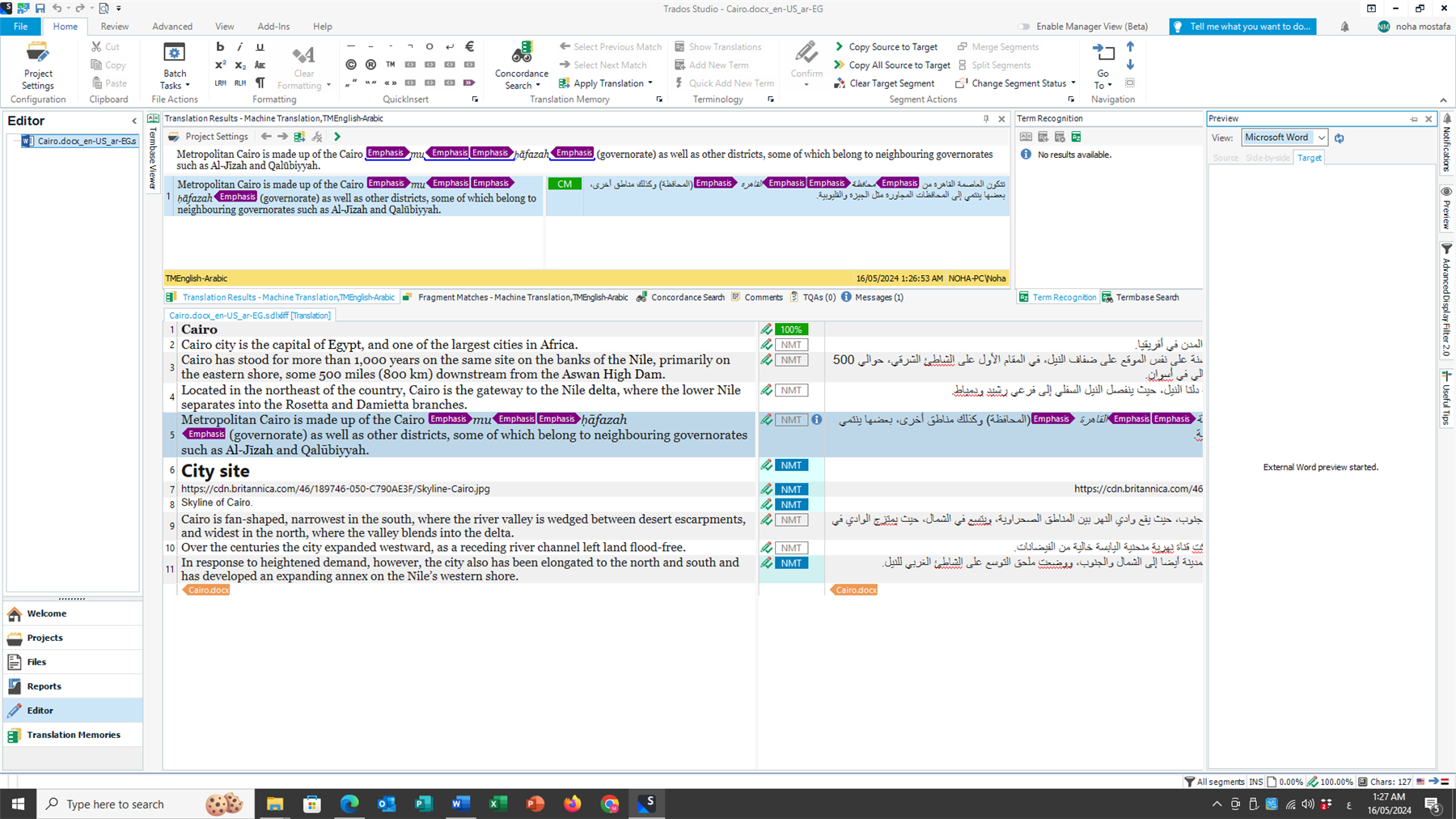
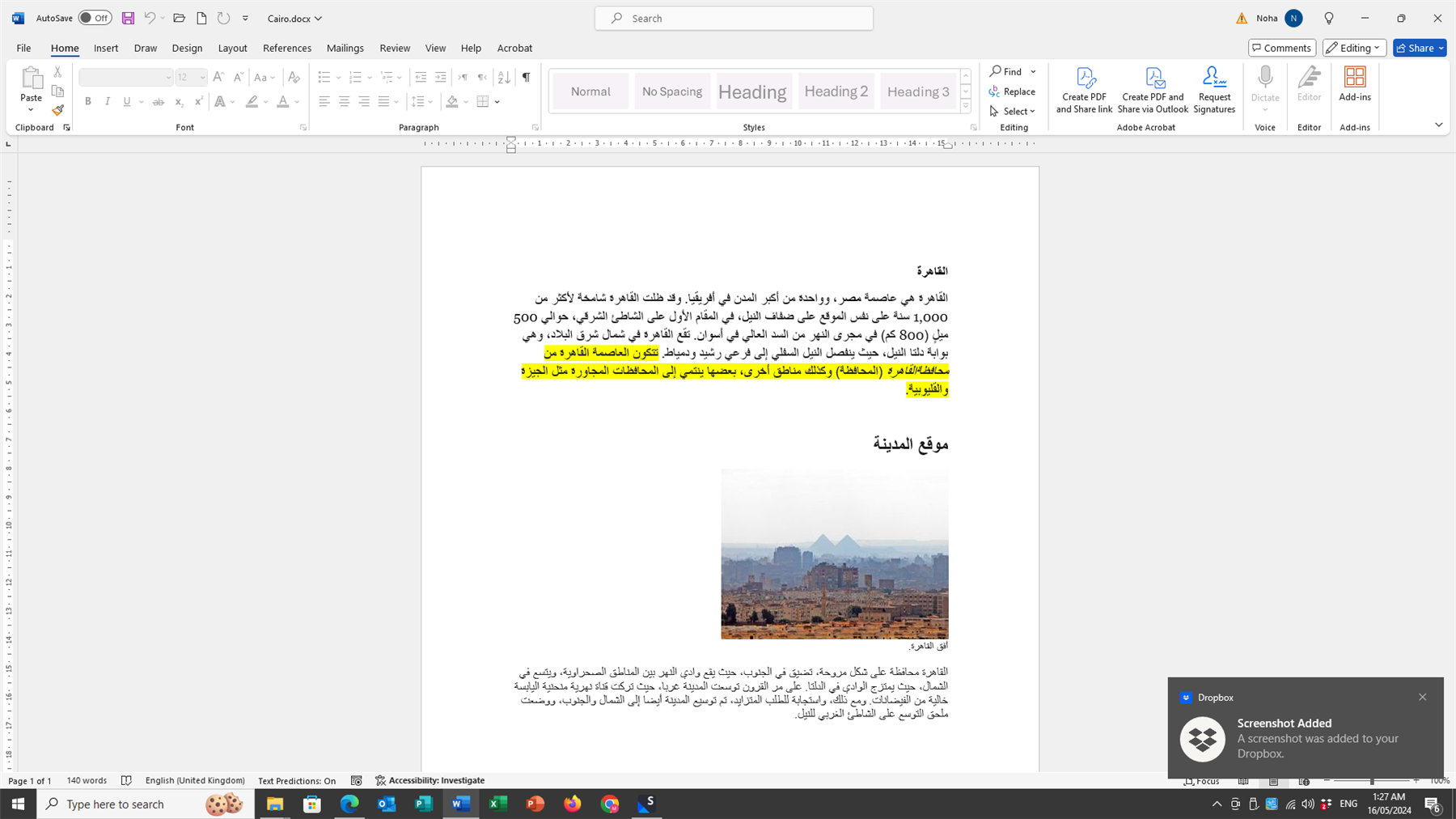

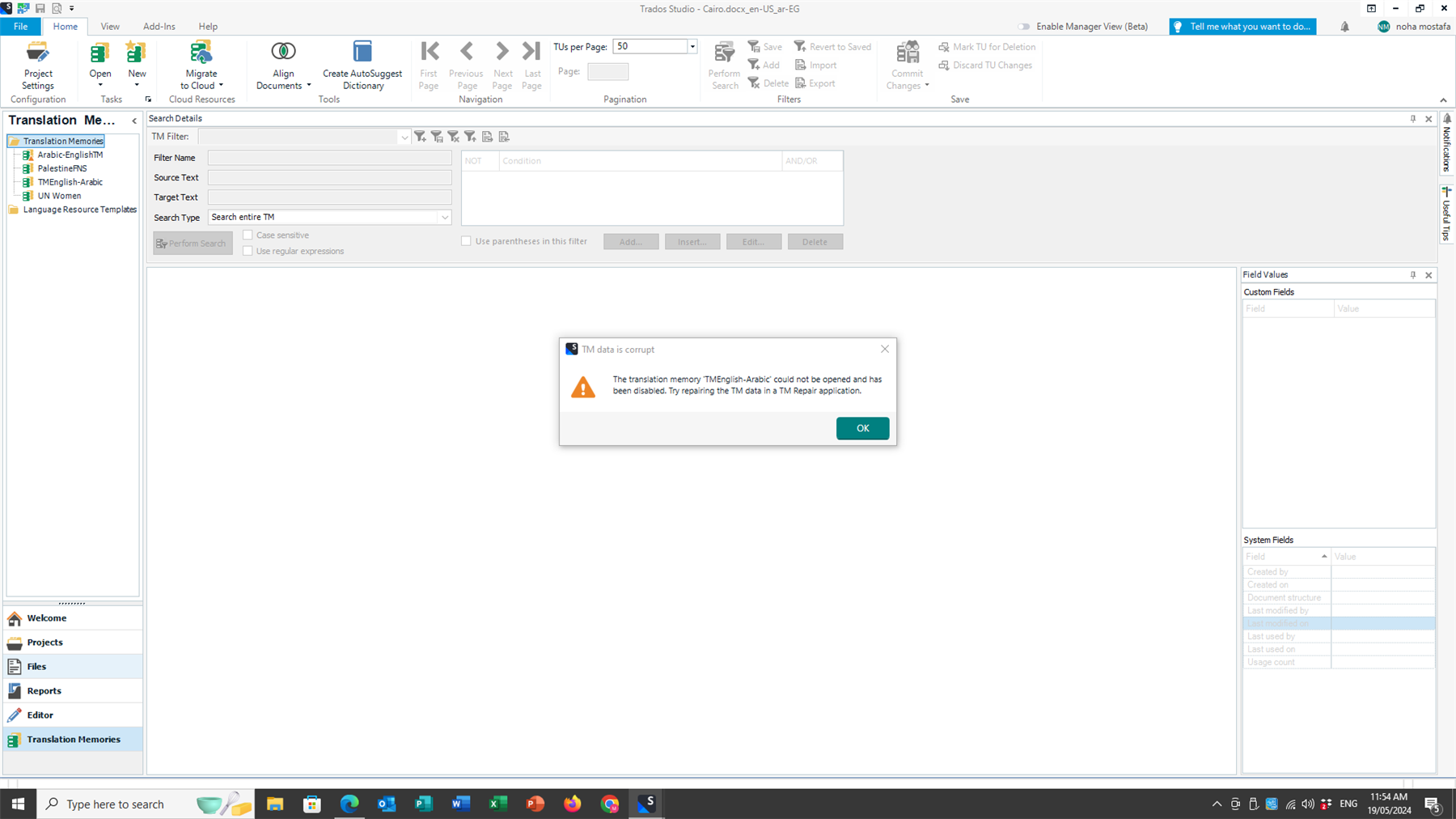


 before the upgrade and is still not working as per the attached screenshot. When I try to generate the file Preview it produces a a separate file in Word.


