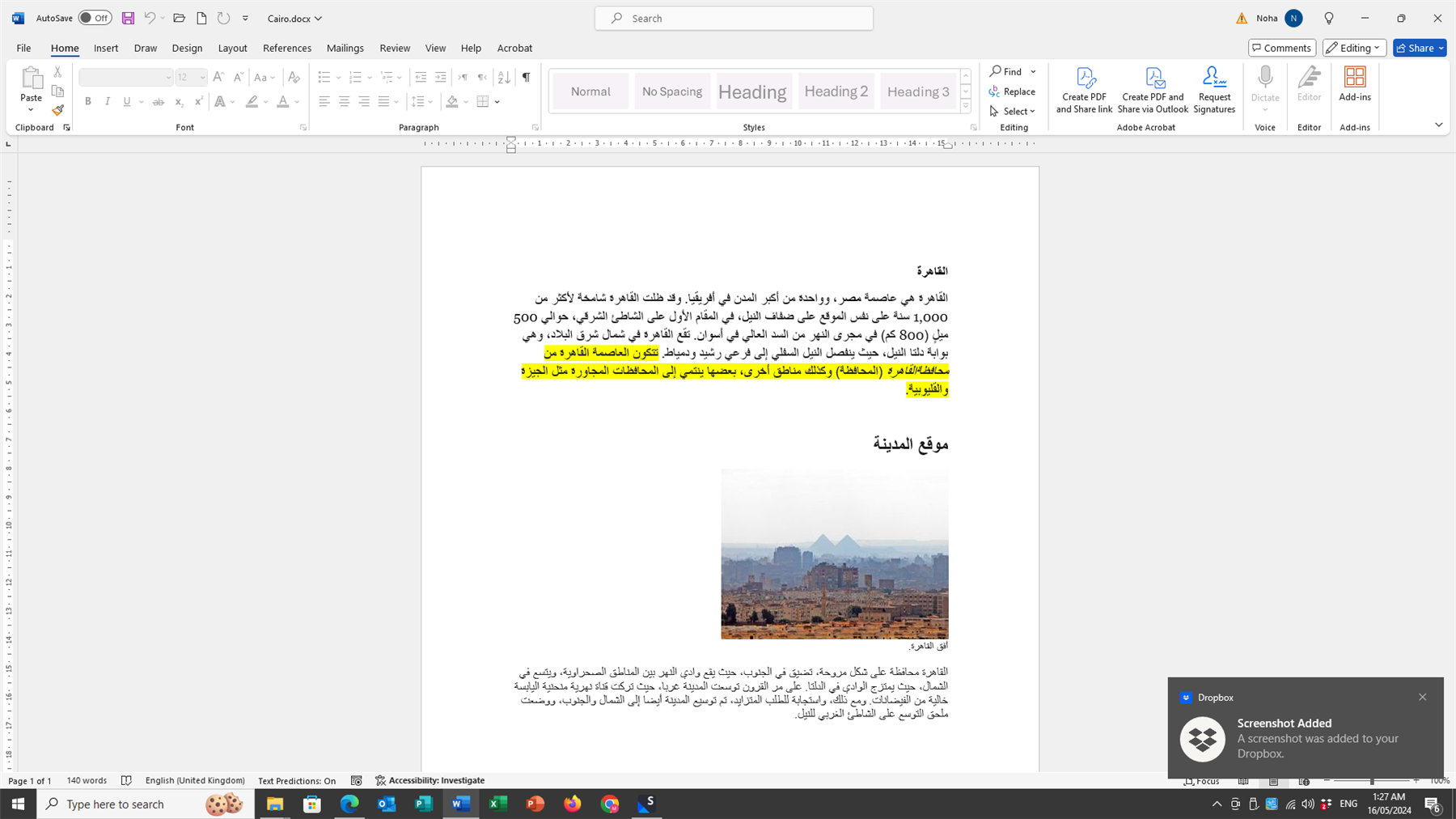
My Studio Trados 2022 Preview does not work, and my translation memory does not upgrade

Dear Trados Support Team,

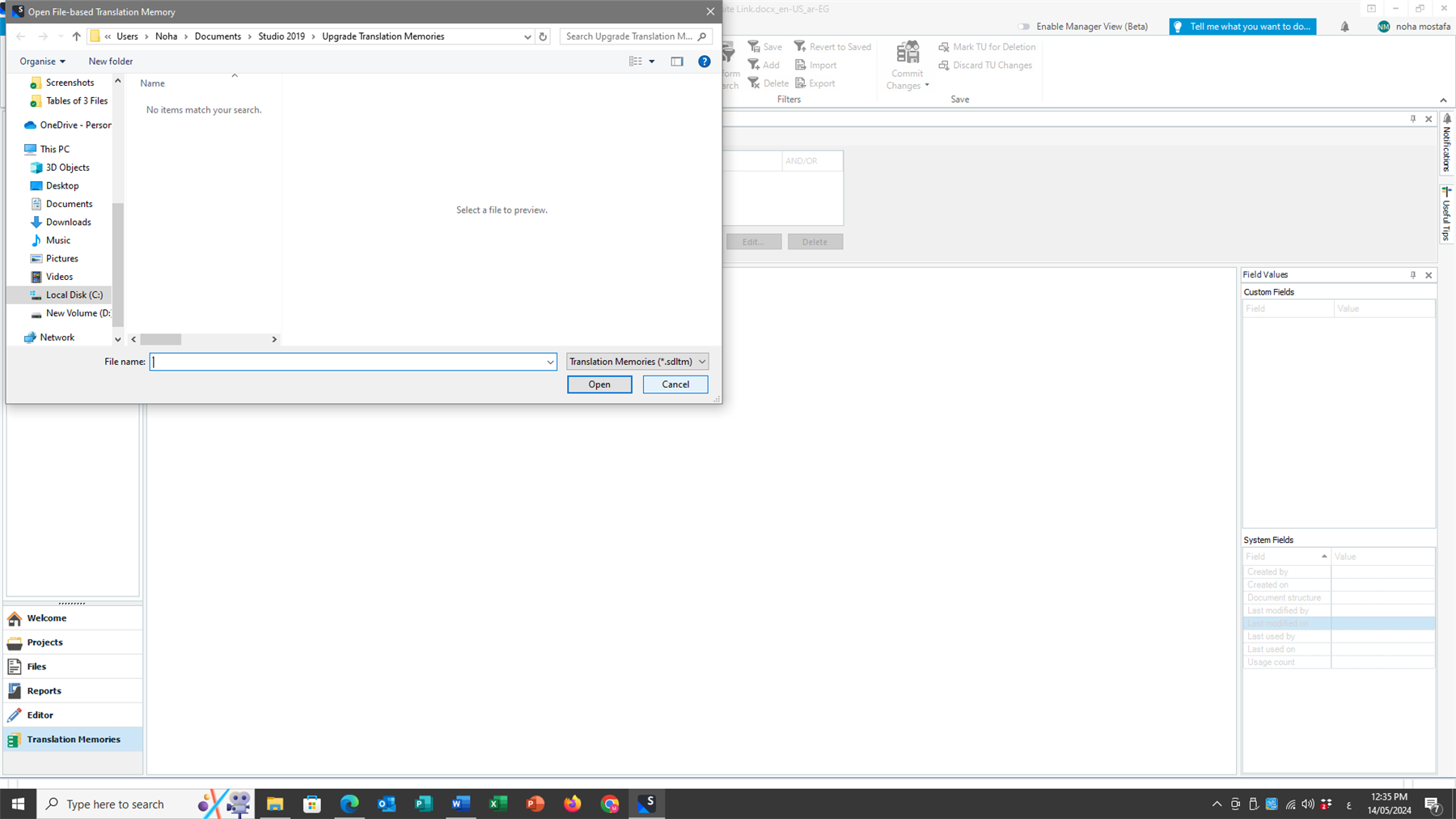
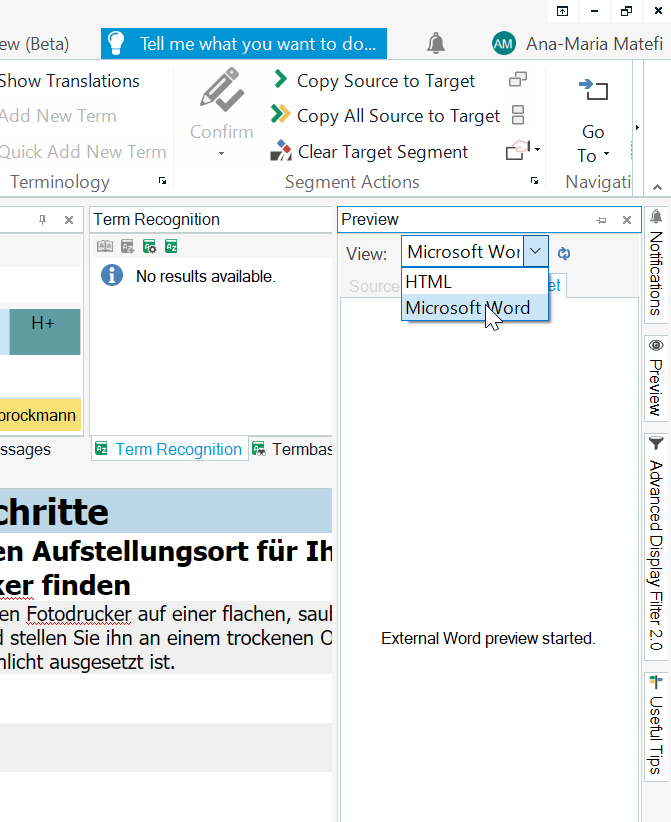
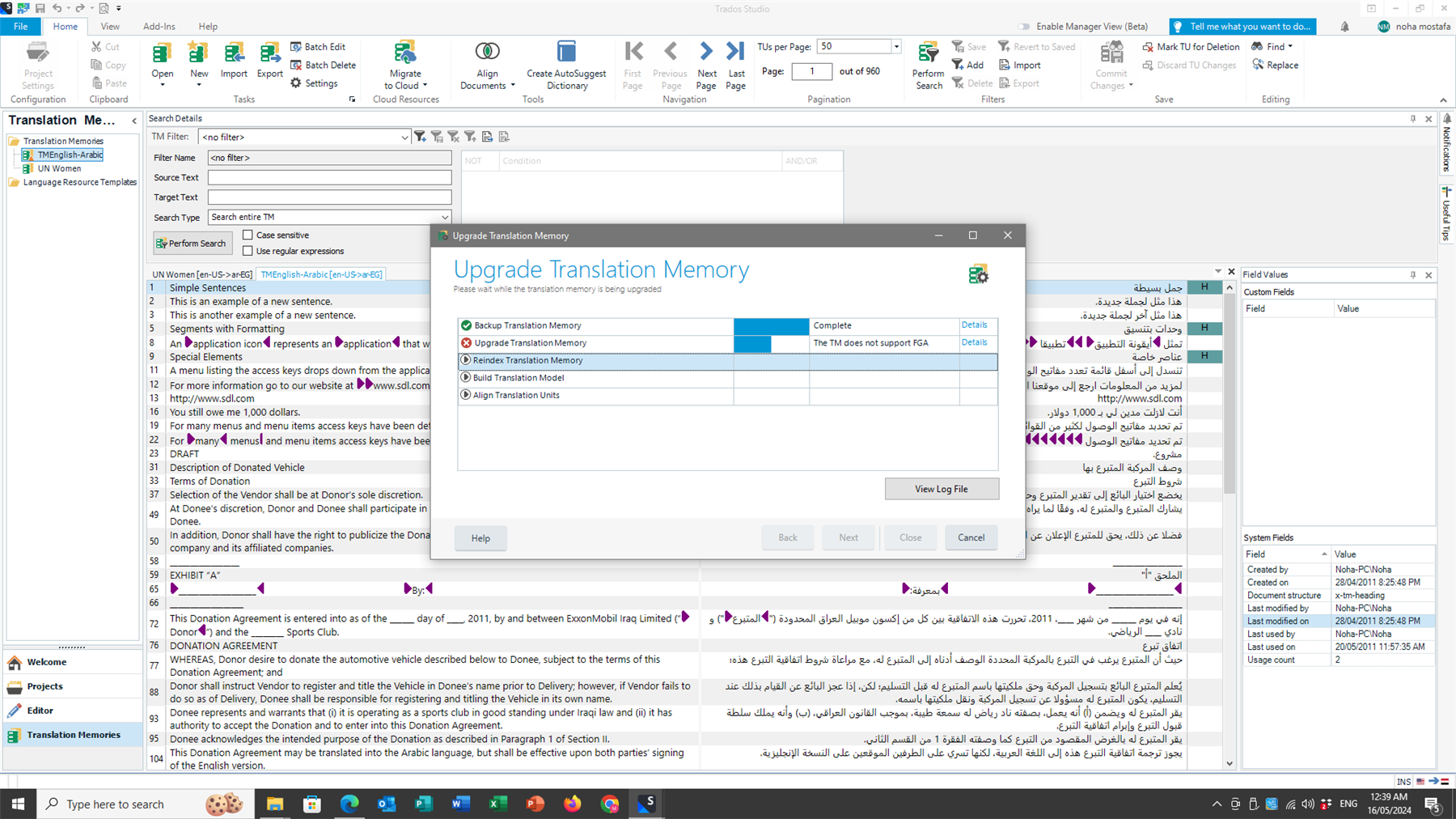
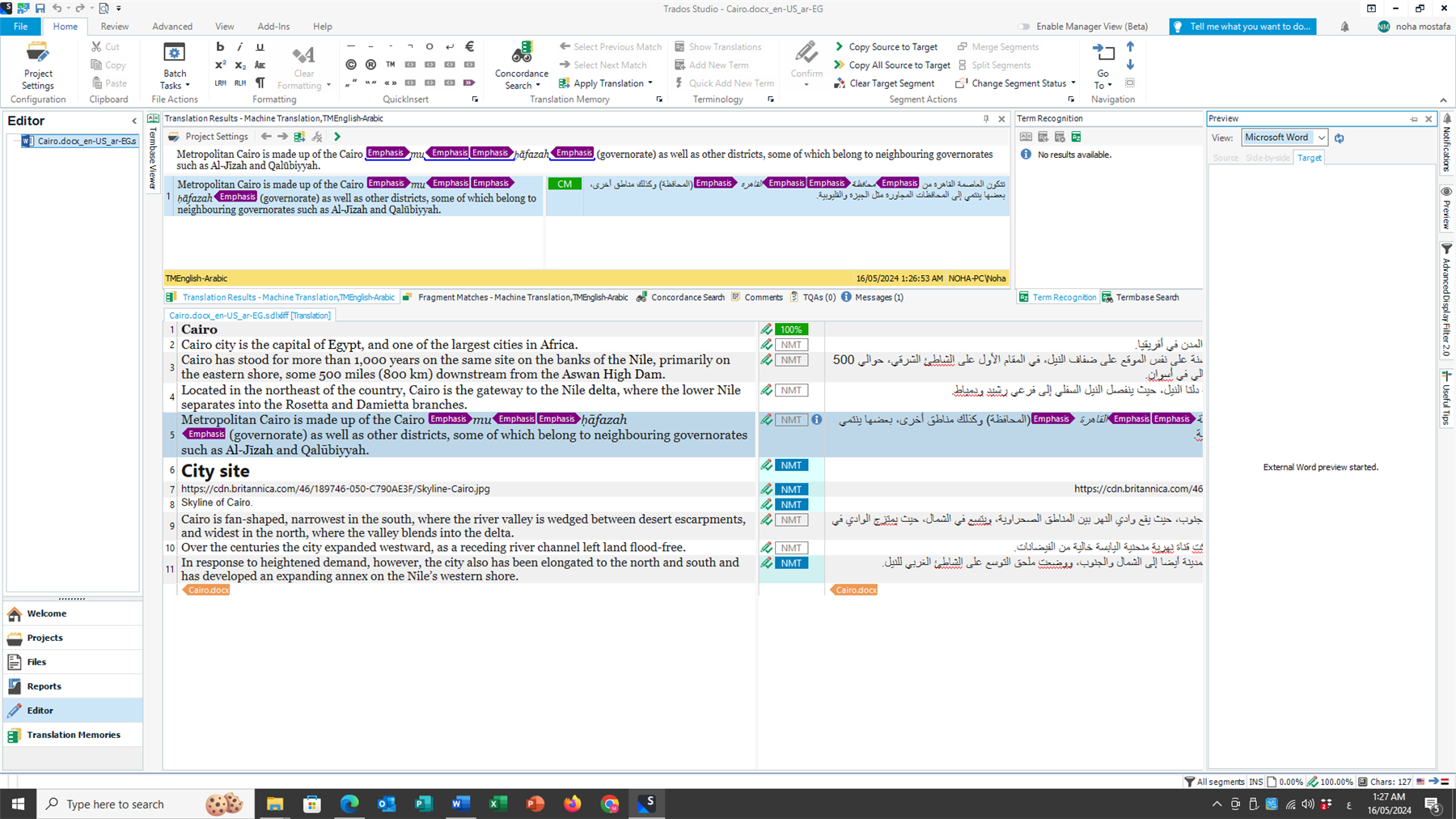
After upgrading from Trados Studio Freelance 2019 to Trados Studio Freelance 2022 and finishing installation and licencing of my product, I found that the Preview is not working. I also tried to upgrade my translation memory several times with no avail. Accordingly Trados Studio 2022 cannot use it and use only that of the Cloud.

Would you please be so kind as to advise how can I solve these two problems i.e. the Preview error and the Translation Memory upgrade.

Kindest regards,

Noha Mostafa

emoji
Parents Reply Children
  • Hello  ,

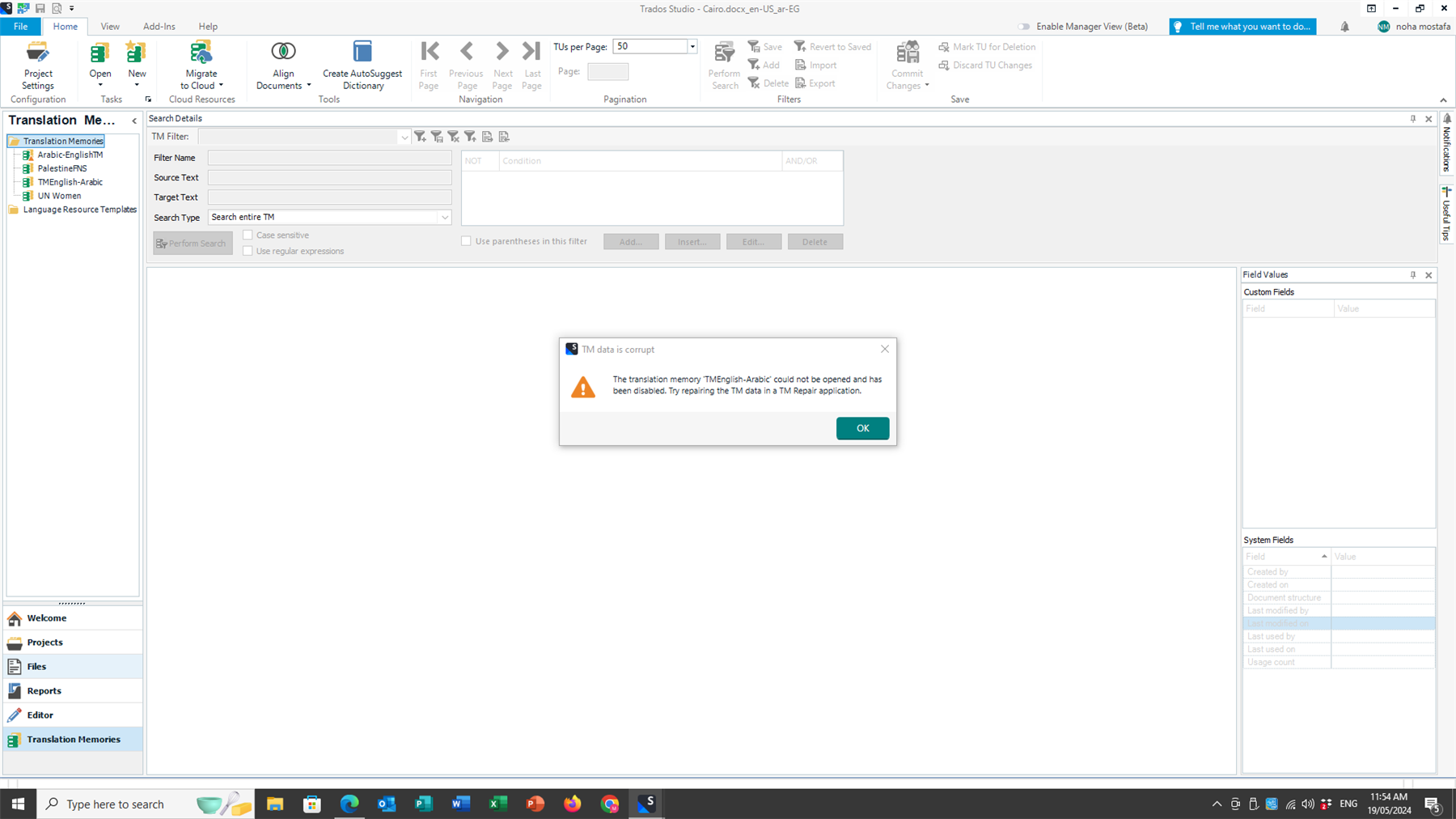
    I downloaded the suggested plug-in and have already repaired two TMs but couldn't upgrade the rest because the Upgrade button was grade-out as per attached screenshot. Then I got the following error message "Service SDL Desktop Platform Commandbars IAction Service' could not be started."

    Now, Trados doesn't work altogether. I cannot start the tool.

    I am afraid now the problem is even worse.

    I need immediate help.

    Best regards,

    Noha

    Screenshot of Trados Studio software with the Translation Memories view open, showing options like Open, Import, and Upgrade Translation Memory. The Upgrade button is grayed out.Desktop screenshot showing an error dialog box with the message 'Service SDL.Desktop.Platform.CommandBars.IActionService' could not be started.

    emoji


    Generated Image Alt-Text
    [edited by: RWS Community AI at 8:58 AM (GMT 1) on 23 May 2024]