My Studio Trados 2022 Preview does not work, and my translation memory does not upgrade

Dear Trados Support Team,

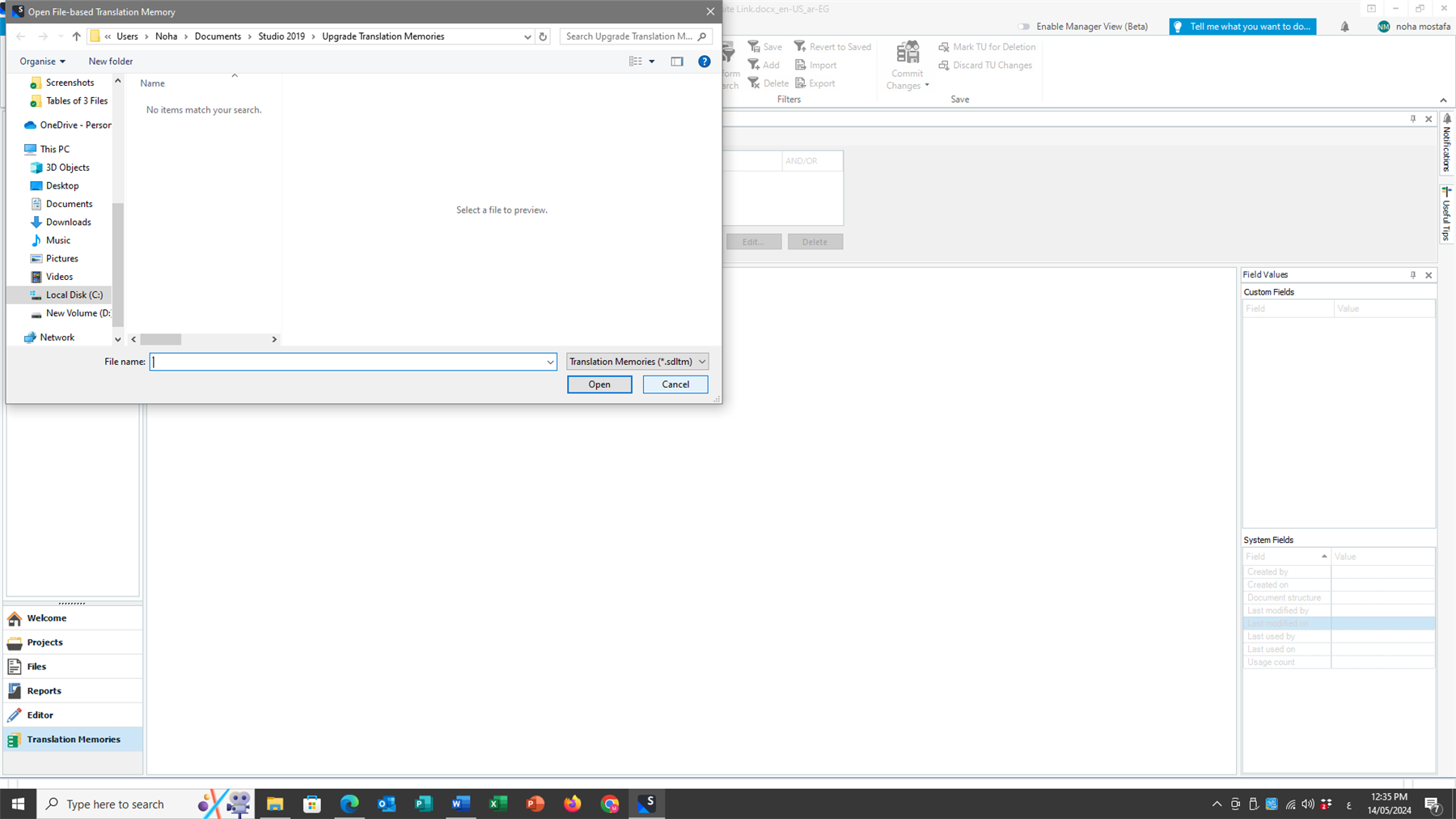
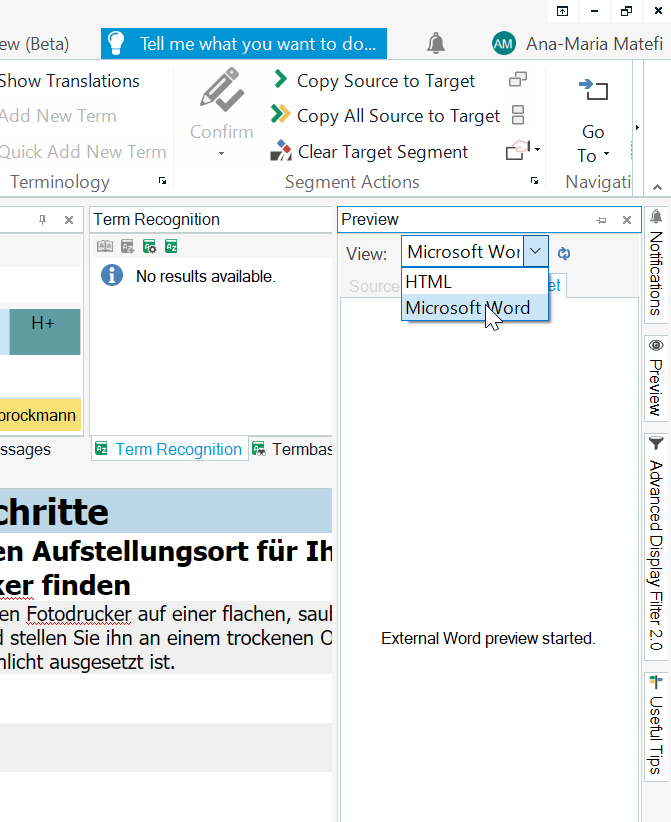
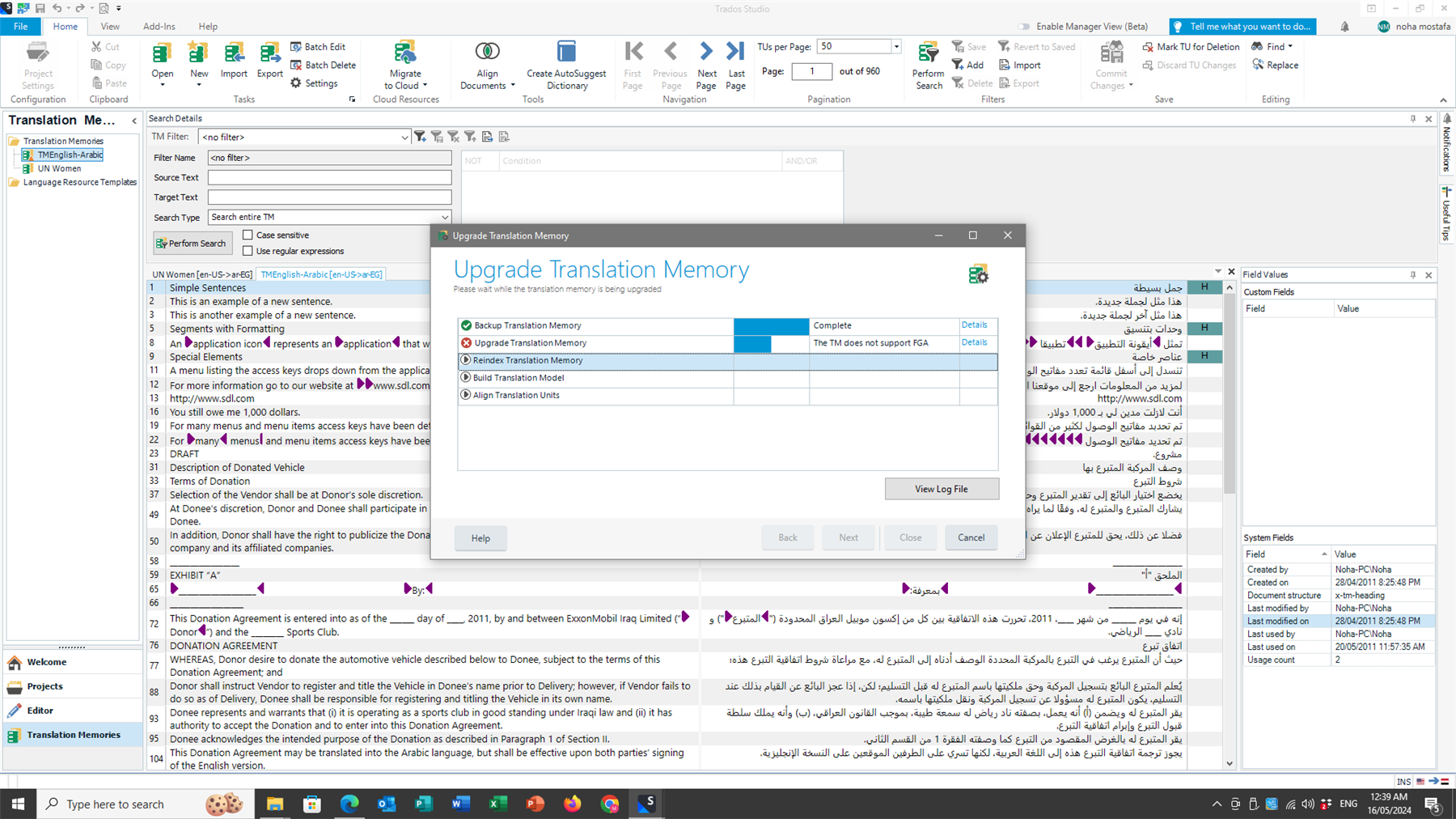
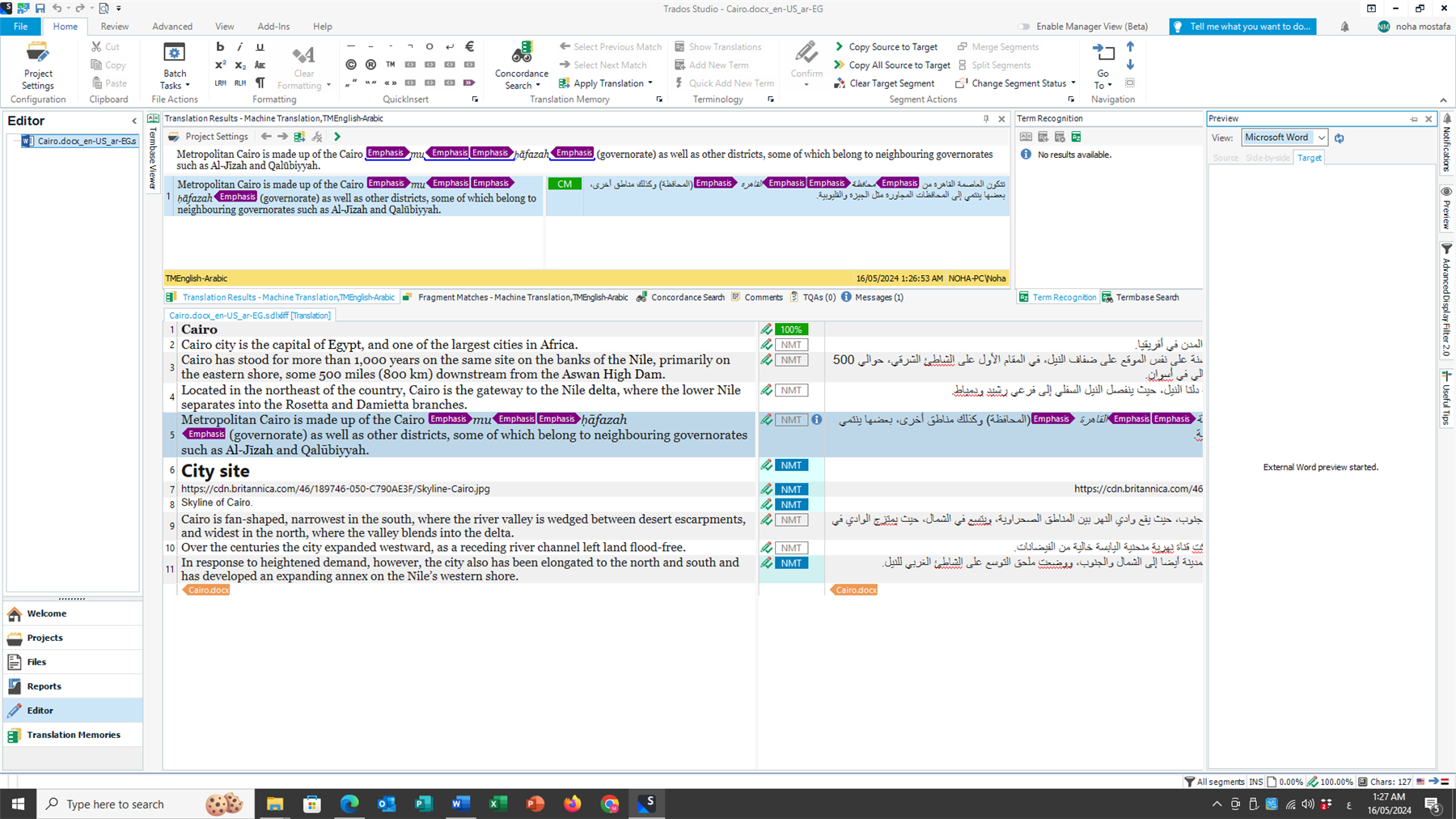
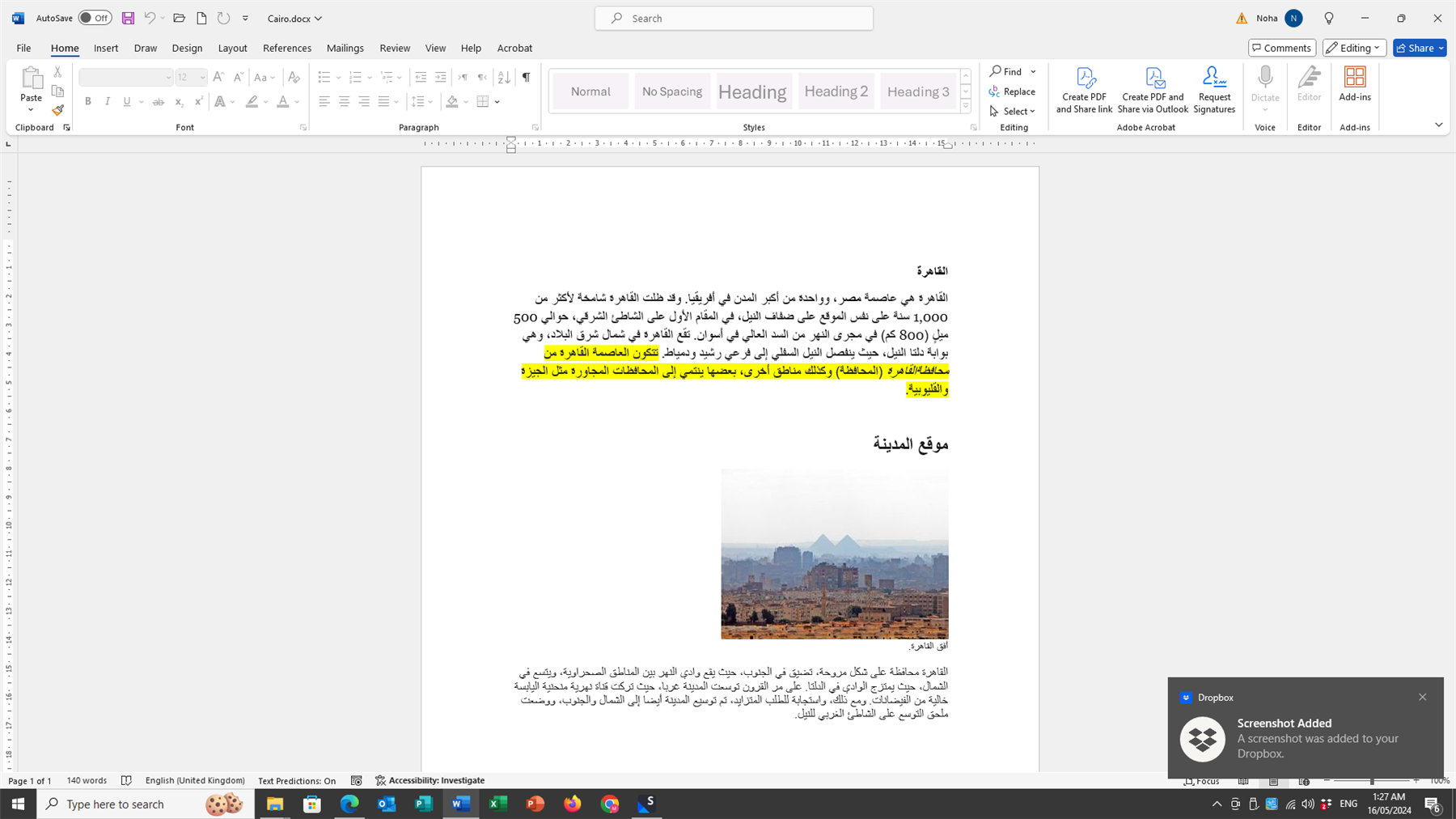
After upgrading from Trados Studio Freelance 2019 to Trados Studio Freelance 2022 and finishing installation and licencing of my product, I found that the Preview is not working. I also tried to upgrade my translation memory several times with no avail. Accordingly Trados Studio 2022 cannot use it and use only that of the Cloud.

Would you please be so kind as to advise how can I solve these two problems i.e. the Preview error and the Translation Memory upgrade.

Kindest regards,

Noha Mostafa

emoji
Parents Reply
  • Hello  ,

    I look forward to your kind reply for my two queries.

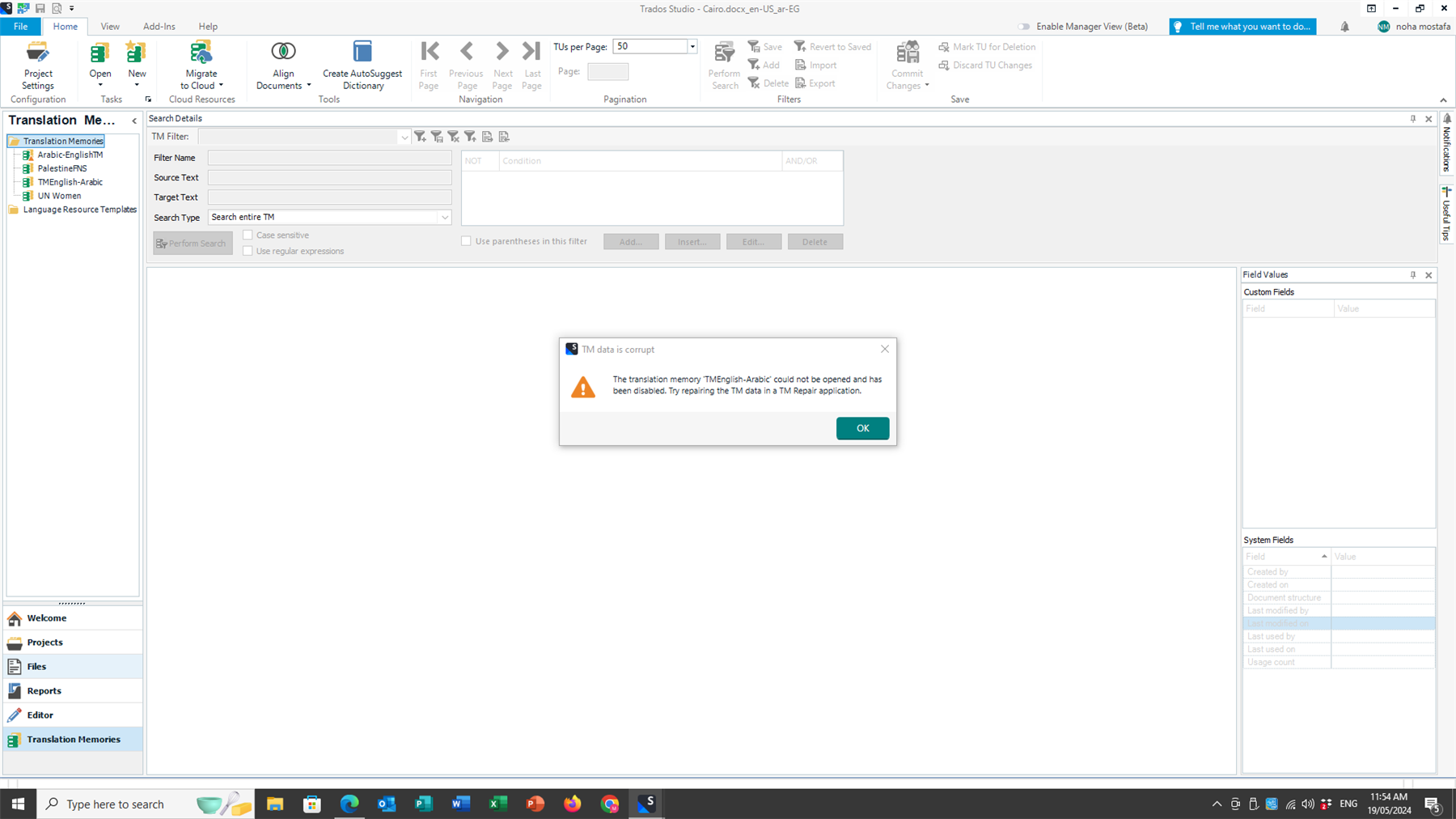
    I followed the instructions, but still my Live Preview does not work and the TM upgrade was not successful and generated the error illustrated in the attached screenshot.

    I believe these are two big problems that I won't be able to resolve on my own and would highly appreciate Trados Studio online support to help me with them to be able to use my new purchase.

    Thank you very much for your great help and support,

    Best regards,

    Noha Mostafa

    Screenshot of Trados Studio software with an error message window stating 'TM data is corrupt. The translation memory TMEnglish-Arabic could not be opened and has been disabled. Try repairing the TM data in a TM Repair application.'

    emoji


    Generated Image Alt-Text
    [edited by: RWS Community AI at 9:30 AM (GMT 1) on 19 May 2024]
Children