probleme affichage statistiques de confirmation

Bonjour, 

dans mon projet je n'ai qu'un seul fichier et j'ai

 Trados Studio confirmation statistics showing untranslated, draft, translated, reviewed, and validated segments with corresponding word, character, and segment counts in a table and bar chart. avec un etat d'avancement de 85%

Trados Studio project file list showing a file named 'FR-Manuel i20 V2.2---docx.sdlxliff' with 44672 words, 85% progress, and file details such as size and usage.

Le problème est que lorsque j'ouvre l'éditeur et que je confirme et passe au segment suivant à partir du 1er segment, rien ne se passe.

j'ai donc filtré par segment non traduit+ brouillon et j'ai cela

 Trados Studio editor view showing translation results for the file 'FR-Manuel i20 V2.2---docx.sdlxliff' with highlighted segments and contextual information in the toolbar. ce qui signifie que je n'ai aucun segment non traduit et aucun segment en brouillon.

c'est tres embarrasant car je gere plusieurs projets et je ne sais plus quel projet est traduit ou non

auriez vous une solution pour raffraichir l'affichage? car j'ai fermé trados et ouvert a nouveau mais j'ai toujours le meme affichage

Merci d'avance pour votre aide


Removed AI Suggestion
[edited by: Anne-Laure Galaud at 7:15 AM (GMT 1) on 9 Jun 2026]

emoji
Parents Reply
  • Hi ,

    It might be a language barrier and maybe my instructions were not properly translated if you used automated translation. I am sorry, but I don't speak French so I can advise in English.

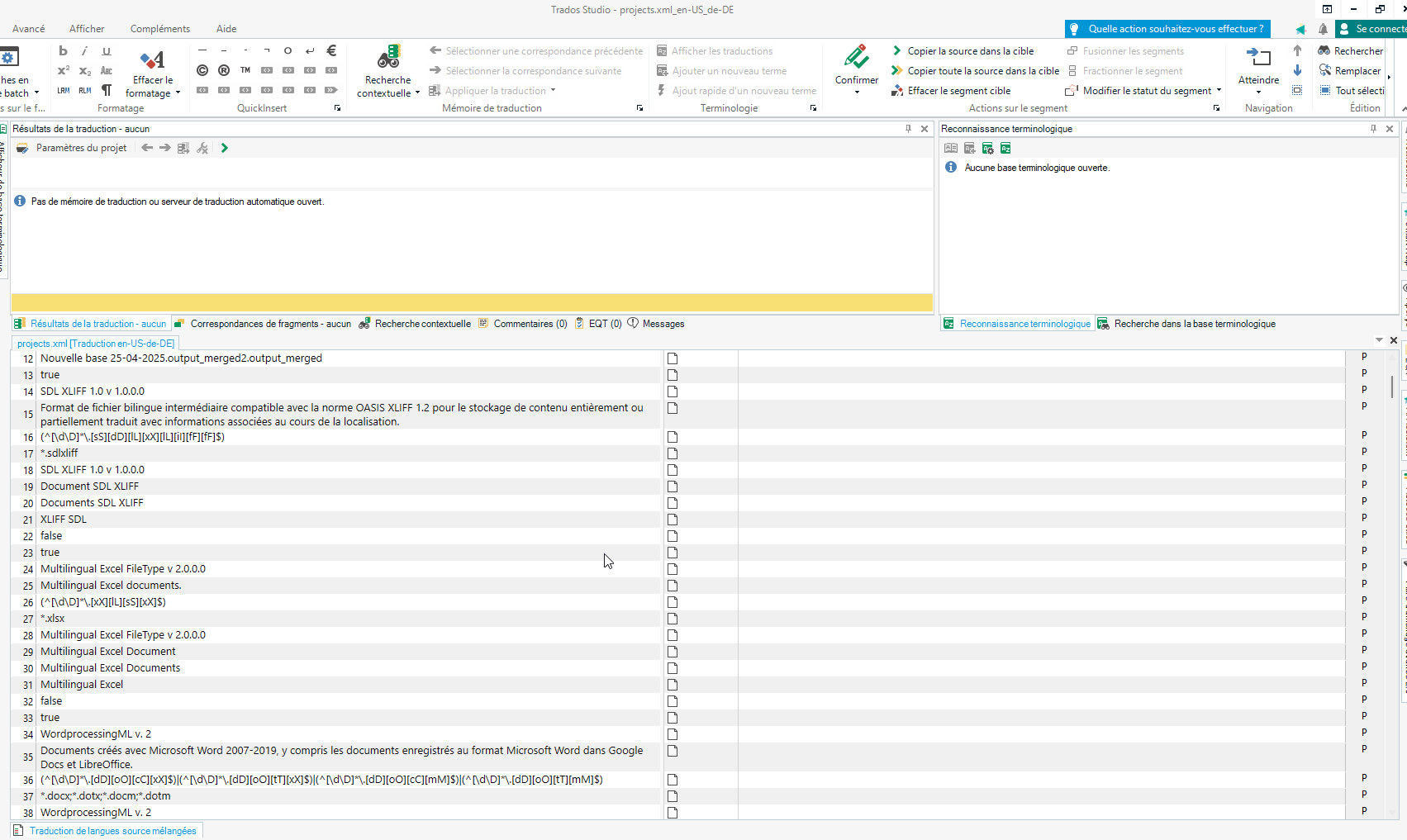
    The renaming I suggested resets the settings for projects in general, it does not change your current project. I am not sure why you opened that as a file in Trados. 

    You just needed to rename it following the path I indicated, and then open again Trados and the project with the file you were working on and see if you can confirm segments and see that segment confirmation take effect when moving to the next one and if that changed the percentage of your translation status.

    Anca Stoian RWS Group

    emoji
Children