Translate


Hi,
I have a long-running issue since I bought Trados Studio 2022 (version SR2 - 17.2.12.19268). I have used it not very often.
Most of the target file was pretranslated by alignment, so most of the results where suggested, and shown as a 99% match.
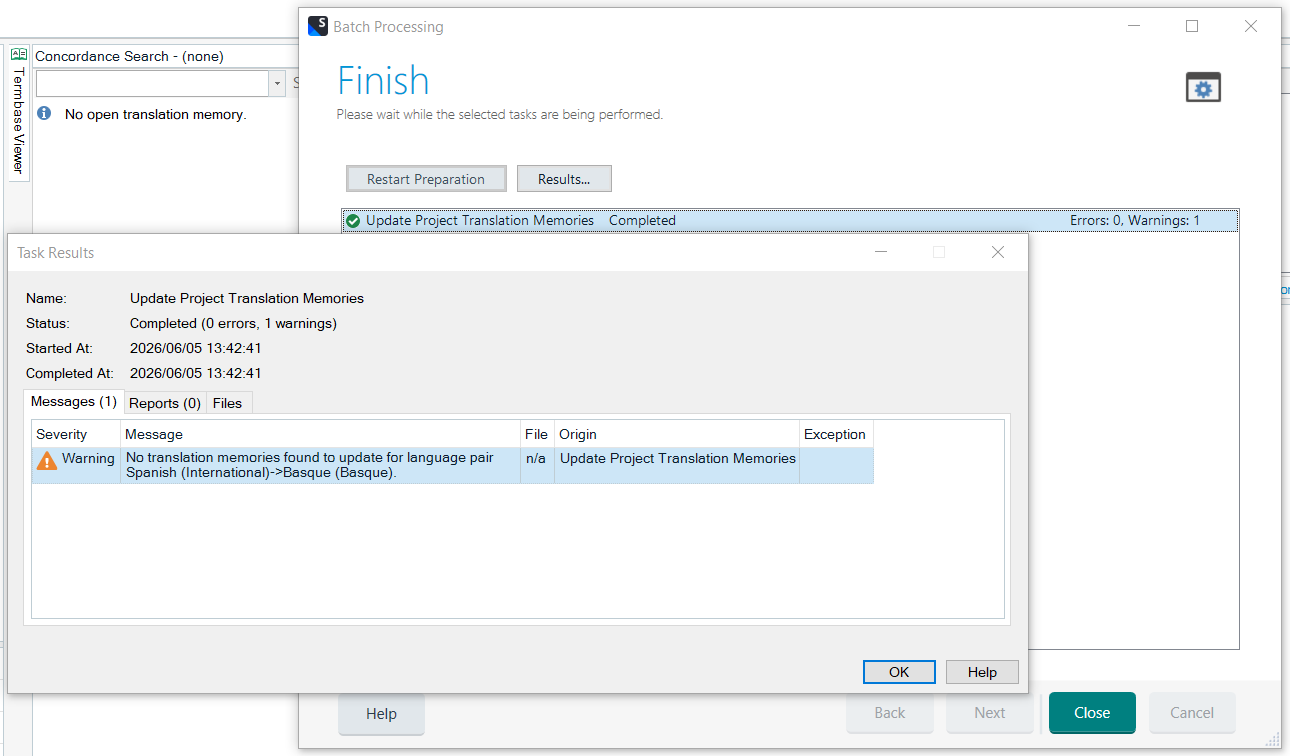
What I see is that when I try to update the project TM by means of Batch Tasks > Update Project Translation Memories, it does not get updated. I get a warning:
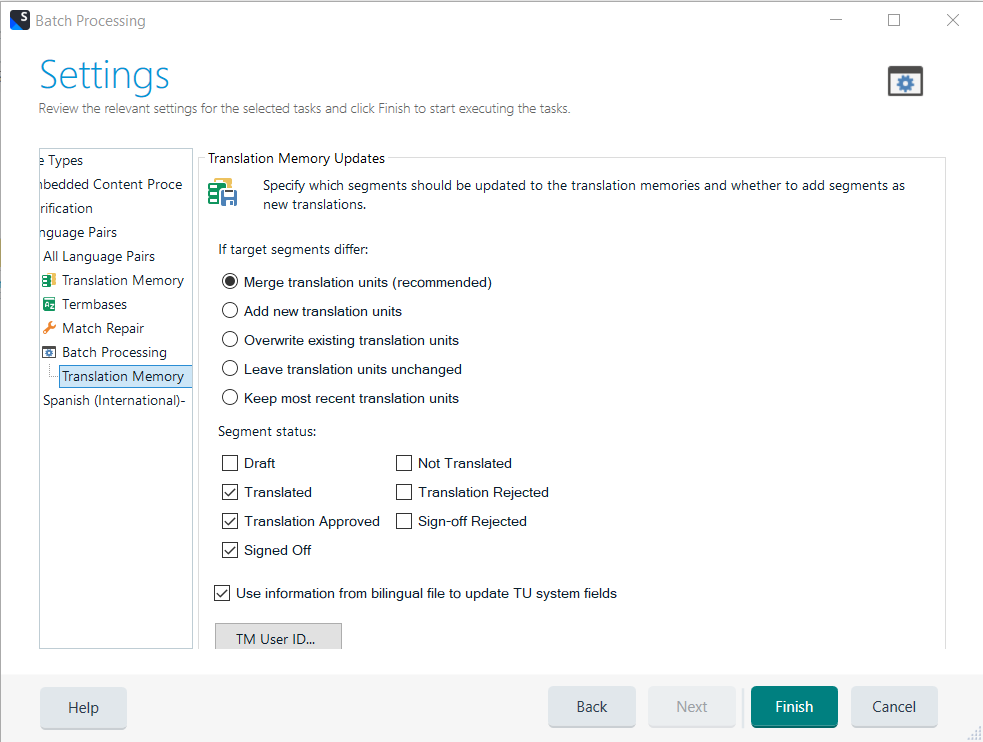
I checked the "Merge translation units options (recommended)"
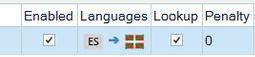
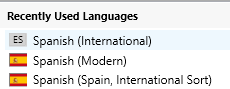
One thing I noticed is that whenever I go to File > Options > Language Pairs, with the language pair Spanish (International) > Basque (Basque), the one that is activated (I have removed all the other pairs), no matter if I check the Update and the rest of the boxes, it does not update, and after I run the operation, when I come back to that window, the main box on the left turns out to be unchecked:
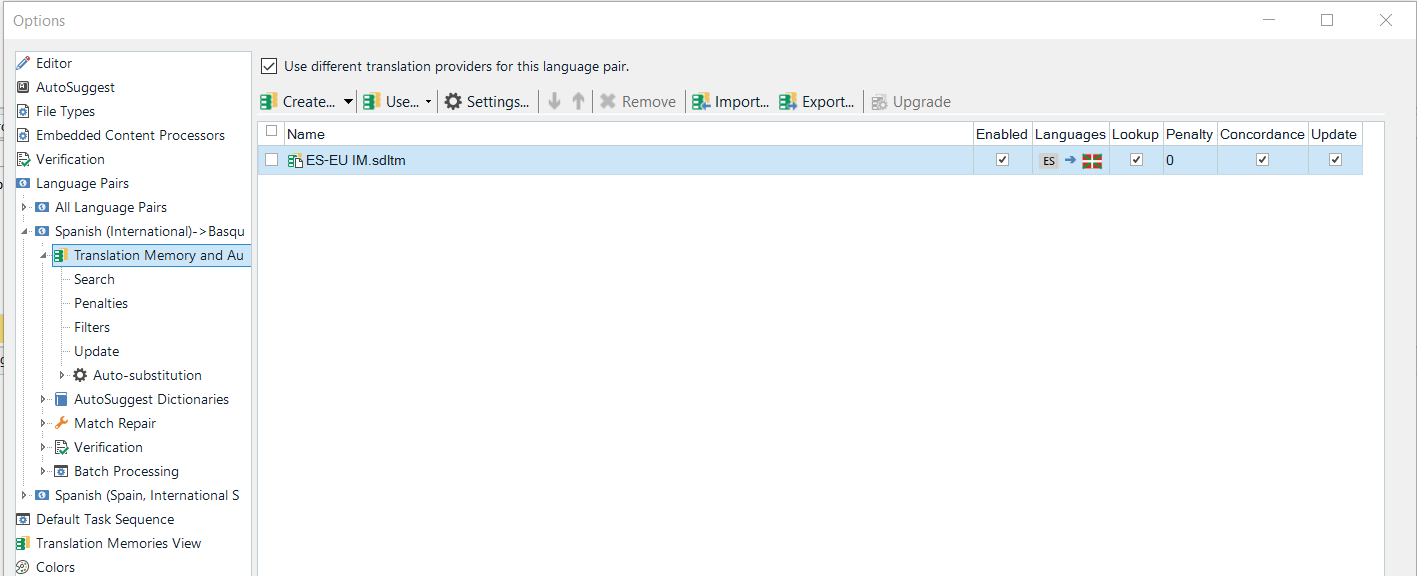
So at this point, I do not know what more to do. I have gone through this query here (2019), which seems to be pretty similar. I repeated most of the steps, except for the last ones (reset, reinstall...). Any hints appreciated
Iñaki
Removed AI Suggestion
[edited by: Iñaki Lopez de Luzuriaga at 12:10 PM (GMT 1) on 5 Jun 2026]