Customizing keyboard shortcuts

Hi,

I installed Trados on my Mac a few days back.

I want to customize keyboard shortcuts which are my most used ones.

I went to the Options → Keyboard shortcuts menu and tried to change the "Confirm and move to the next unconfirmed segment" shortcut to Command+Enter from Control+Enter.

But when I click the box to change it, the box doesn't accept the Command button and shows up empty.

Has anyone else done this successfully? I need help

emoji
Parents Reply
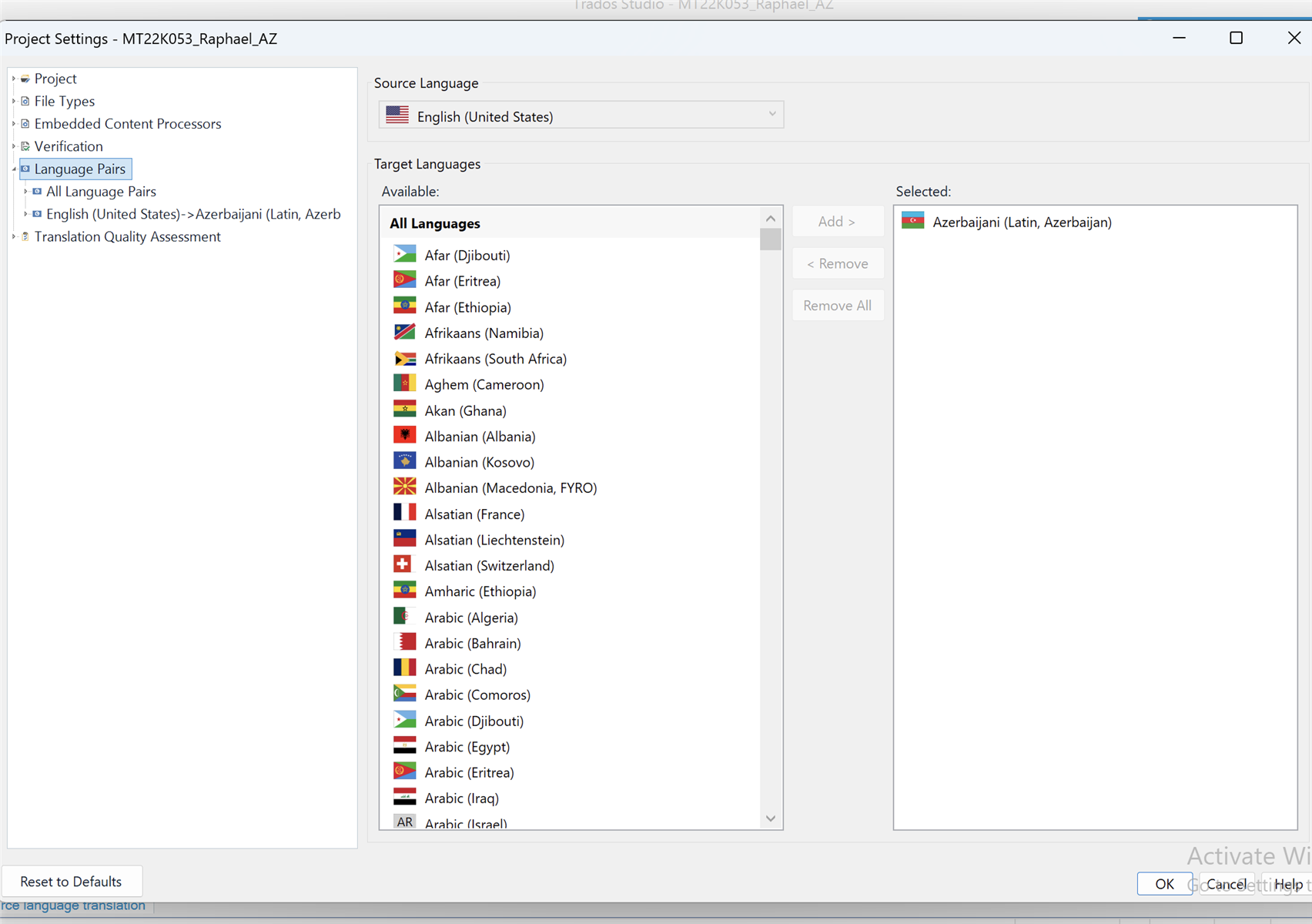
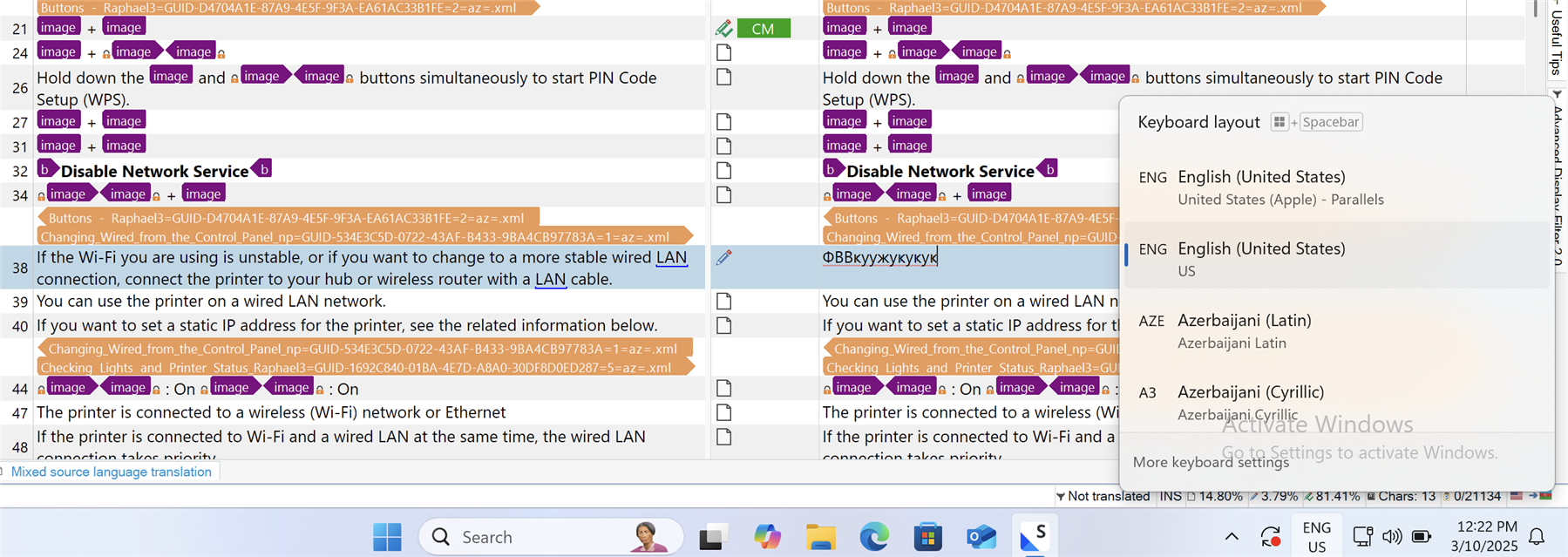
  • Please see string 38. Those are Azerbaijani Crylic letters which are already the same with Russian. I have checked the language icon on the button bar and there are 3 languages - English, Azerbaijani Latin, and Azerbaijani Cyrillic as you see from the SS. However, on the Window keyboard settings, there is no Azerbaijani Crylic installed. I wonder how this happens.Screenshot of Trados Studio software showing text with placeholders labeled 'image' and highlighted sections indicating errors or warnings. A section is titled 'Disable Network Service' with highlighted links. Language settings are visible with English and Azerbaijani options.

    emoji


    Generated Image Alt-Text
    [edited by: RWS Community AI at 8:28 AM (GMT 0) on 10 Mar 2025]
Children