Customizing keyboard shortcuts

Hi,

I installed Trados on my Mac a few days back.

I want to customize keyboard shortcuts which are my most used ones.

I went to the Options → Keyboard shortcuts menu and tried to change the "Confirm and move to the next unconfirmed segment" shortcut to Command+Enter from Control+Enter.

But when I click the box to change it, the box doesn't accept the Command button and shows up empty.

Has anyone else done this successfully? I need help

emoji
Parents Reply
  • Hi  

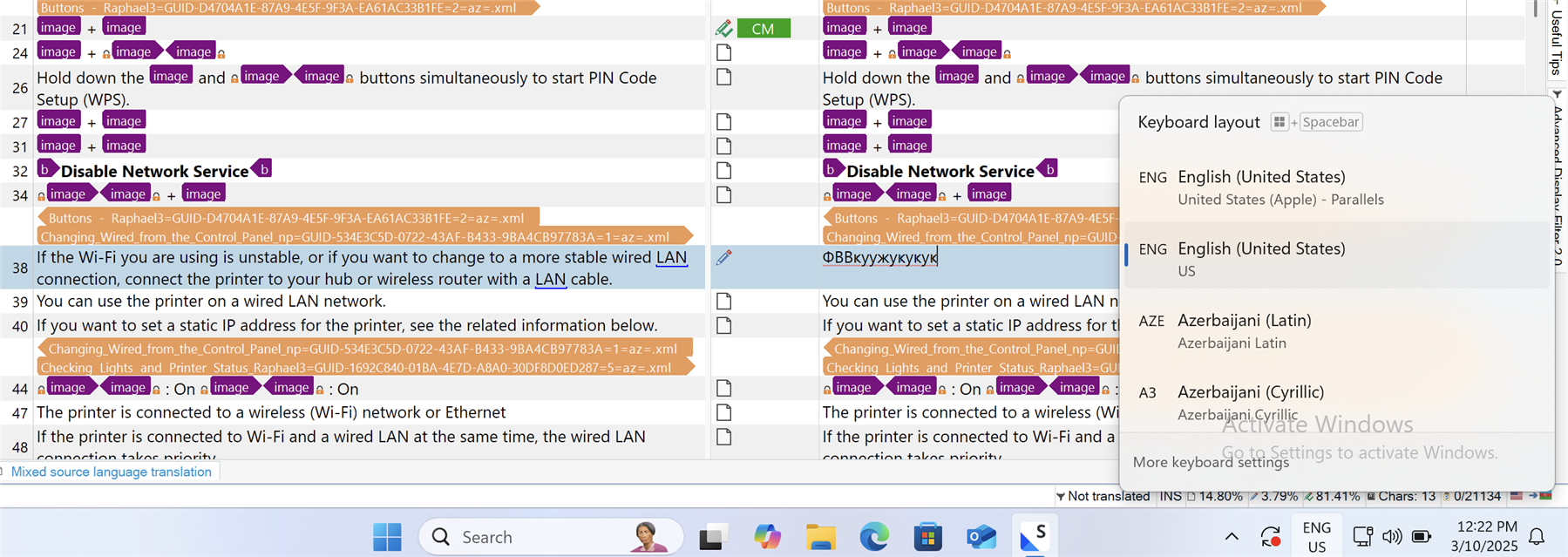
    However Russian characters also show up when I switch the language in Trados.

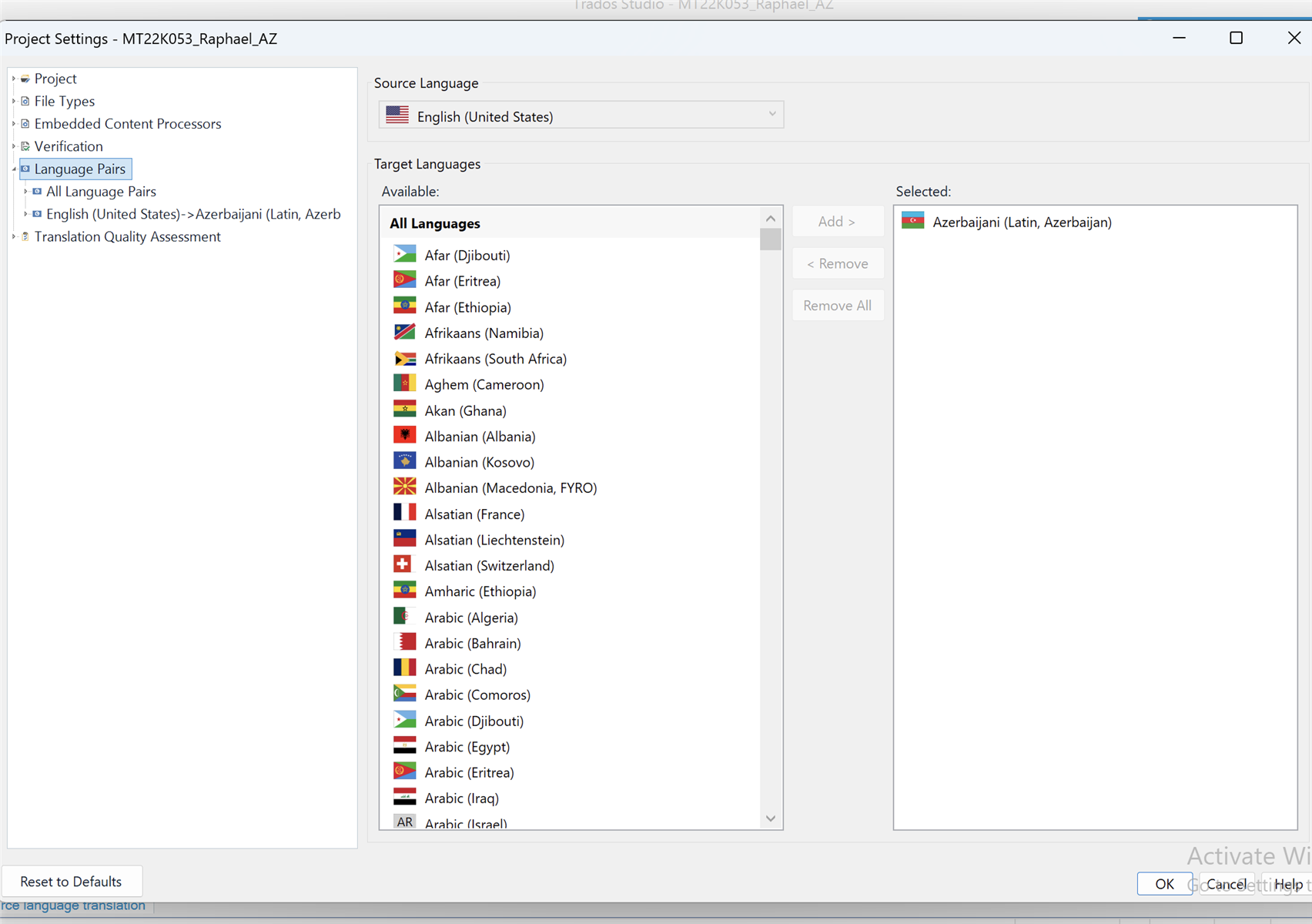
    Make sure your project is in Latin Azerbaijani. There are two options in Trados, Latin and Cyrillic, with both of them sharing the same flag icon. Actually Elisa asked you to share a screenshot of your Project Settings to check your Language pair rather than your Windows language settings. 
    Press the Project Settings icon in Trados to invoke the Project Settings window. Expand its left pane so that you can read the specific language pair at the end of the tree and make a screenshot to share it here.

    emoji
Children