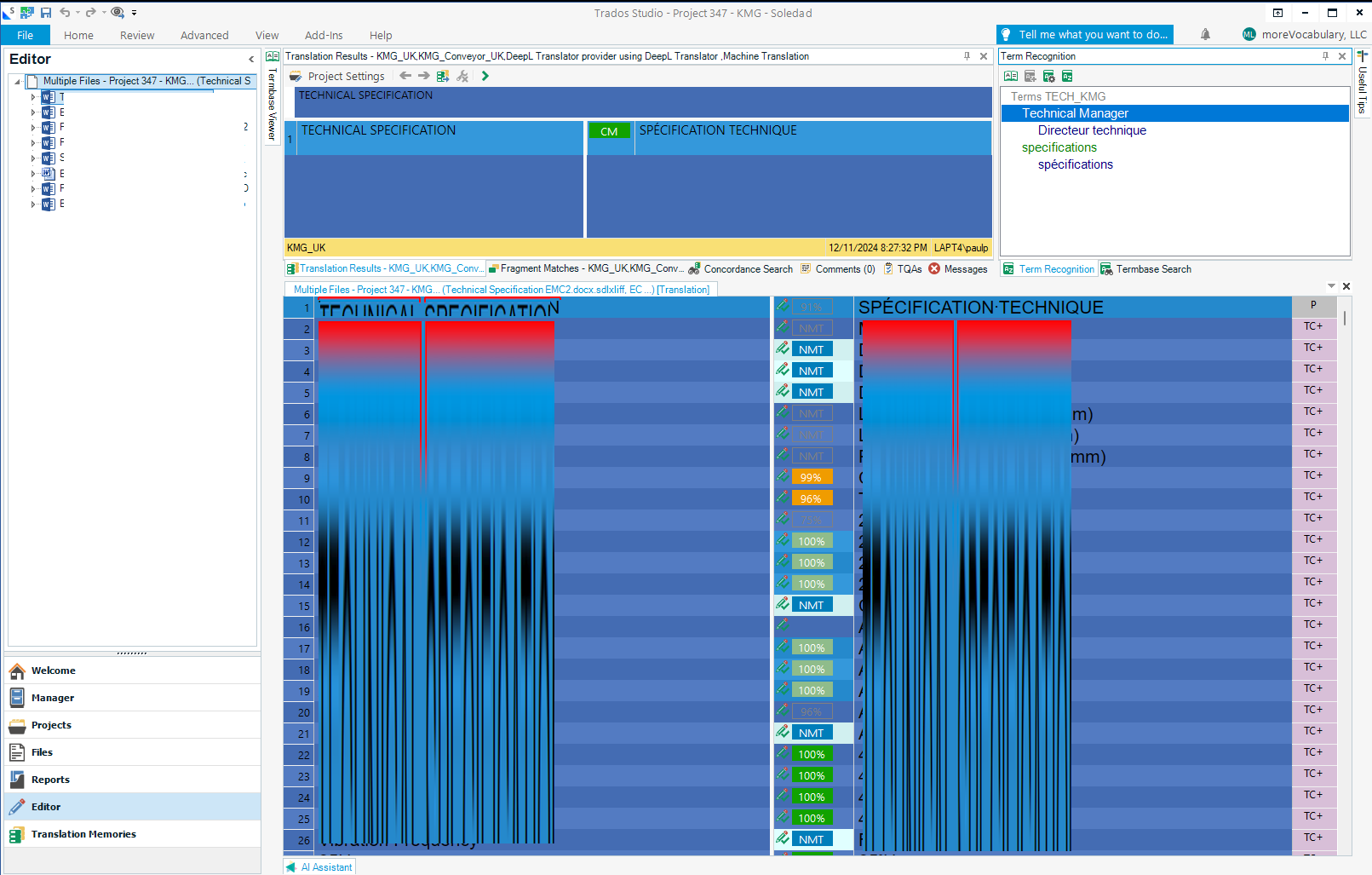
Dark Mode or night Mode in SDL in Studio 2024 not working

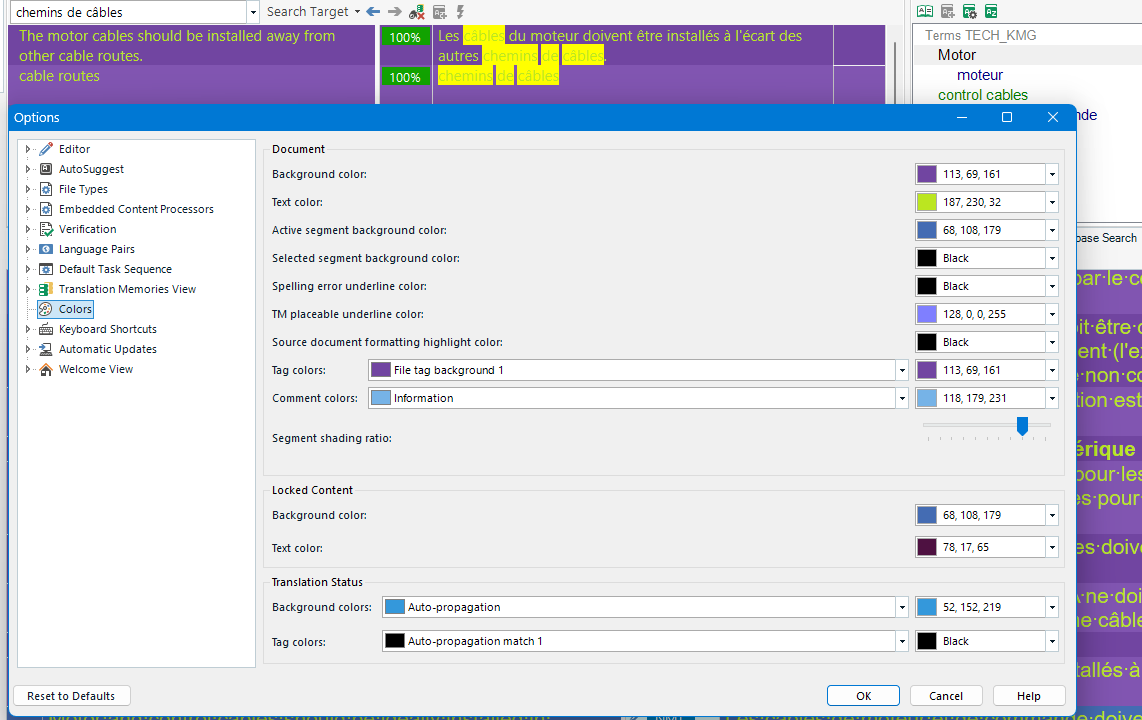
I tried to follow More color schemes for Studio and MultiTerm - Trados Studio Ideas - Trados Portfolio Ideas - RWS Community but my settings did not change anything after I closed the Options.

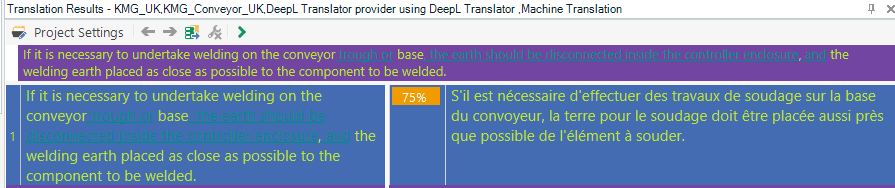
I have tentatively tried to have all backgroud in blue

Any help
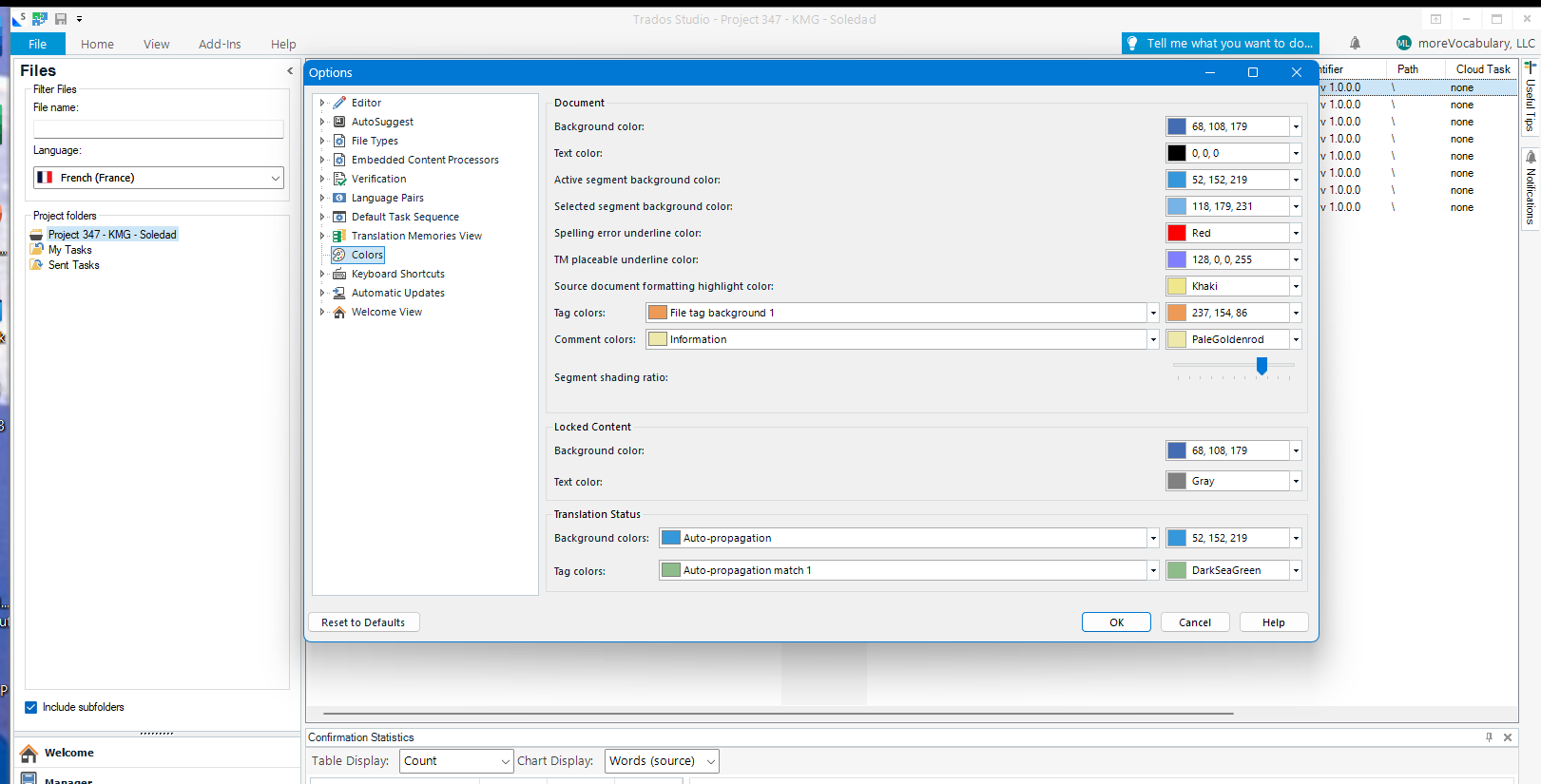
Screenshot of Trados Studio Options menu with Colors settings visible. Background color options are shown with RGB values, but no error messages are visible.


Generated Image Alt-Text
[edited by: RWS Community AI at 3:45 PM (GMT 0) on 14 Dec 2024]

emoji
Parents Reply Children
  •  

    Anyone with a set of color settings that would work best for the eyes?

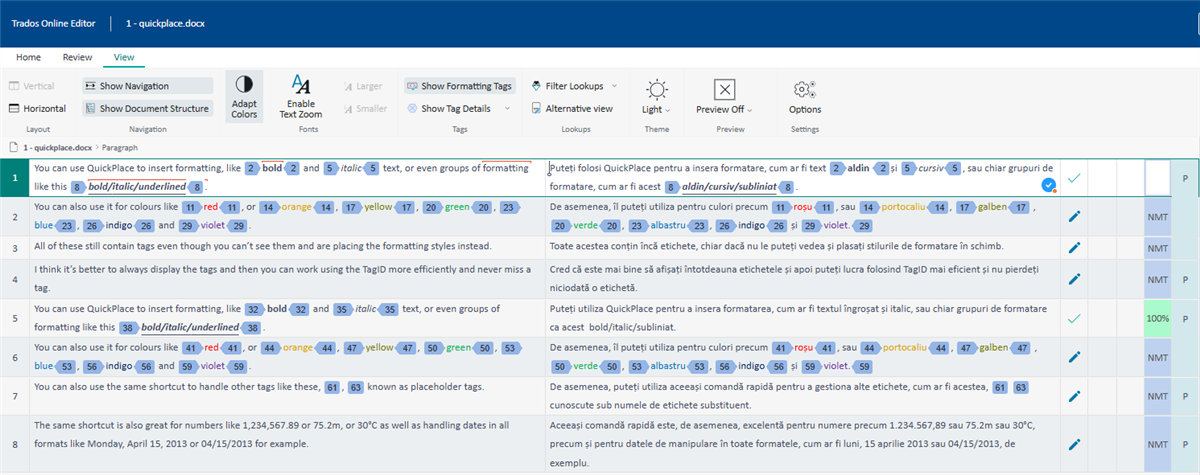
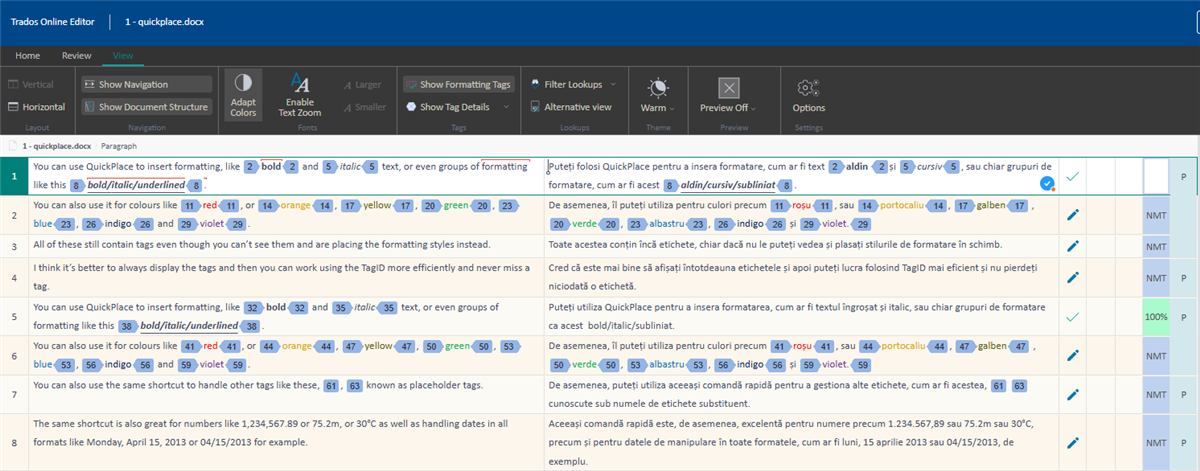
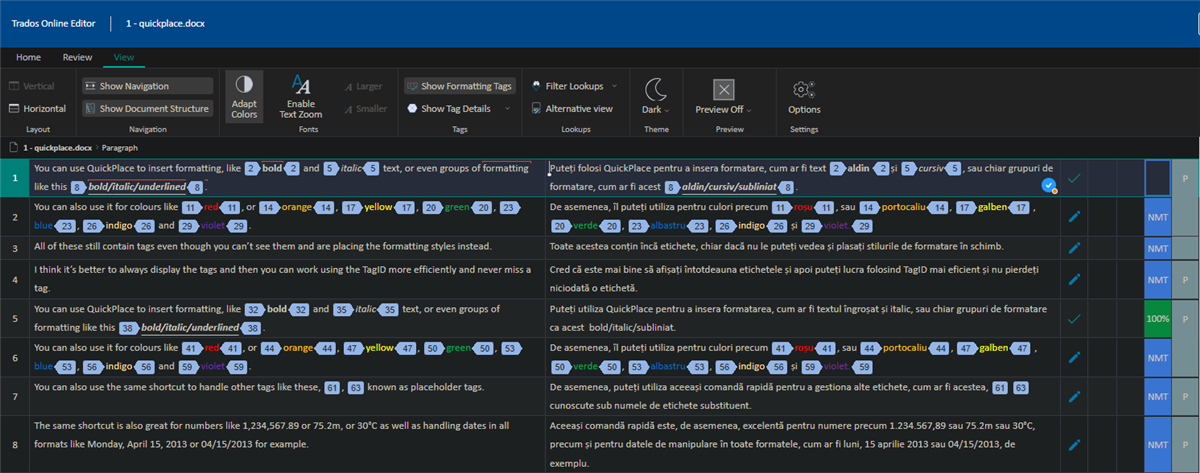
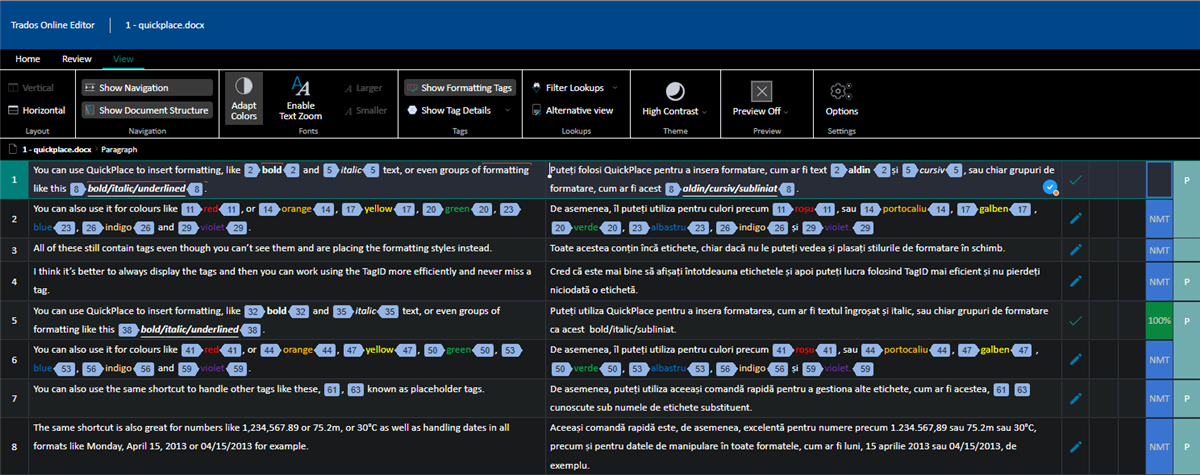
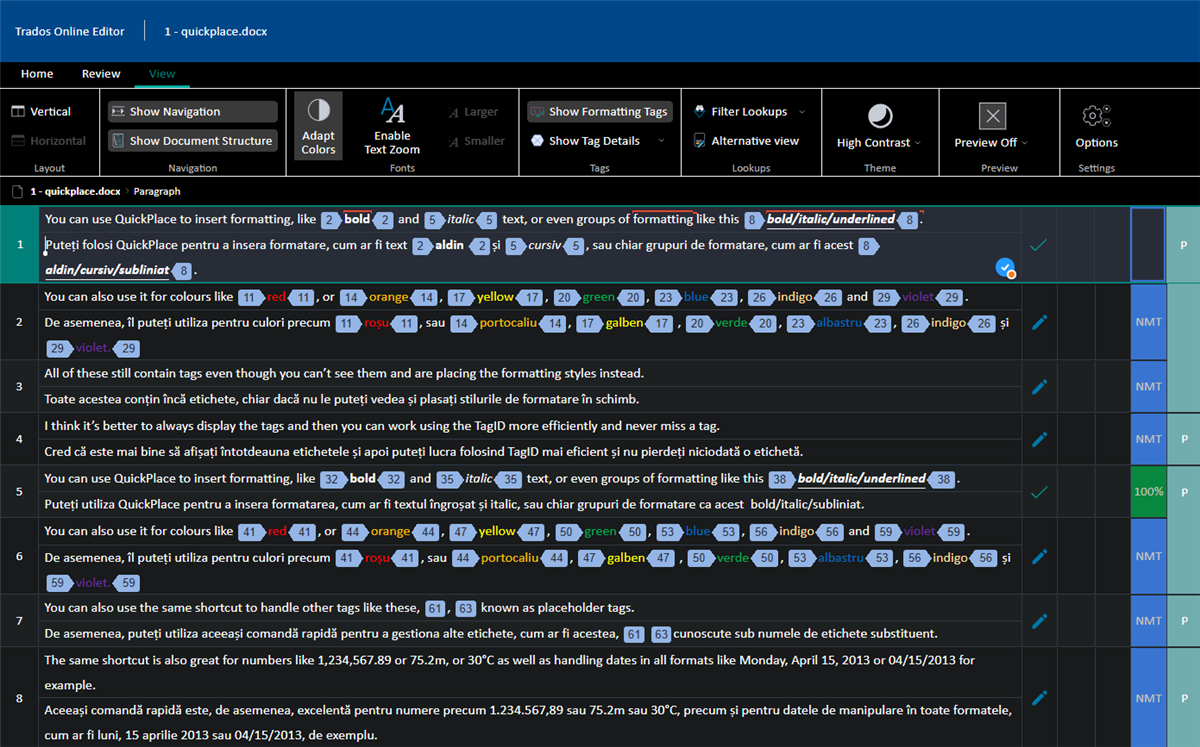
    That is a good question, and I wish I had a good answer for that in Trados Studio.  I think it's going to be trial and error.  You might find the Online Editor a bit more helpful as it works slightly differently and provides four themes:

    Light:

    Screenshot of Trados Online Editor with Light theme, showing text formatting options and color settings in a document.

    Warm:

    Screenshot of Trados Online Editor with Warm theme, displaying the same content as the first image with a different color scheme.

    Dark:

    Screenshot of Trados Online Editor with Dark theme, showing the document with dark background and light text for better contrast.

    High Contrast:

    Screenshot of Trados Online Editor with High Contrast theme, highlighting text and interface elements for visibility.

    And of course you have the benefit of font size for everything with the scroll wheel:

    Play this video

    And the old, almost forgotten, favourite... top & bottom option:

    Screenshot of Trados Online Editor with High Contrast theme and an error message bubble visible next to the scroll bar.

    Paul Filkin | RWS

    Design your own training!
    You've done the courses and still need to go a little further, or still not clear? 
    Tell us what you need in our Community Solutions Hub

    emoji


    Generated Image Alt-Text
    [edited by: RWS Community AI at 12:31 AM (GMT 0) on 29 Mar 2025]