Translate



I am not sure but this should be the right place to post this one.
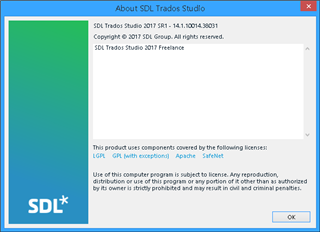
Yesterday, I've heard VERY interesting functionality of my OLD version 2017 Trados Studio machine.
"SDLXLIFF Converter for Microsoft Office"
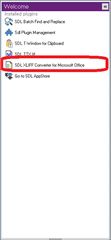
so, tried like a crazy man
but, failed, totally
I am going to blame SDL
this is too too too hard to use from my side
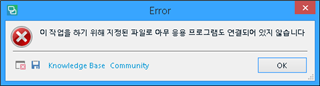
means.. "You need to "designate" file and "link" application."
This is not the only one.
All of them, 5 of them show me the SAME errors.
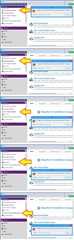
- I do not know any kind of the root reason of these errors (this error), so "naturally" selected the most idiot way "Deleted Whole SDL Trados Studio 2017 and ReInstall It"
- Wow, yes, that is the most stupid choice, because my result was FAIL.
- now I used system mirrored file and make it all the systme just like yesterday, God Thanks..
- spent precious several Hours... why ?
I am still want to use the "SDLXLIFF Converter for Microsoft Office" functionality but..
99.99% exhausted.
Regards
Generated Image Alt-Text
[edited by: Trados AI at 7:27 PM (GMT 0) on 28 Feb 2024]