Translate



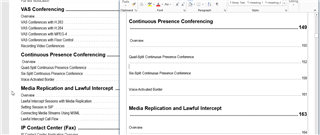
Failed repeatedly when generating target translation files both with Trados 2019 SR1 and SR2. The error message indicates "illustration<shapename=xxxxx[number]> was moved between paragraphs". Then I located the specific tag that contains the erroneous shapename, even copied the source segment to the target segment, and tried both the "batch task>generate target translation" option AND the "save target as option", but none worked. The same error still persists. The file type I am working on is PDF. Yet there you see the same error message even when you attempted to save the targe translation with an Office docx/rtf format which been converted from PDF through Trados from the outset. These are product manuals that embedded with tons of graphs, tables, and figures, a huge wok of tags in the Trados interface. This problem is really really really annoying and I would truly be thankful to anyone who has an effective remedy!!!
You are currently working on UAT

RWS Community