Translate



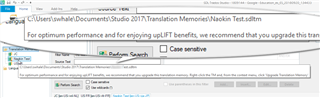
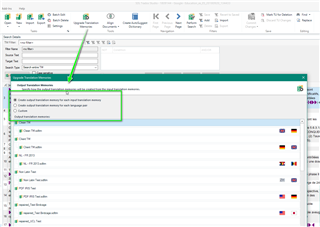
If I choose "Upgrade Translation Memories" in the ribbon, I have to go through a huge dialogue and end up with all TM names changed: Test.sdltm will now be Test (2).sdltm and so on.
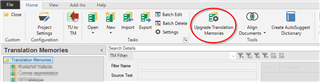
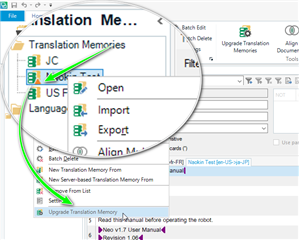
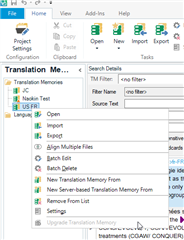
If I right-click on the TM and select "Upgrade TM", no further questions are asked and Studio just does the job.
Is the outcome any different? Why does the ribbon option change the name of the TM (has to be changed in all project settings then...)?
Daniel
Generated Image Alt-Text
[edited by: Trados AI at 5:35 PM (GMT 0) on 28 Feb 2024]