You are currently working on UAT 

Path not found

I am unable to import packages which one client sends to me. The first message I receive states that it has problem with the filenames and will try to repair them:
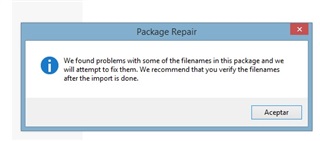
Trados Studio Package Repair dialog box with an information icon and message: We found problems with some of the filenames in this package and we will attempt to fix them. We recommend that you verify the filenames after the import is done.

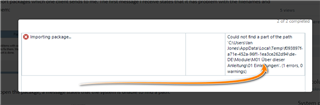
On attempting to open the pacakge, a message states that the system is unable to find a path:
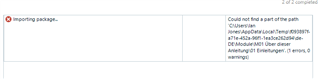
Trados Studio error message during package import: Importing package... Could not find a part of the path 'C:UsersIan...file path...dll' with a red warning icon indicating an error.

Is there anyway to get around this problem?

Thanks

Ian


Generated Image Alt-Text
[edited by: Trados AI at 5:34 PM (GMT 0) on 28 Feb 2024]

emoji