Translate



Hi,
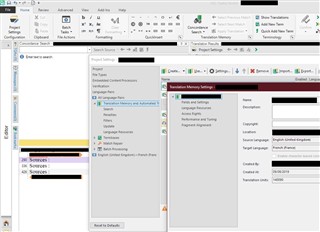
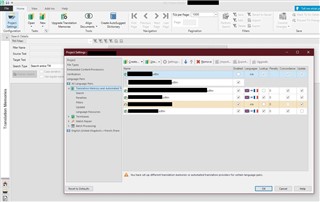
Each time I open a file in the Studio editor, then make changes to the TM settings in the Project Settings window of my projects and then close the Project Settings window, the TM view is activated instead of the Editor view with my open file. This behavior seems to be new to Studio 2019 and there is certainly a reason for it, but I find it quite annoying not to come back to the previous view. Would it be possible to change back to the old behavior?
Best
Annette (from Manfred's account)