You are currently working on UAT 

Studio 2019 – DeepL Translation Provider plug-in – Object reference not set to an instance of an object

 Hi!

I can't obtain machine translation results from DeepL using the latest version available on the AppStore:
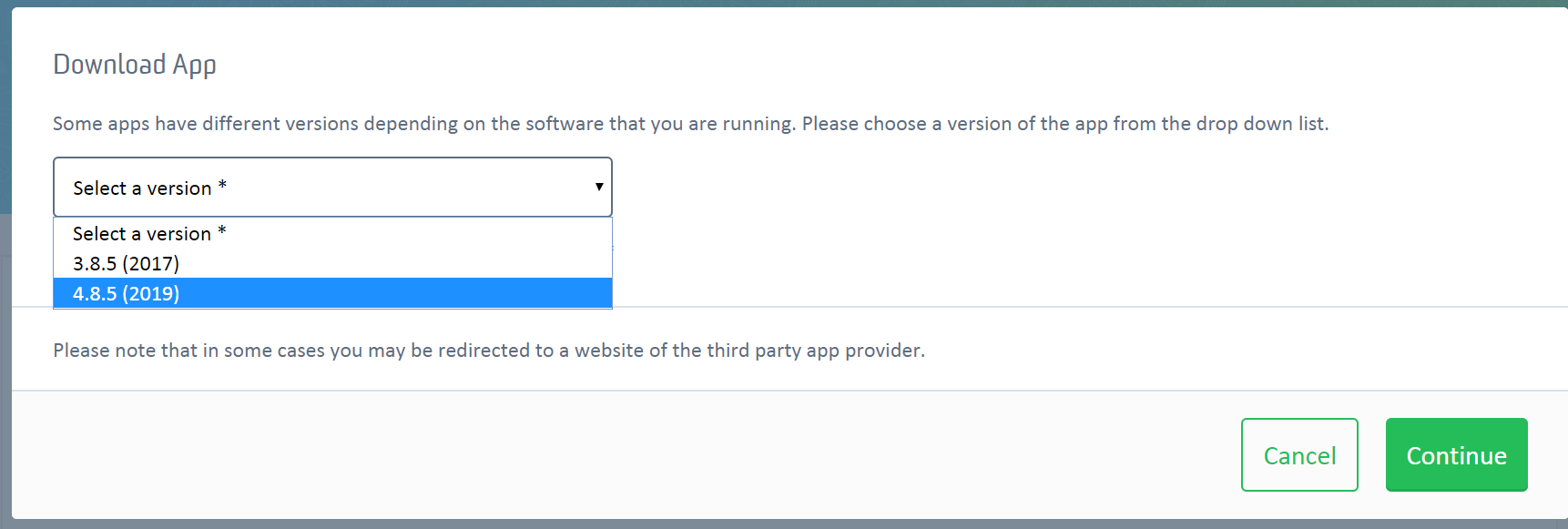
Screenshot of Trados Studio App download page with a dropdown menu to select a version of the app, options include 3.8.5 (2017) and 4.8.5 (2019).

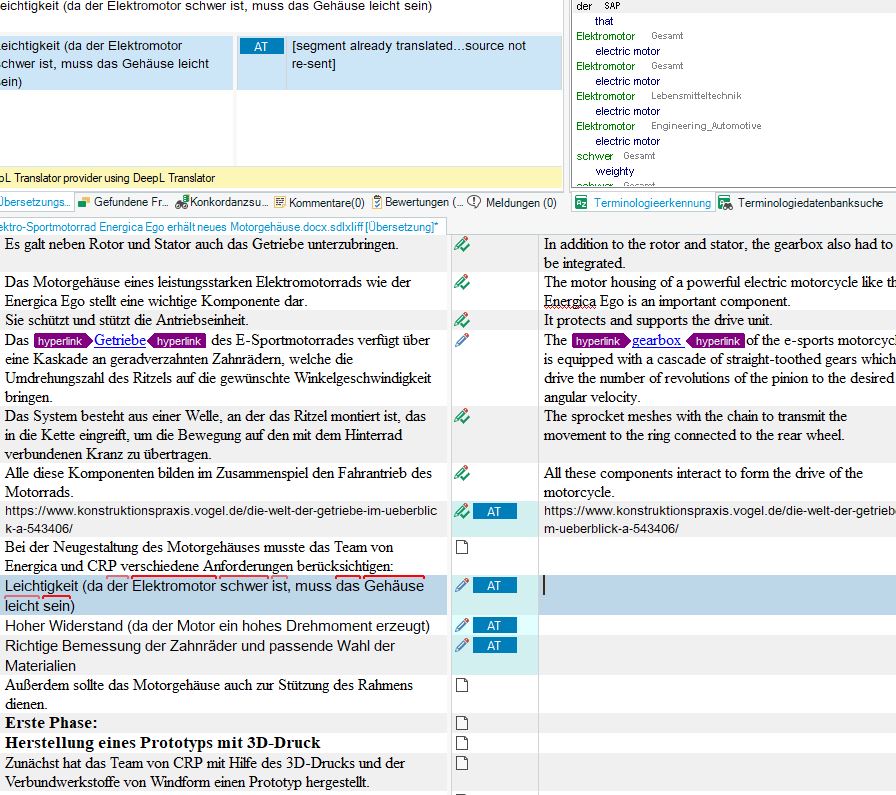
In the Studio Editor view, I receive the following error message:

"An error has occurred while using the translation provider DeepL Translator provider using DeepL Translator : Object reference not set to an instance of an object"


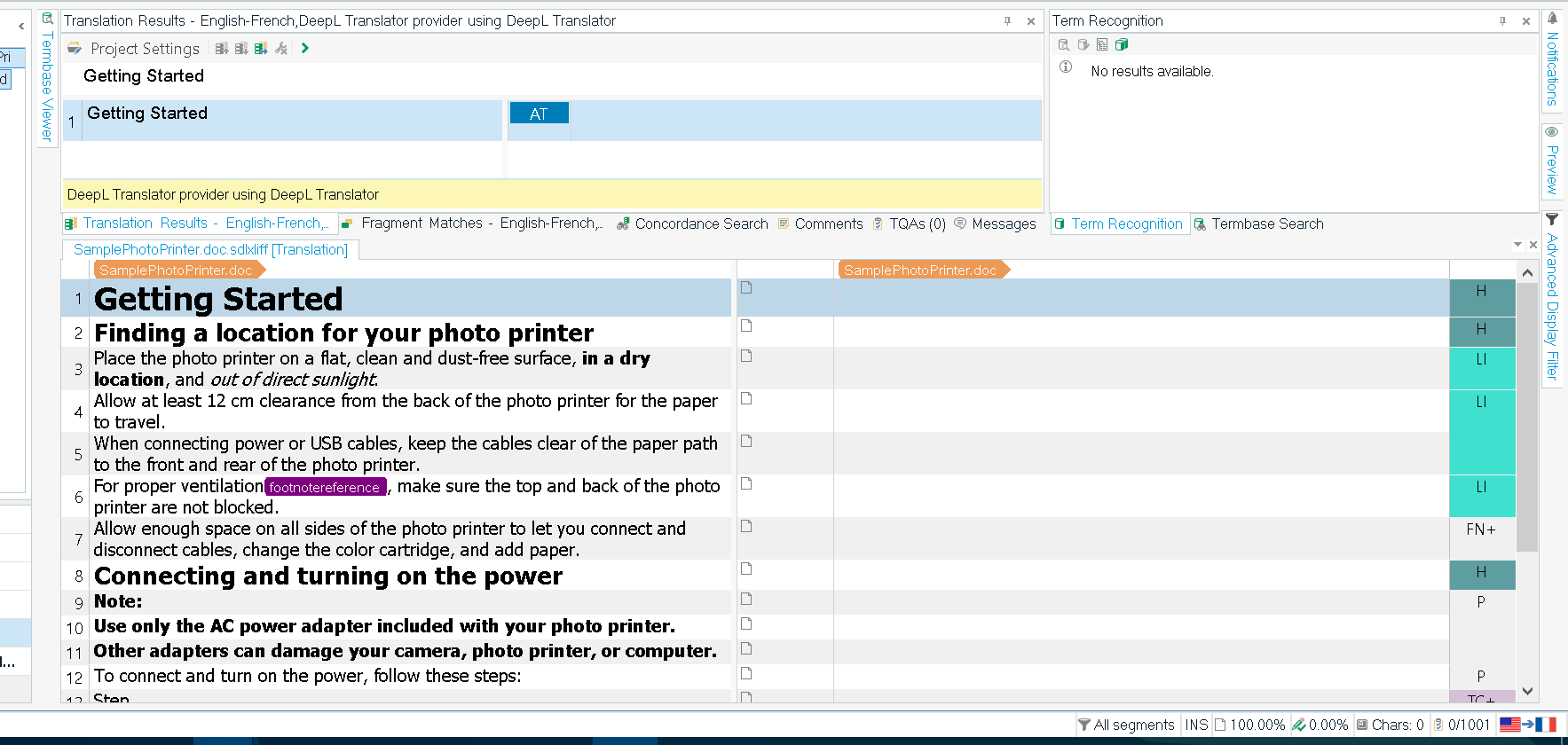
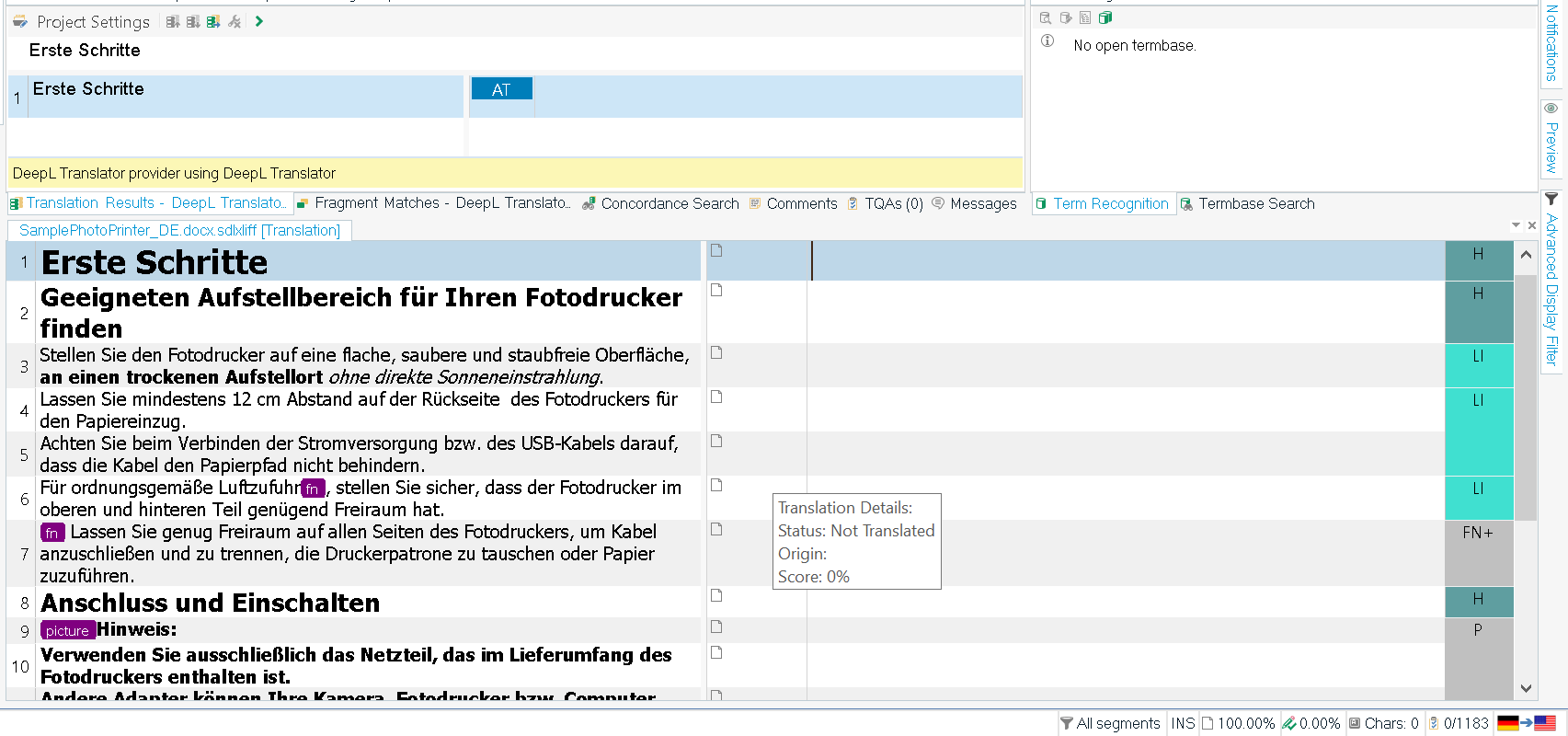
Trados Studio Editor view showing an error message banner at the bottom stating 'No matches found' and 'There was a problem while translating. See the Messages Window for more information.'

Detailed error message in Trados Studio's Messages Window stating 'An error has occurred while using the translation provider DeepL. Translator provider using DeepL Translator: Object reference not set to an instance of an object.'


Please help! Thank you!

Best regards,
Manuel


Generated Image Alt-Text
[edited by: Trados AI at 3:28 PM (GMT 0) on 28 Feb 2024]

emoji
Parents Reply Children