Translate



I had some licencing issues a short time ago when SDL's licence server crashed. In short, I could not activate the licence and SDL support gve me the following solution, which worked:
"*Go this path: <C:\ProgramData\SDL\SDL Trados Studio\Studio5\Data>
* Rename the Studio.lic file (ex. old_Studio.lic)
* Start Studio using the "Run as Administrator' option.
* Perform again the activation."
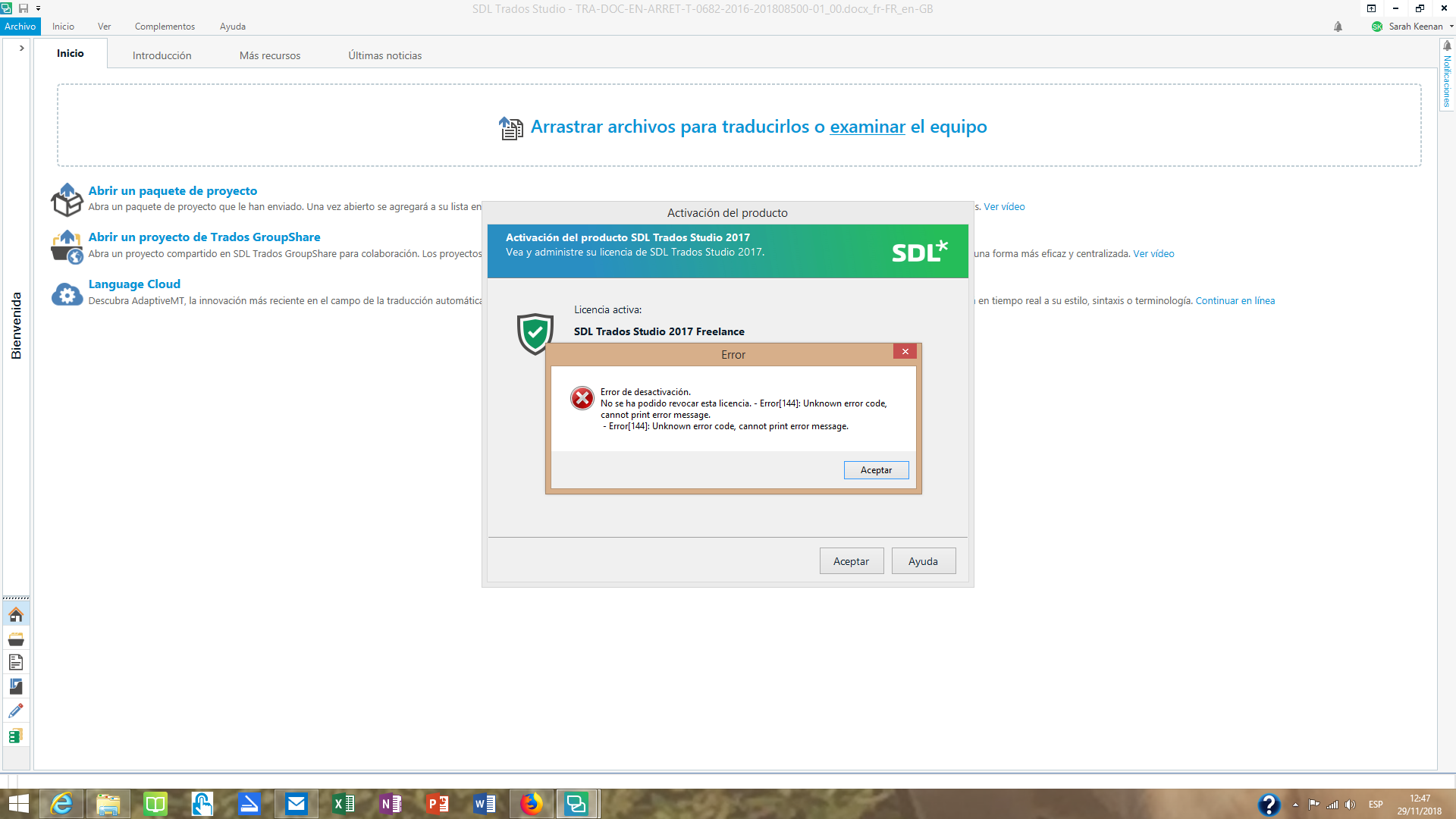
However, I now want to deactivate the licence on my home computer in order to reactivate it on my PC, something I've done many times before, but this error prevents me from doing so: Deactivation Failed. Could not revoke this license. - Error [144]. Unknown error code, cannot print error message.
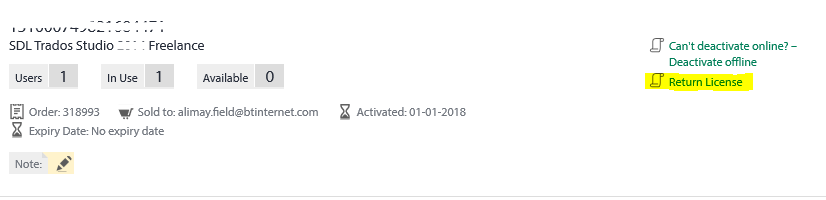
I have no idea how to fix this. I cannot deactivate offline and cannot find any record of a similar error in the forums and knowledge areas of this website.
Any help would be appreciated.