
 Translate



Studio 2019.
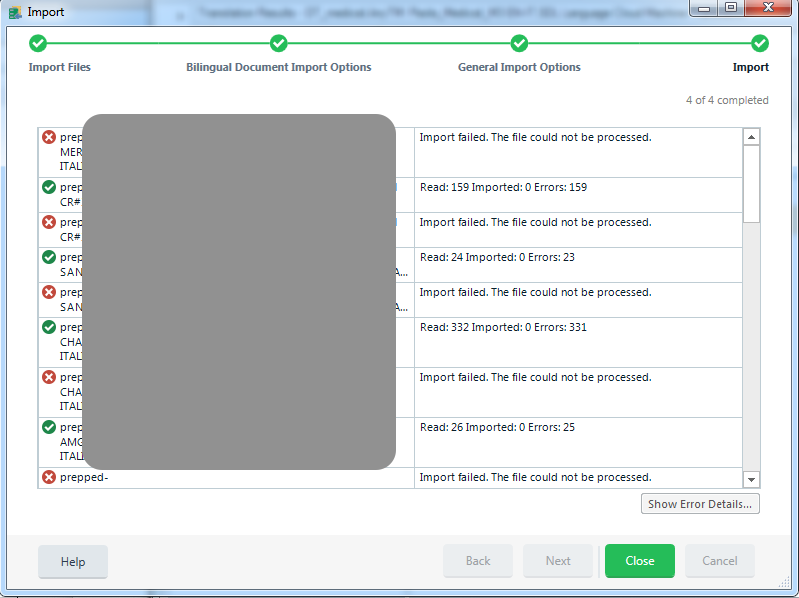
I am using a TM and realize it hasn't been updated with my recent works. So I try to import recent translations by selecting *.sdlxliff files of the most recent jobs.
However, not a single segment is imported and the 'show error' button won't tell me why.
Generated Image Alt-Text
[edited by: Trados AI at 2:28 PM (GMT 0) on 28 Feb 2024]



