Translate



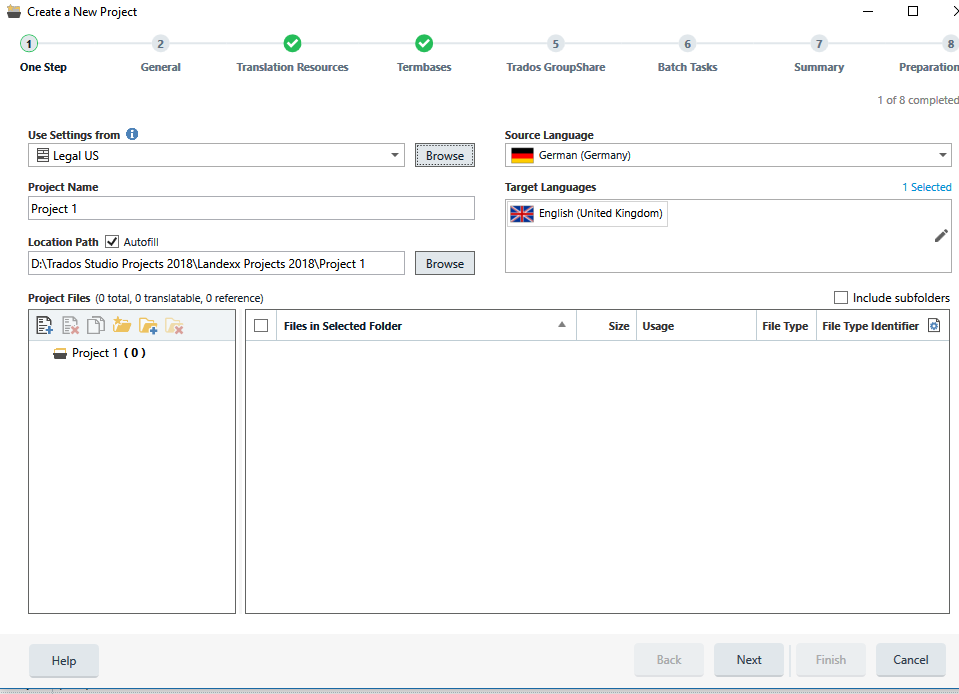
I have several issues with the new project wizard in Studio 2019 (which, as far as I have experienced it so far, is considerably more time consuming and complex than the previous wizard!):
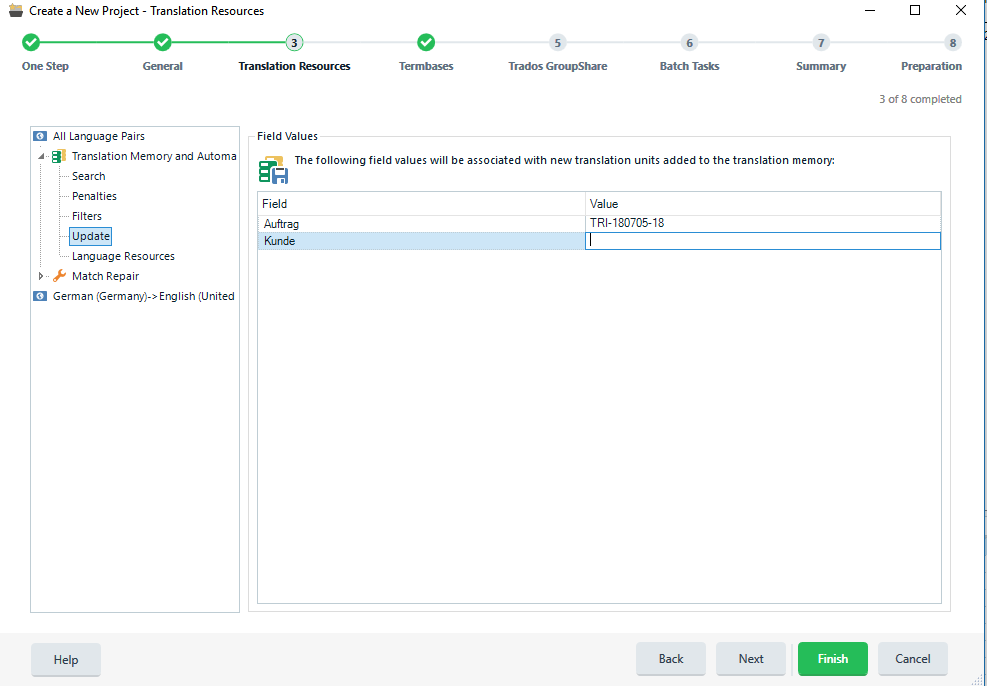
When I enter an update for the fields during the creation of a project (I have fields such as "Customer", "Order no."), I find that sometimes (irregularly) the updates are not carried over to the project. The field(s) will either be empty or (if I used a template) will still contain the data from the previous project using that template. I have to check the settings after opening the project in Studio to make sure the information is correct.
When I finish creating a project based on a template and close the wizard with the request to update the template, it does not always happen.
Why is the default setting to create a project without a project TM? Wasn't the previous default to create a project TM? Is there any particular reason why (or why not) I should use a project TM?
When I browse project templates and select one different from what is shown in the window, it does not change in the window, although apparently the template I clicked is actually used.
Why does the template not save the location of the projects for that template? I have some general templates for which the location often has to be changed, but many of them are customer-specific and the translations ALWAYS go into specific folders. This was the same in the previous wizard and often annoyed me. Or did I overlook something?
I apologize for so many questions in one post.