
You are currently working on UAT 

Retrofit function

Does anybody know when Trados is going to fix the Retrofit function algorithm ? Because as of now it is not working properly and it doesn't seem that the users can change the algorhitm.

Parents
  • Hi Jean-Louis, hi Paul,

    we do have the same problem from time to time and here is a simple example:

    I have a *.docx file translated
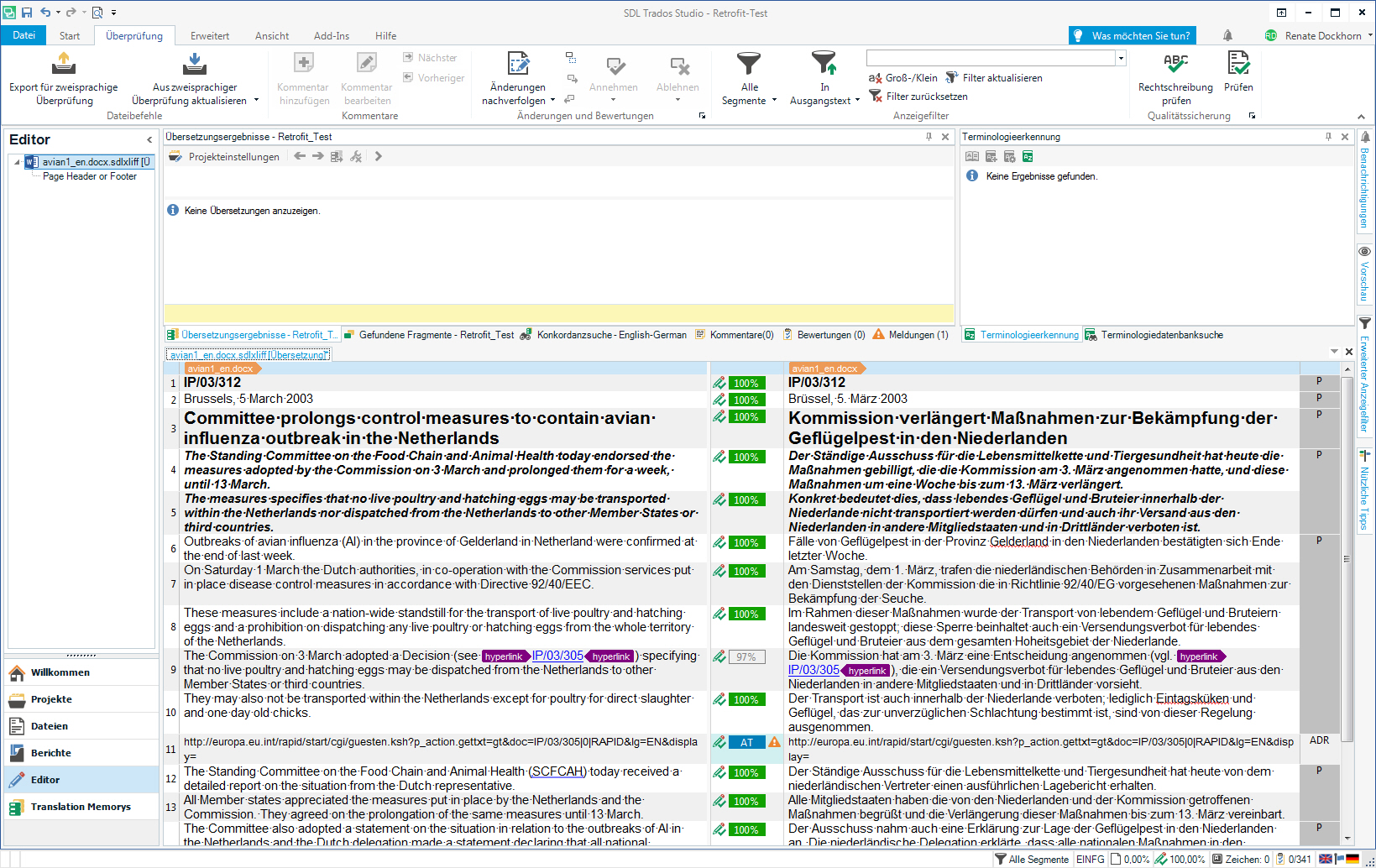
    Screenshot of Trados Studio interface showing a bilingual document with source text in English and target text in German. Amendments are highlighted in yellow.

    and saved as a target file. 3 amendments are made in the target file: "Brussels" is changed to "Amsterdam" (1), Geflügelpest to "Vogelgrippe" (2) and "Ständiger Ausschuss für die Lebensmittelkette und Tiergesundheit" to "SCFAH" (3). The three amendments are highlighted in yellow.
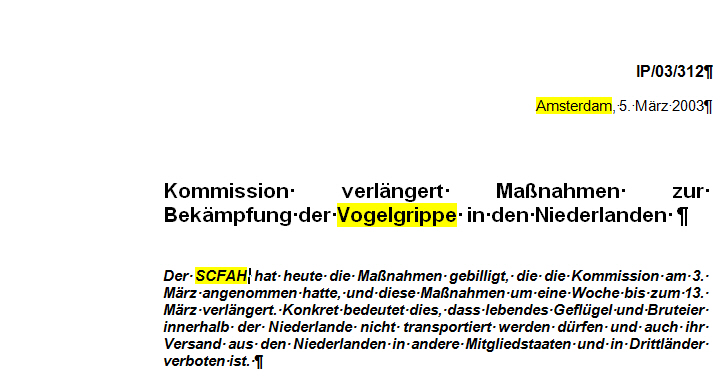
    Close-up of a Trados Studio document highlighting the amendment where 'Brussels' should be changed to 'Amsterdam' but remains unchanged as 'Br ssel'.


    After applying Retrofit, 2 and 3 are amended and highlighted, 1 (Amsterdam) is still "Brüssel" and left unchanged by Retrofit.
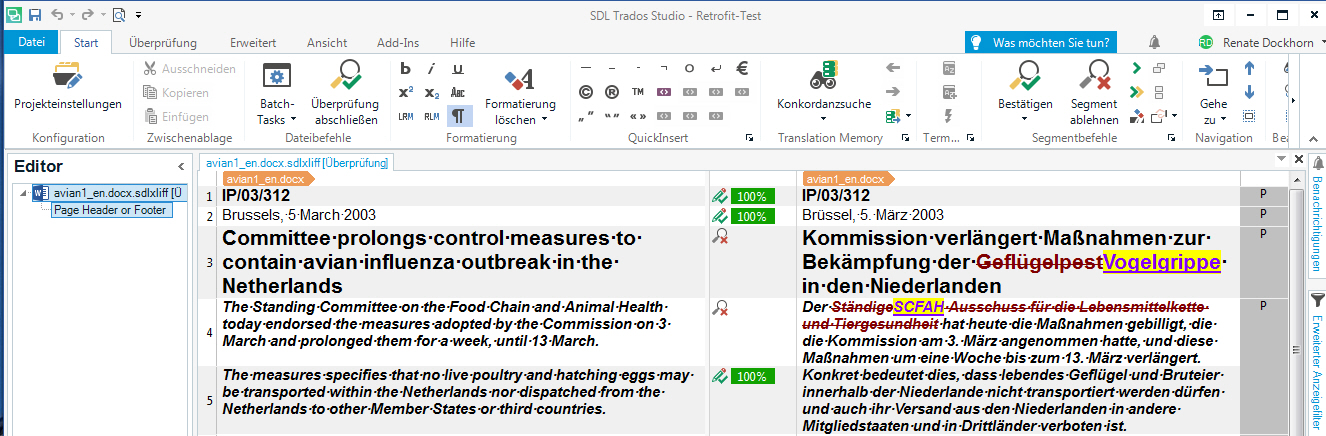
    Screenshot of Trados Studio showing a warning message indicating that the term 'Brussels' was not updated to 'Amsterdam' after applying Retrofit.


    Best - Renate Dockhorn

    Retrofit_Example_RD.zip

    emoji


    Generated Image Alt-Text
    [edited by: Trados AI at 2:41 PM (GMT 0) on 28 Feb 2024]
  • I have the same issues as Renate as in that I can absolutely not rely on the retrofit function to include all the changes that were made in the target translation file. It makes no difference if I give the command from the Batch Task menu or from the Review - Update from reviewed target file menu. I have it over and over that I spend hours manually copying sentence by sentence from the target translation into the Trados editor in order to update my TM. This is pretty frustrating and costly in terms of time, money and nerves. I remember we´ve already had a conversation about this a while ago, Paul. That was in the Studio 2015 version. Sadly, nothing has changed in the 2017 version in that regard. It would be tremendously fantastic if this bug could be fixed :)
Reply
  • I have the same issues as Renate as in that I can absolutely not rely on the retrofit function to include all the changes that were made in the target translation file. It makes no difference if I give the command from the Batch Task menu or from the Review - Update from reviewed target file menu. I have it over and over that I spend hours manually copying sentence by sentence from the target translation into the Trados editor in order to update my TM. This is pretty frustrating and costly in terms of time, money and nerves. I remember we´ve already had a conversation about this a while ago, Paul. That was in the Studio 2015 version. Sadly, nothing has changed in the 2017 version in that regard. It would be tremendously fantastic if this bug could be fixed :)
Children
No Data

