How to add images in Multiterm /Multiterm online

Hi community,


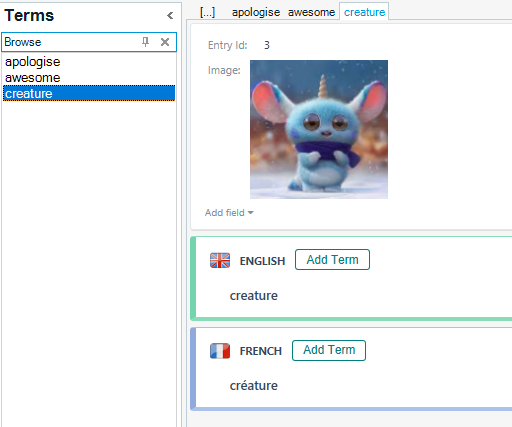
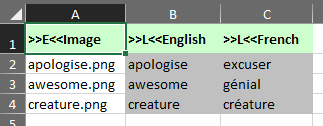
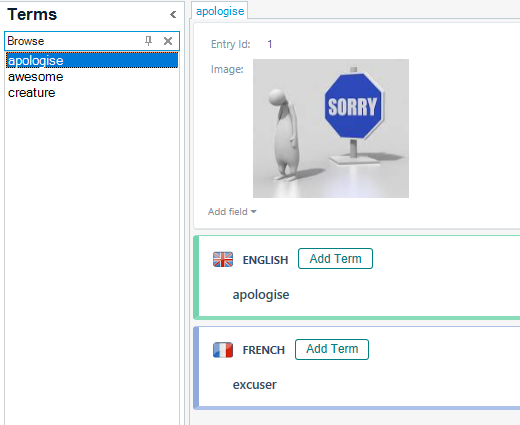
I'd like to add images to my terms in one of my Multiterm Termbases. So far I have tried adding each image (.jpg) in a cell in the master-Excel, then converting & importing in Termbase, with no success. Then I tried to add paths (image location in Computer) with also no success. The only way I got images in my Termbase is manually adding them one by one, which I find totally impractical.

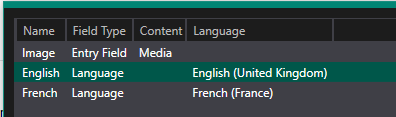
When I built the .xdt I marked the field "Image" as Multimedia File. Am I missing something? Is there a way of automatically upload images when importing the .xml file into Termbase?


Thanks in advance,


Almudena

Parents Reply
  • Hi We're struggling here with the same issue and your trick with images in Excel doesn't seem to to work as expected. Since this discussion took place over 5 years ago, has anything changed in this field? 

    Google Drive doesn't seem to be supported, when you choose the "Get link" option from the context menu. The online termbase doesn't accept it, even if we change the permissions for the link on the Drive. If we manage to link images from Google Drive, there's no preview and we do find it important to have one. We have a few other workarounds, but all of them are quite cumbersome and we're thinking of an easier solution.

    I'd be grateful for any update on this issue. Thank you in advance!

    emoji
Children