No matches found or lookup performed with AI Professional

I've been trying to get AI Professional in Trados Studio 2022 SR2 - 17.2.12.19268 working reliably. However, it always misses some segments and I can't look up the AI Professional translation for them. In this case, it's connecting to OpenAI and the connection is working as I just successfully batch translated the project with it. 

Furthermore, sometimes the segments fill with the custom prompt I made for the project instead of an actual translation.

Any ideas on how I can get this working so the batch task does not miss anything and if it does, the lookup can be performed? 

Thanks so much!
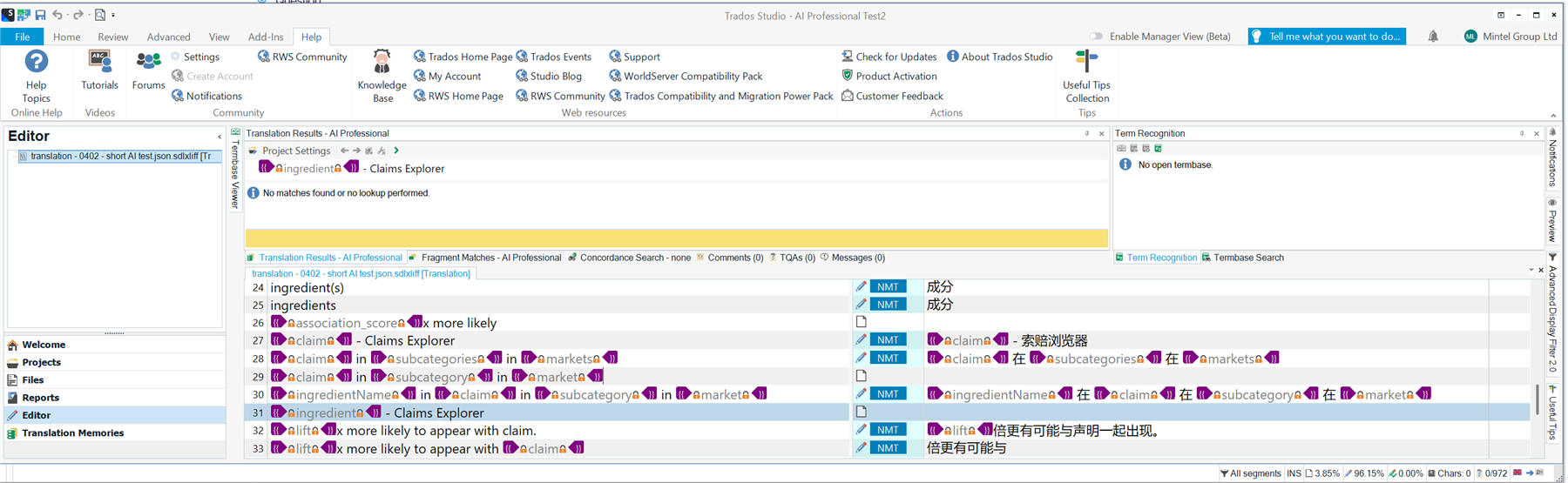
Screenshot of Trados Studio 2022 SR2 interface showing the Editor and Translation Results panels. The AI Professional plugin is active, but no matches or lookups are performed.


Generated Image Alt-Text
[edited by: RWS Community AI at 2:30 PM (GMT 0) on 4 Feb 2026]
emoji
Parents Reply
  • I did have this problem with DeepL, too, but far less frequently.

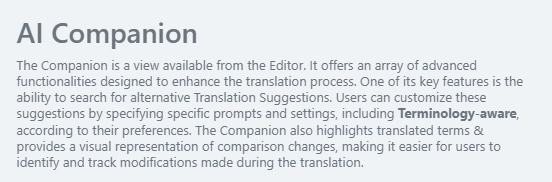
    No, I didn't mean this kind of look-up. If you navigate to the View ribbon in your Trados Studio, you should be able to add the AI Companion to your editor view. There should then be some kind of Refresh icon and a drop-down list with prompts, which you can use to manually look up the missing segments.

    Unfortunately, I can't show it to you because I currently don't have an AI subscription, but this is the description from the plugin documentation:

    Screenshot of the AI Companion description, explaining its features for enhancing translation, including terminology-aware suggestions and visual comparison of changes.

    emoji


    Generated Image Alt-Text
    [edited by: RWS Community AI at 11:15 AM (GMT 0) on 9 Feb 2026]
Children