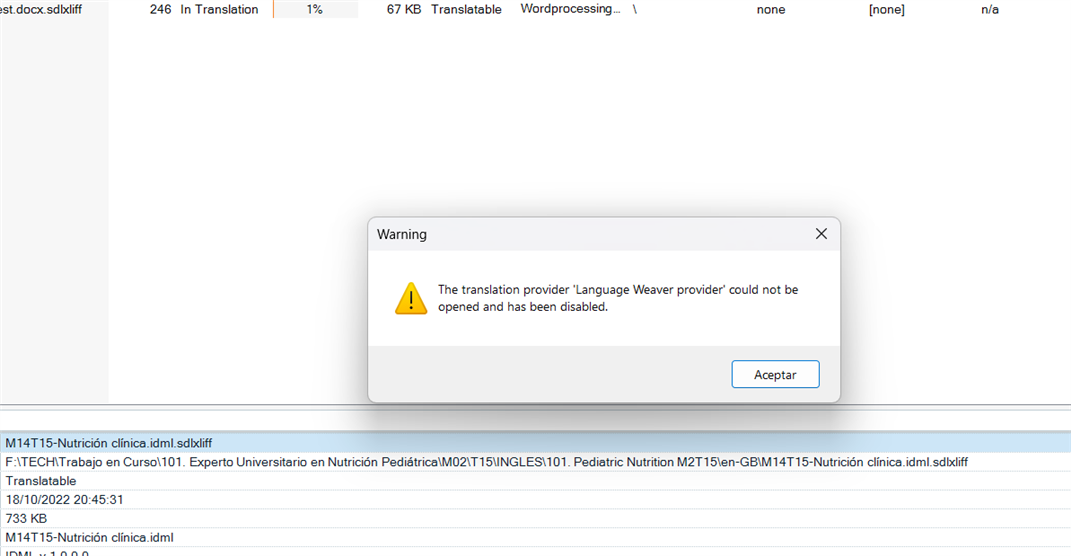
Language Weaver unavailable after Studio update

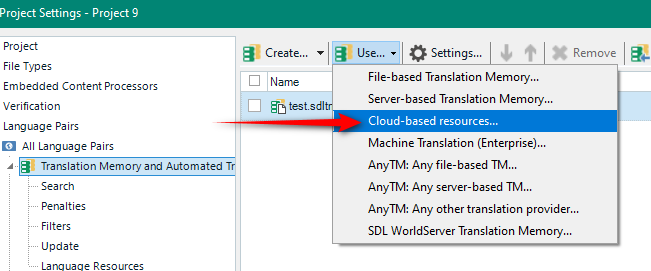
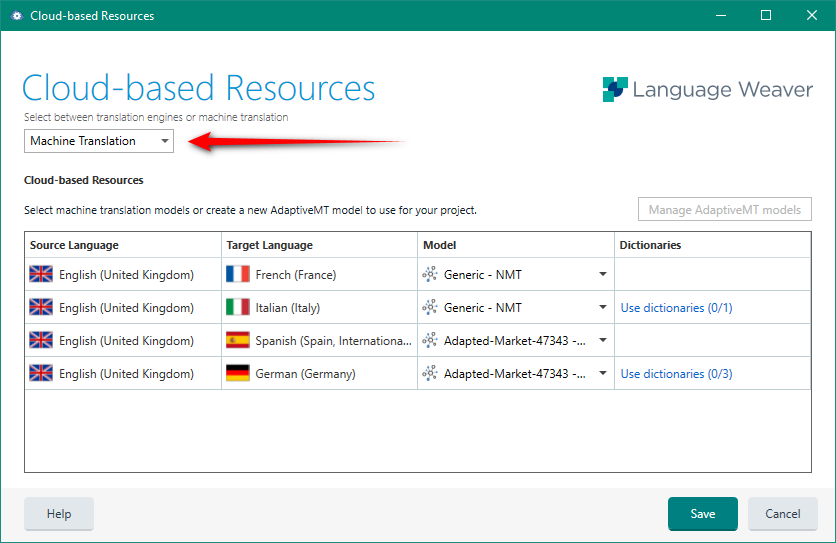
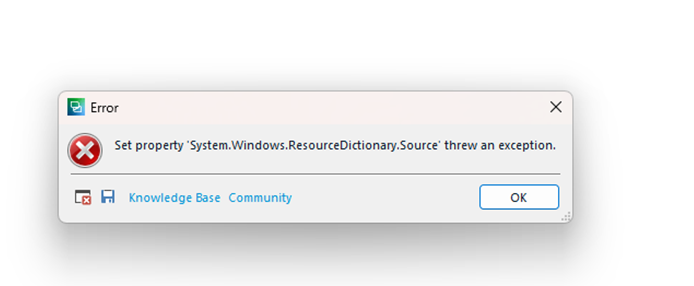
I updated Studio 2021 with service package SR2 - 16.2.12.9338 this morning and can now no longer get Language Weaver to work. I've tried uninstalling and re-installing the plug-in but to no avail. Despite the plug-in being active, when I go to 'Project Settings > Translation Memory and Automated Translation > Use > Language Weaver provider' absolutely nothing happens, i.e. no pop-up or error opens, the system simply closes the drop-down list and acts as though I haven't done anything. Any advice?

emoji
Parents Reply
  •   

    You could try working with the previous version of the plugin.  I'd make sure the old ones were completely removed first though, so close Studio and then delete these:

    c:\Users\[USERNAME]\AppData\Roaming\SDL\SDL Trados Studio\16\Plugins\Packages\Language Weaver.sdlplugin

    c:\Users\[USERNAME]\AppData\Roaming\SDL\SDL Trados Studio\16\Plugins\Unpacked\Language Weaver\

    Then download version 4.2.18.3 from here:

     Archived Versions: Language Weaver 

    Unzip it and install it.  Restart Studio.

    I just went through this whole exercise myself and this works.  Looks like there is a problem with the new version of this plugin so I will change it on the appstore untl we fix it.  But for now please use this version from the wiki.

    Paul Filkin | RWS

    Design your own training!
    You've done the courses and still need to go a little further, or still not clear? 
    Tell us what you need in our Community Solutions Hub

    emoji
Children