Language Weaver unavailable after Studio update

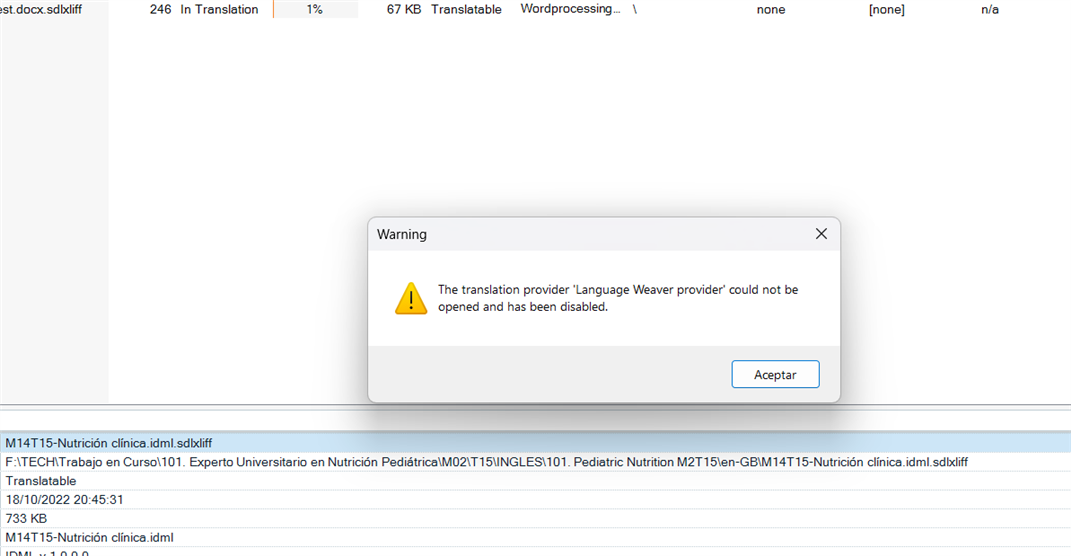
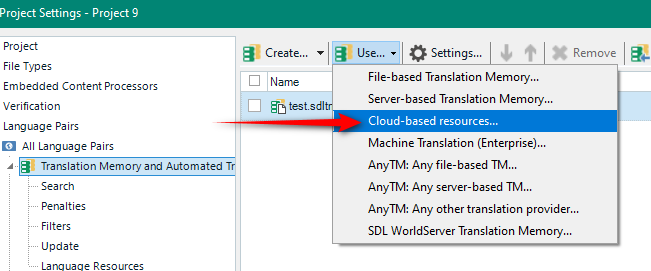
I updated Studio 2021 with service package SR2 - 16.2.12.9338 this morning and can now no longer get Language Weaver to work. I've tried uninstalling and re-installing the plug-in but to no avail. Despite the plug-in being active, when I go to 'Project Settings > Translation Memory and Automated Translation > Use > Language Weaver provider' absolutely nothing happens, i.e. no pop-up or error opens, the system simply closes the drop-down list and acts as though I haven't done anything. Any advice?

emoji
Parents Reply
  • Hi Paul,

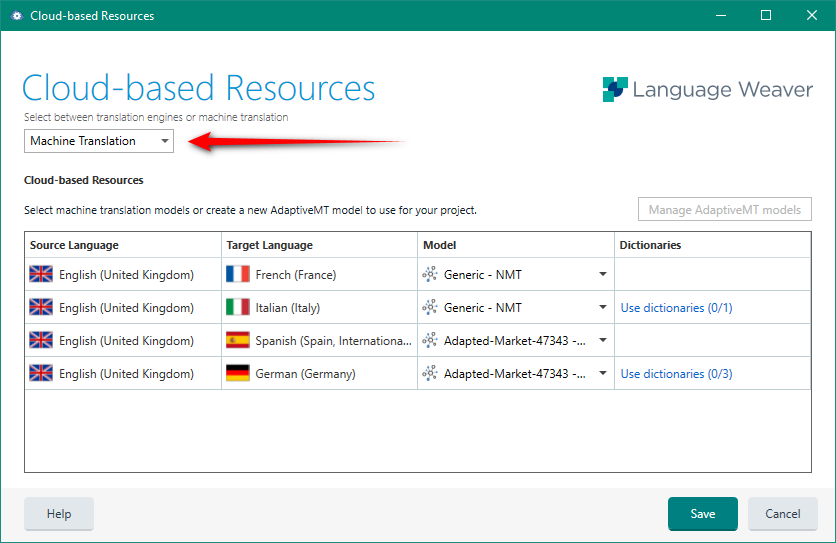
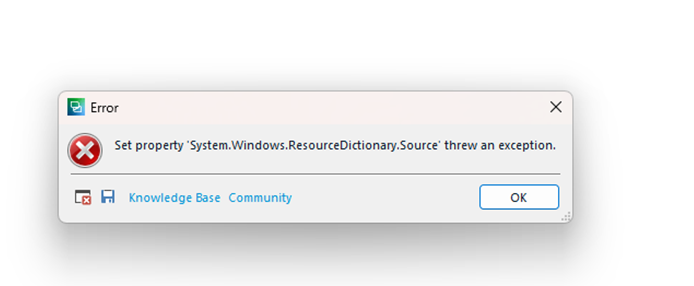
    Thanks ever so much for your advice but I'm afraid that I've already tried uninstalling the plug-in and reinstalling it from the integrated app store (twice in fact) but it made no difference. If I try opening Language Weaver via the method you've shown above, I simply get the following error message when I click on 'Cloud-based resources':Error dialog box in Trados Studio showing 'Set property 'System.Windows.ResourceDictionary.Source' threw an exception.' with Knowledge Base and Community buttons.

    I don't suppose you have any other suggestions at all? Thanks! Amy

    emoji


    Generated Image Alt-Text
    [edited by: Trados AI at 6:15 AM (GMT 0) on 5 Mar 2024]
Children