Can't open a Language Cloud termbase by double-clicking it in the Resources view

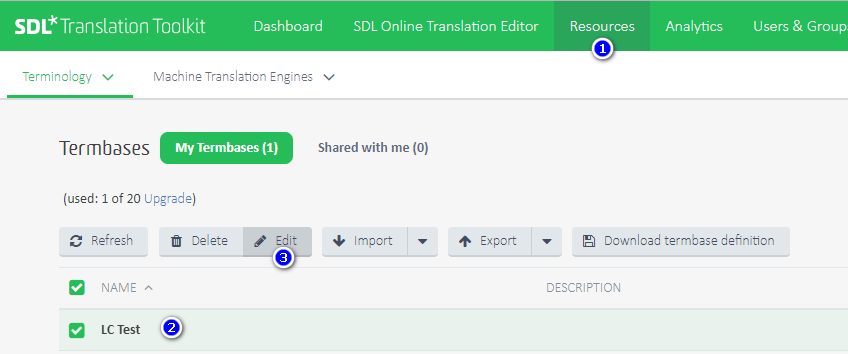
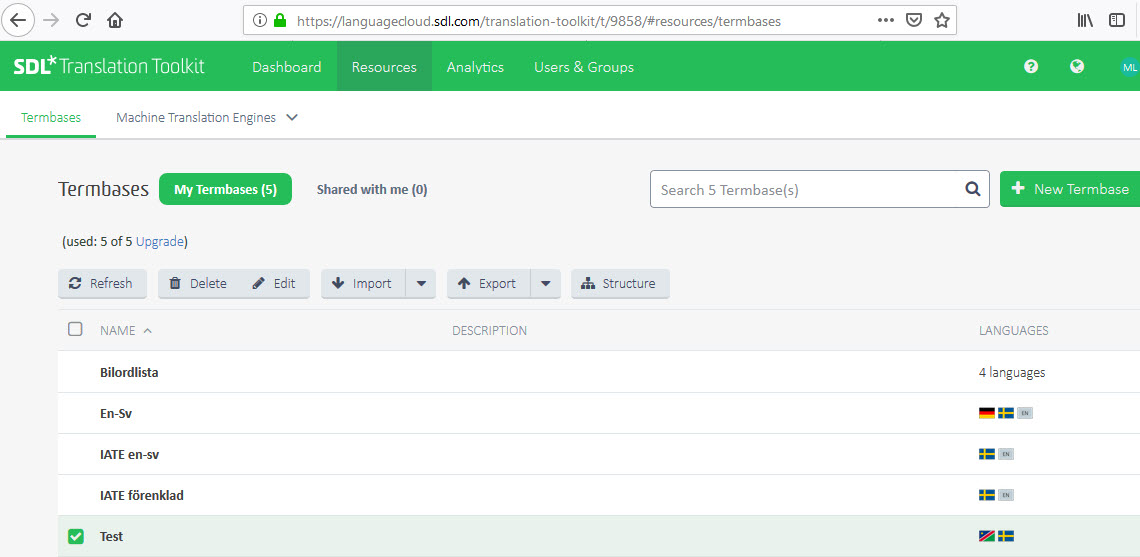
The YouTube video (which seems a bit dated) tells me I can open a termbase by double-clicking on its name. But nothing happens when I do that. So how can I open it (for example to edit the termbase entries)? (The Help tells me to "select inside a termbase row", which seems to mean the same thing as in the video. So no help there.)

Mats

Parents Reply
  • Thank you so much, Paul! Never in a million years would I have found this out on my own. I don't know why I missed this in the release notes, but the fact remains I did. And the article you refer to is really useful. It's a pity I did not find it when I entered the question that led to this exchange.

    I suspect there is a lot of good information in the Knowledge base that would be useful to many users if they knew about it. This is not an easy problem to solve, I suspect.

    Mats
Children