Set a window Always On Top

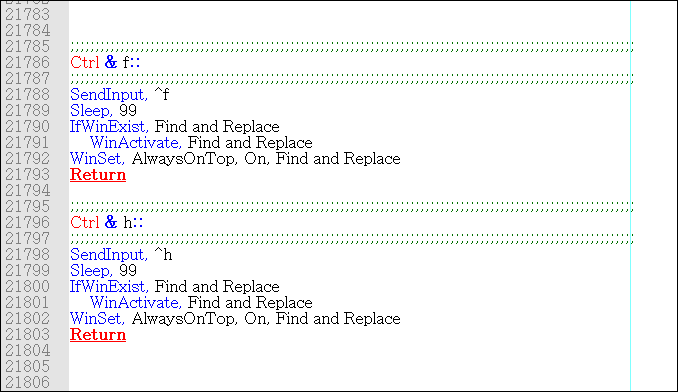
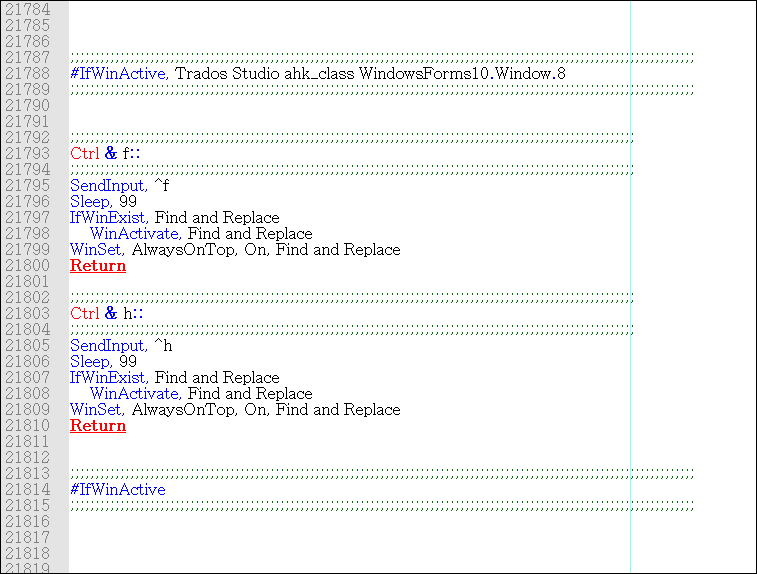
This AutoHotkey script is related to this post:

https://community.sdl.com/product-groups/translationproductivity/f/studio/35337/why-is-the-find-and-replace-window-is-not-always-on-top

where the poster asked to set the Find and Replace window on top of the Editor.

The following script will set any window Always On Top. It works with any window, not only the Find and Replace dialog box.

I use the Application key plus the V keys as a hotkey, but you can change it to your convenience.

☛ The Application Key is also called the Menu Key and when pressed it opens a contextual menu: Screenshot of an AutoHotkey script to set the Find and Replace window in Trados Studio always on top using the Application key and V.

AppsKey & v::
        while GetKeyState("AppsKey", "P")
                Sleep, 20
        Winset, Alwaysontop, Toggle, A
return

Add these lines to your script file and when the Find and Replace window (or any window) is open and active, press the hotkey. From now on the window will be on top on any window, not that just the Editor. And it'll be on top until you close the Find and Replace dialog box or until you press again the same hotkey.

  • If you close the Find and Replace dialog box, and re-open it later, you will need to press your hotkey again to set it always on top.
  • If you use another hotkey, you might need to edit the GetKeyState parameter accordingly.

I hope it helps!


Generated Image Alt-Text
[edited by: Trados AI at 4:31 AM (GMT 0) on 5 Mar 2024]

emoji
Parents Reply
  •   

    Sorry to intrude on your conversation, Paul...

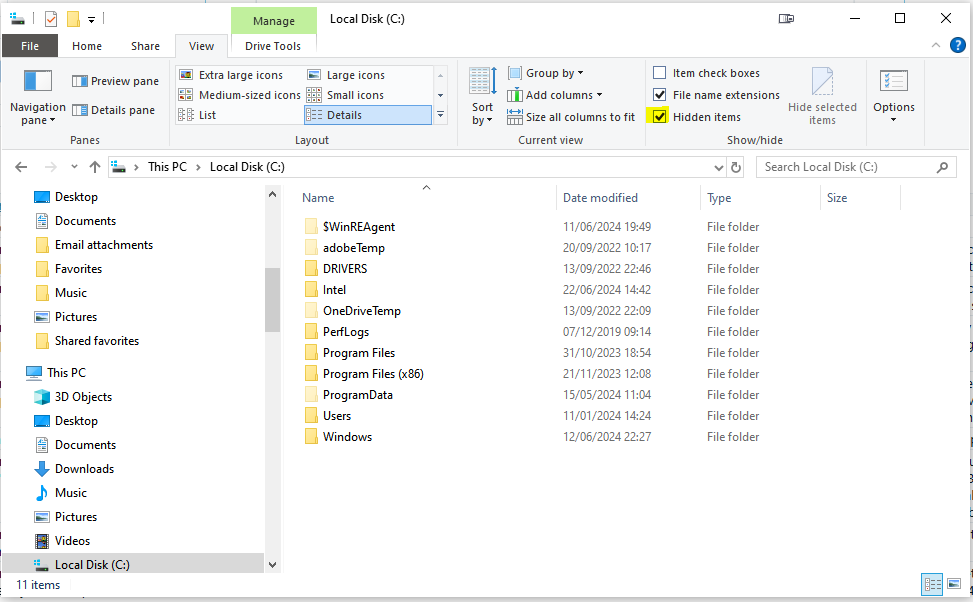
    Have you asked Valeria (in one of her other threads) to make sure 'hidden' folders are visible?

    Screenshot of a Windows File Explorer window showing the contents of the Local Disk (C:). The 'Hidden items' checkbox is ticked under the View tab, revealing system folders like 'ProgramData'.

    Just in case not... Valeria, if you look at the above screenshot of my C: drive, the folders that are less bright are the system folders that are hidden if the 'Hidden items' box is not ticked. To be able to see 'ProgramData' for example, that box must be ticked. 

    Sorry if I'm telling you something that you already know...

    All the best,

    Ali Smiley

    "Paul Filkin | RWS Group

    ________________________
    Design your own training!

    You've done the courses and still need to go a little further, or still not clear? 
    Tell us what you need in our Community Solutions Hub"

    emoji


    Generated Image Alt-Text
    [edited by: RWS Community AI at 11:49 AM (GMT 1) on 23 Jun 2024]
Children