Translate


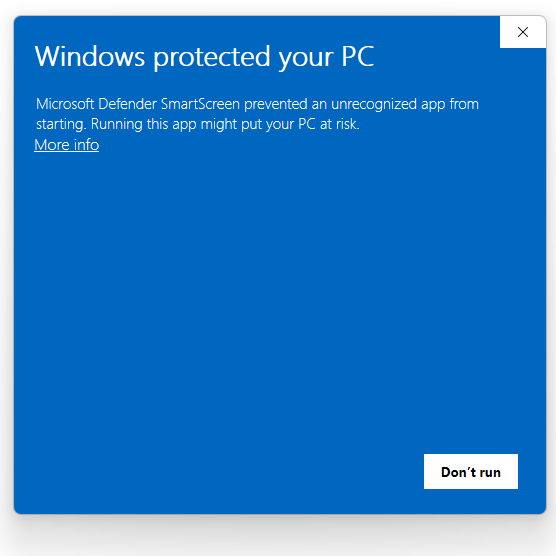
When I click the execution file, nothing happens.


When I click the execution file, nothing happens.
Hi Ji in Sim,
Please see the article:
https://gateway.rws.com/csm?id=kb_article_view&sysparm_article=KB0014075
You need to click Run Anyway to install.
Best regards,
Anca
Anca Stoian | RWS Group


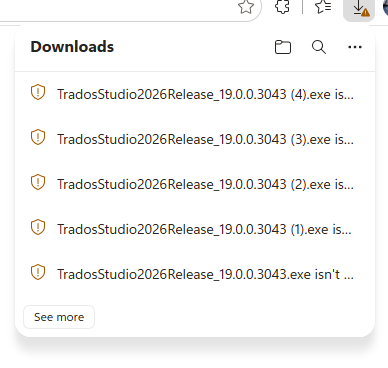
When I hover over the execution file above, "the execution file is not commonly downloaded. Make sure you trust it before you open it." And it's not clickable.
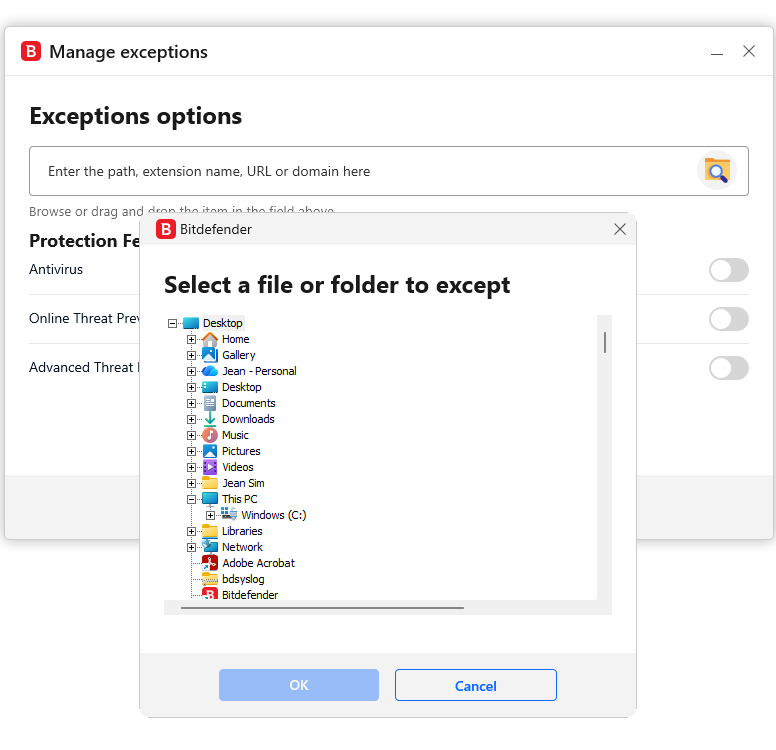
Please ensure that Trados is included in the exceptions list of your antivirus software, and let us know if it works after making this adjustment.
Kind regards,
Ana Sabo | RWS Group
___________________
Design your own training!
You've done the courses and still need to go a little further, or still not clear?
Tell us what you need in our Community Solutions Hub

Hello, Ana Sabo,
Your email was in Junk Mail.
I added https://update.sdl.com/updates/latest/studio.html to the exceptions list of Bitdefender. The result was the same.
Regards,
Ji In Sim
Hi Ji in Sim ,
when you click on More info - you should have an option Run Anyway
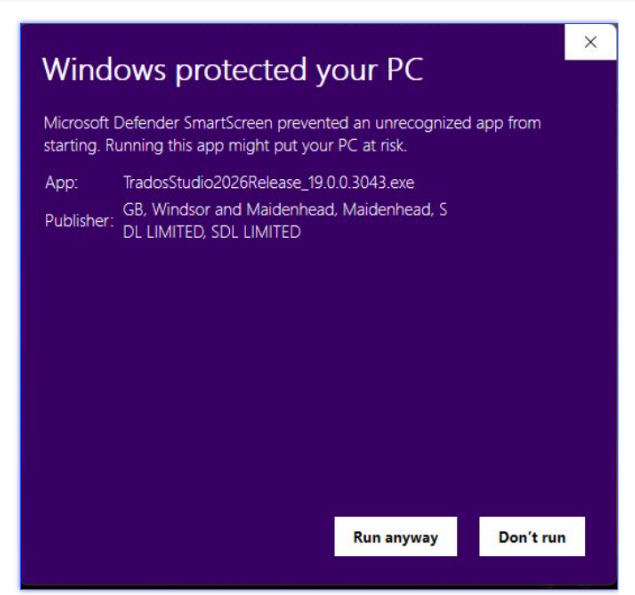
Click it and this should start the installation.
As for the file to add to the antivirus, depending on where you saved the .exe for Trados (automatically goes in Downloads unless you changed that path), open that folder and select the .exe as exception.
Best regards,
Anca
Anca Stoian | RWS Group
I clicked Run anyway after I clicked More Info. The setup has been successful.
I clicked Download Multiterm. I received the following message:
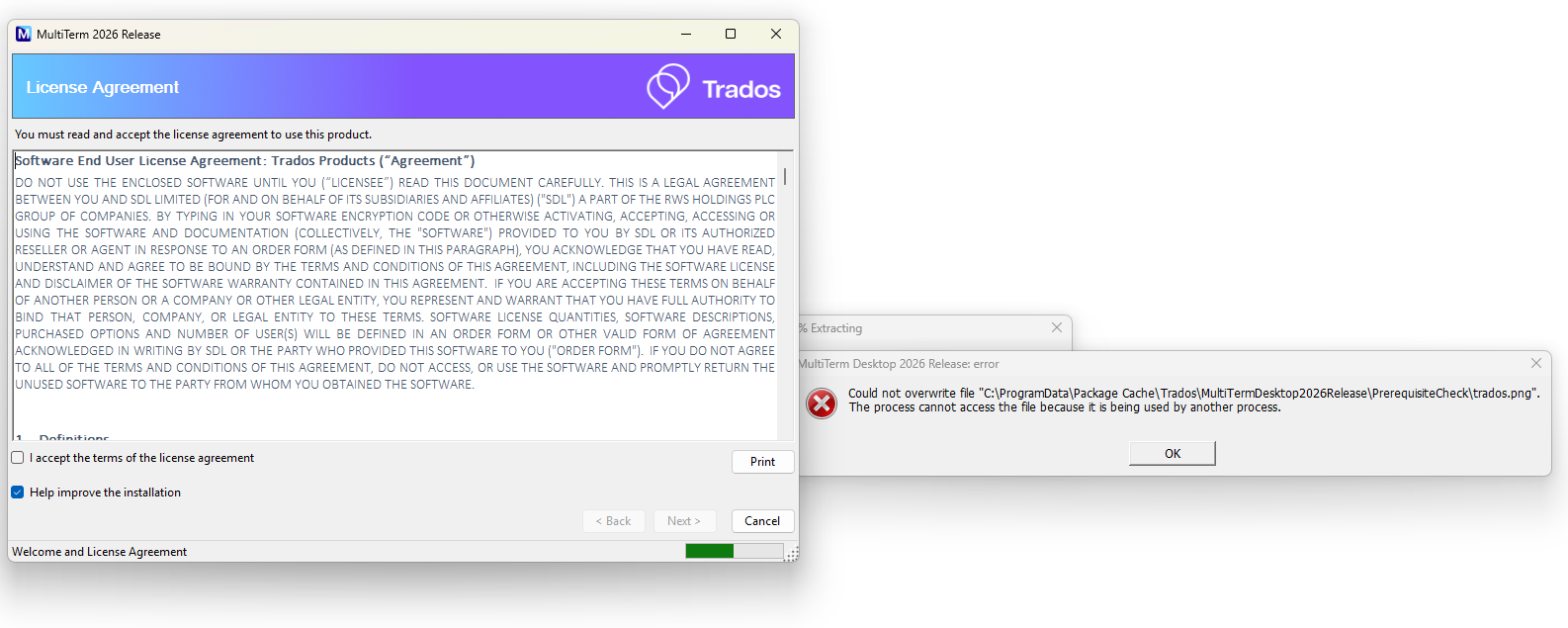
Please try this workaround and let us know if works:
BaseSettings.xmlPlugincache.xmlUserSettings.xmlSettings.xmlKind regards,
Ana Sabo | RWS Group
___________________
Design your own training!
You've done the courses and still need to go a little further, or still not clear?
Tell us what you need in our Community Solutions Hub
Did you manage to install it?
If yes, then it creates a shortcut on the desktop . Or you just search Multiterm in Windows search bar.
Best regards,
Anca
Anca Stoian | RWS Group
Did you manage to install it?
If yes, then it creates a shortcut on the desktop . Or you just search Multiterm in Windows search bar.
Best regards,
Anca
Anca Stoian | RWS Group
Hello, Anca,
I followed the instruction below. How do I find the folder MultiTerm Desktop 2026?: