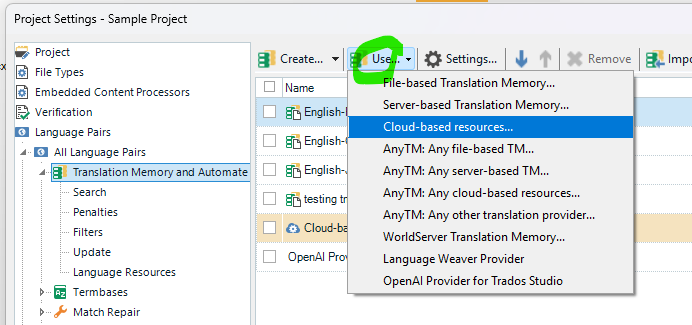
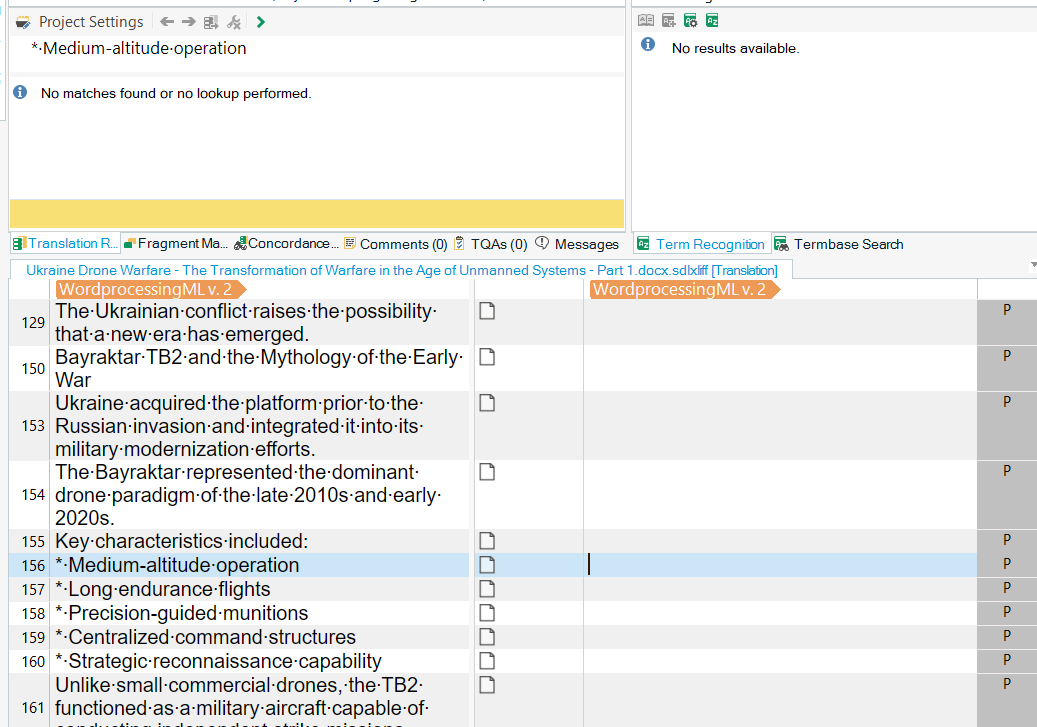
I updated the Trados 2024 to the latest version then I can't use MT or pretranslate funtion at all.

Hello,

Sorry for asking. I have a big project that require MT for pretranslate function.

Previously, I used it and it worked normally.
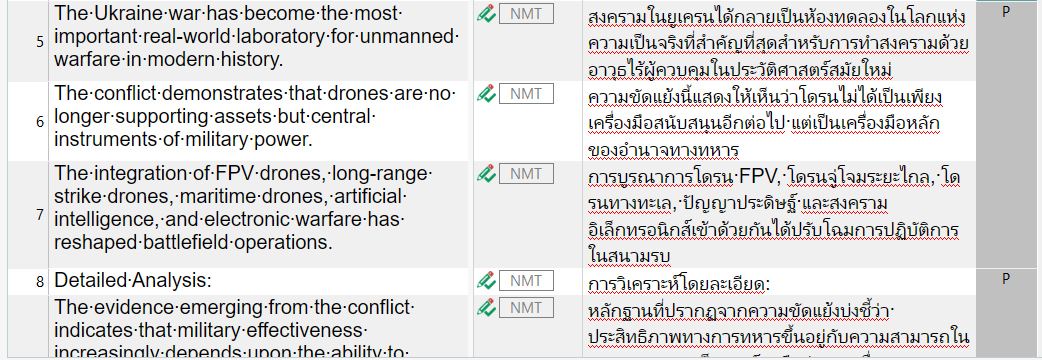
A table showing English text on the left and corresponding Thai translations on the right, with NMT icons and a column labeled 'P' on the far right.

But after I updated the software to the newest one (TradosStudio2024SR1_18.1.4.6694), I can't use my MT or cloud-based TM at all.

I have tried to fix it using any suggestions I can found but I can't fix it.
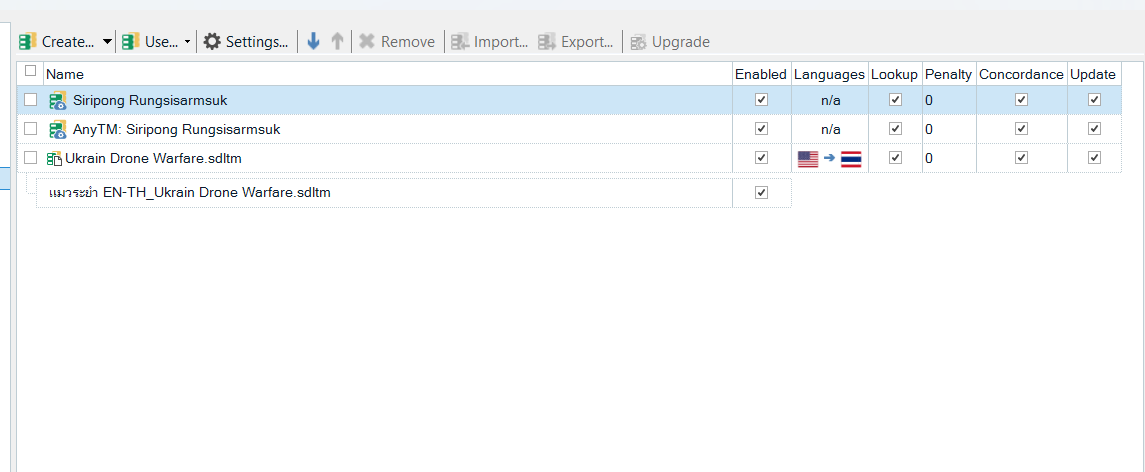
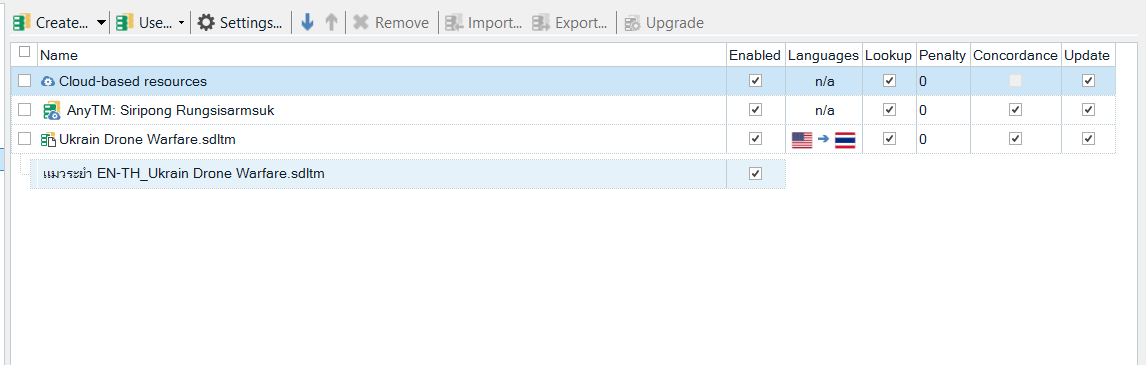
A software interface displaying a list of translation memories, including names, enabled status, languages, lookup, penalty, concordance, and update columns.

Can anyone look into my setting and let me know if there is any issue since I didn't use any plugins and I don't know where to fix.

It wil be best of you can come into my devices to setup if needed.

If you have any questions, I am happy to answer.

Thank you in advance.


Generated Image Alt-Text
[edited by: RWS Community AI at 2:20 PM (GMT 1) on 18 Jun 2026]
emoji
Parents Reply
  • Before installing the latest version, the first two are perfectly working with MT and TM. I added the third file to the project after the update, but it didn't work for the third file. It asked my ID to activate the software every 8 hours on average, which I have fixed by repairing the installation.

    After adding the fourth file to project, after I repaired the activation issue, I have tried every suggested methods I found. Your suggestion is the same idea that didn't work. That's the reason I posted this thread. I don't know how to fix it since I am not good with setting up the software.

    Do you have other suggestions? Can you remote my device to see the issue?

    Regards,

    emoji
Children