"The process cannot access file as it is being used by another process"

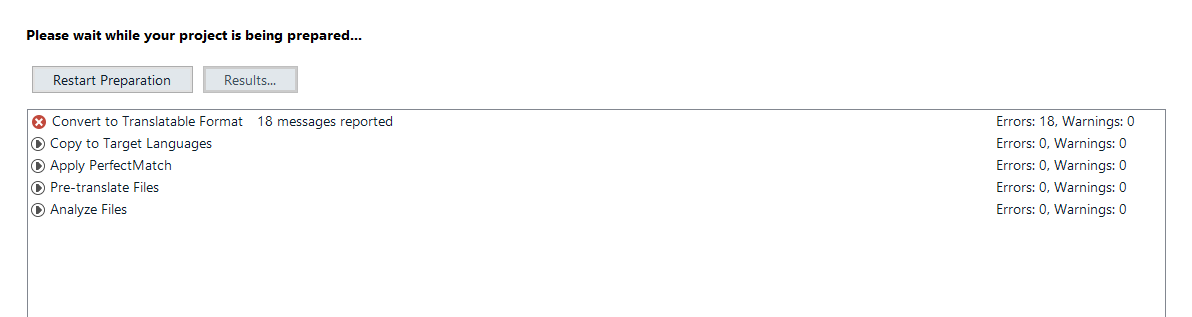
Hi all, I created a project with around 3000 Incopy files and I got an error message at the end saying "le processus ne peut pas accéder au fichier car il est en cours d'utilisation par un autre processus" ("The process cannot access file as it is being used by another process"). The project is blank in the file view. Can anyone help?

Trados Studio screenshot showing a blank project file view with columns for Name, Words, Status, Progress, Size, Usage, Type Identifier, Path, Local Status, and Extracted to Name.


Generated Image Alt-Text
[edited by: Trados AI at 3:39 AM (GMT 0) on 5 Mar 2024]

emoji
Parents Reply
  • ok.  Please can you upgrade Trados Studio 2019 to the current version first so we know we are dealing with something that hasn't been fixed in a later version. The cirrent version is:

    Trados Studio 2019 SR2 - 15.2.8.3007
    MultiTerm 2019 - 15.0.6.56482

    Both of these are free to you as a licenced user of 2019 and will be available through your account, or the update service in Studio.

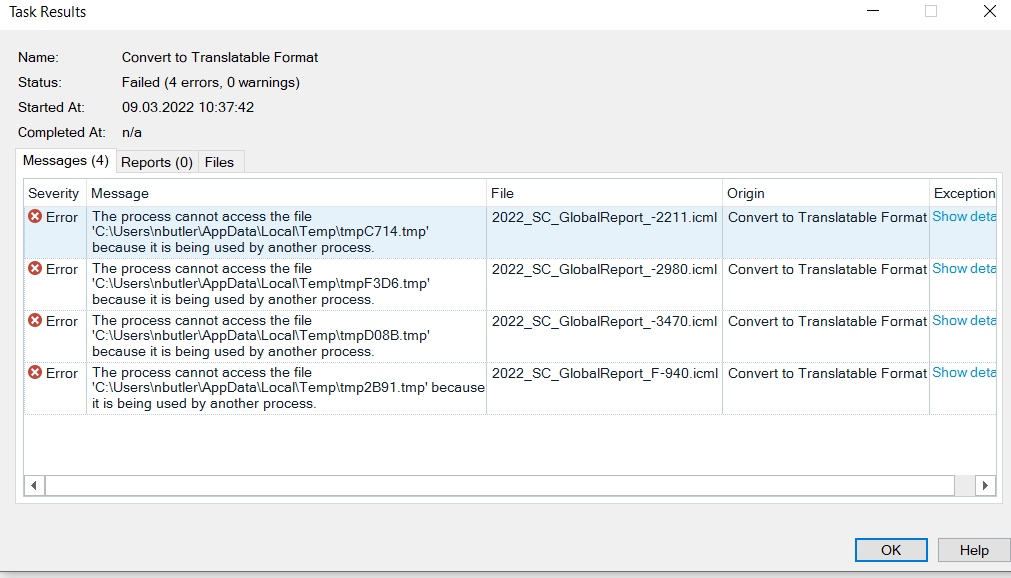
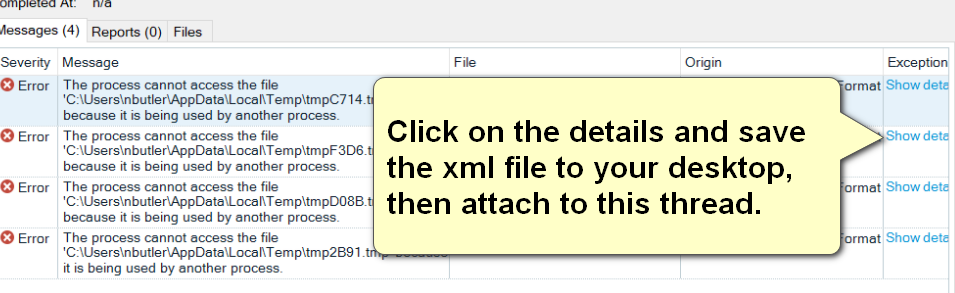
    Next, if you still get this error please can you share the full error stack that will available here:

    Error message in Trados Studio indicating 'The process cannot access the file' with file paths listed, and a callout box instructing to click on details, save the XML file, and attach it to the thread.

    Paul Filkin | RWS

    Design your own training!
    You've done the courses and still need to go a little further, or still not clear? 
    Tell us what you need in our Community Solutions Hub

    emoji


    Generated Image Alt-Text
    [edited by: Trados AI at 3:40 AM (GMT 0) on 5 Mar 2024]
Children
No Data