Subtitling: Line is missing in Subtitling Data

Dear Team,

I've installed the Subtitling Plugin, loaded my .srt- and .mp4-file, and opened the Subtitling Preview and Subtitling Data.

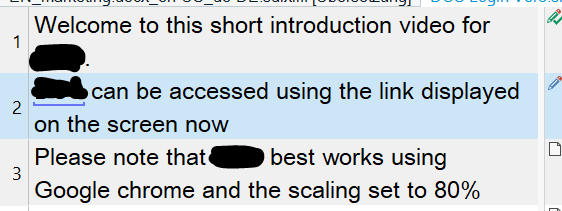
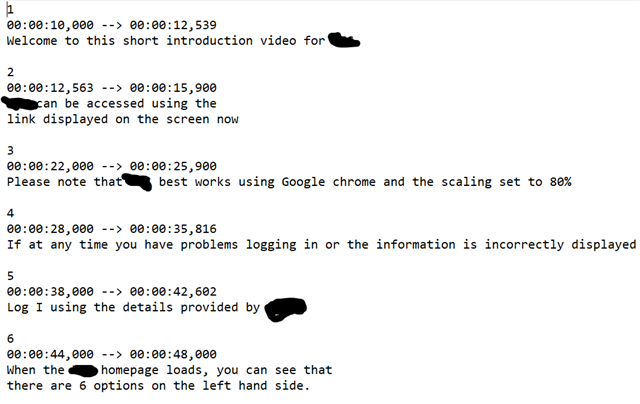
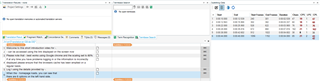
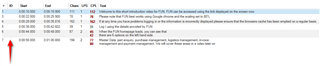
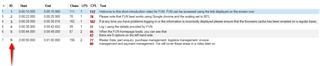
When starting the translation, I noticed that in the Subtitling Data line 2 is missing, see:
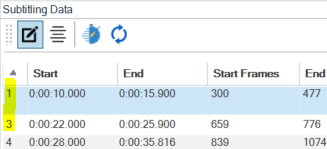
Screenshot of Trados Studio's Subtitling Data panel showing missing line 2 between lines 1 and 3.

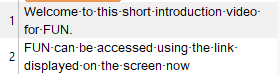
Even though it is displayed correctly in the editor, see:
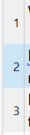
Close-up of Trados Studio's Subtitling Data panel highlighting the line numbers where line 2 is absent.

The content of line 2 was somehow shifted to line 1, so, I'd now have to split line 1 to create line 2.

Is this possible?

Many thanks in advance for your support and best wishes,

Janina


Generated Image Alt-Text
[edited by: Trados AI at 10:57 AM (GMT 0) on 4 Mar 2024]

emoji
Parents Reply
  • Ah, now I see what you mean.

    The client has sent me a word-file with times codes like: 0,14.

    I've then converted it to a txt.-file and opened it in subtitile edit to edit the lines (split or merge them) and convert it to .srt.

    I had to split the respecitve "line 1" into two to create "line 2". I did it with subtitle edit, though.

    Is it not possible in the Subtitle Data tab of the SDL Trados Subtitling App to split a line?

    Many thanks in advance and best wishes,

    Janina

Children