Translate


Hi everybody,
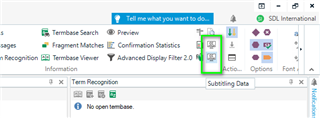
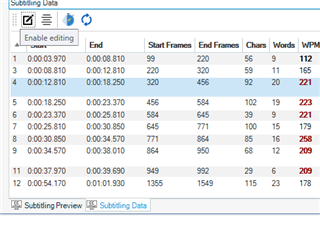
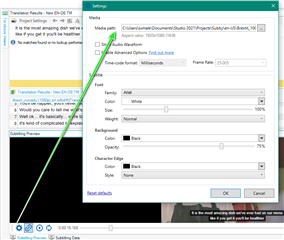
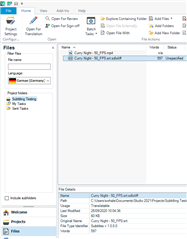
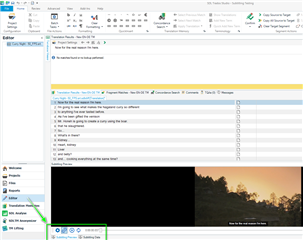
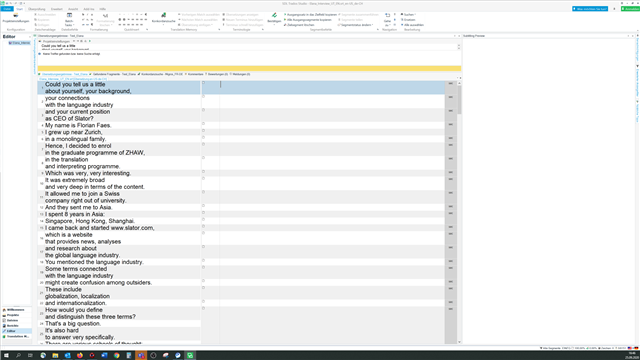
we want to package and install SDL Trados Studio 2019 (15.2.7.2849) with the subtitling plug-in. To prepare the packaging we tried to install Studio and the plug-in on a new Windows 10 computer. Unfortunately after installing and activating the subtitle preview pane the settings bar at the bottom is missing there. We selected "for all machines in the domain" during installation. The subtitle filetypes are available and we were able to open a .srt file and see the subtitle text in the editor window. Are there any other prerequisites for the preview beyond the plug-in?
Any help would be appreciated.
Thanks a lot and best regards,
Martin