Subtitling Preview window is blank

Hello,

I've installed the Studio Subtitling plug-in and created a project, but when I click the Subtitling Preview icon, the window appears blank, which means I can't attach the video.

Thank you very much in advance for your help.
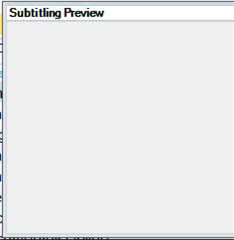
Screenshot of Trados Studio with a blank Subtitling Preview window open, showing no video attached.


Generated Image Alt-Text
[edited by: Trados AI at 11:02 AM (GMT 0) on 4 Mar 2024]

emoji
Parents Reply
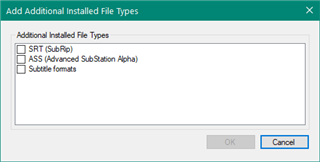
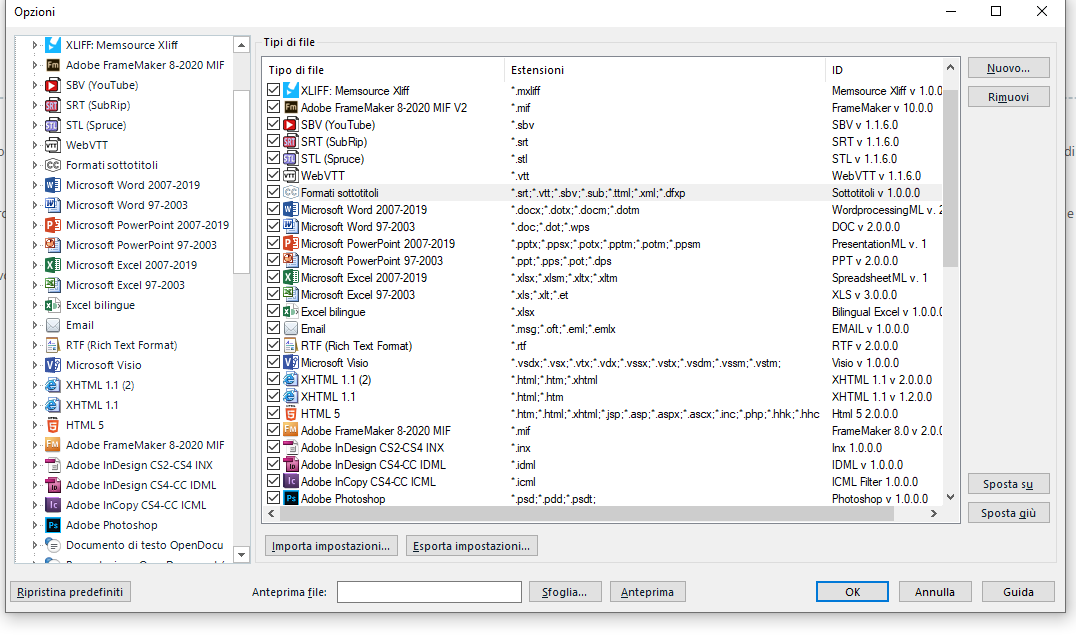
  • Can you tell me which SRT? There are actually three available and only two of them will work.  If I put them all together you'll see this and only the top two will work:

    Screenshot showing three SRT file types in Trados Studio. The first is labeled 'SRT (SubRip)' with file extension '.srt'. The second is 'Subtitle formats' with extensions '.stl', '.vtt', '.sbtv', '.sub'. The third is 'SubRip' with extension '.srt'.

    The top one in my list is from the appstore:

    https://appstore.sdl.com/language/app/srt-filetype/990/

    The second one is out of the box with the latest version of Studio 2019:

    SDL Trados Studio 2019 SR2 - 15.2.6.2831

    The third one is out of the box with most versions of Studio but it has no concept of the capabilities available with the subtitling plugin. So if you are using SRT based on this last one nothing is likely to work.

    If you go to your Files View in Studio for the project you created you'll be able to see which of these filetypes you used.  Perhaps this will help explain?

    Paul Filkin | RWS

    Design your own training!
    You've done the courses and still need to go a little further, or still not clear? 
    Tell us what you need in our Community Solutions Hub

    emoji


    Generated Image Alt-Text
    [edited by: Trados AI at 11:02 AM (GMT 0) on 4 Mar 2024]
Children