Cannot make the Subtitling App work — Several issues.

Hi everyone,

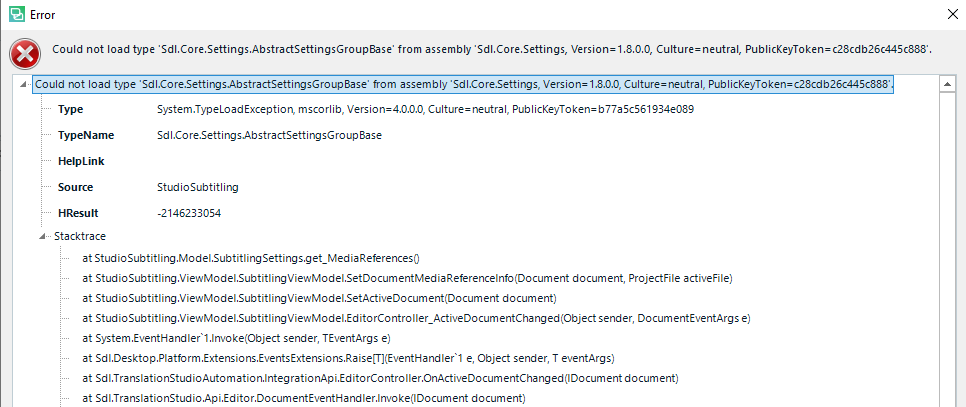
So I decided to try the Subtitling App, but for some reason it does not work. In fact, it ends up shutting down my Trados completely. I have downloaded the app and all the file types, created a project and open the file in the editor. This is what I get:
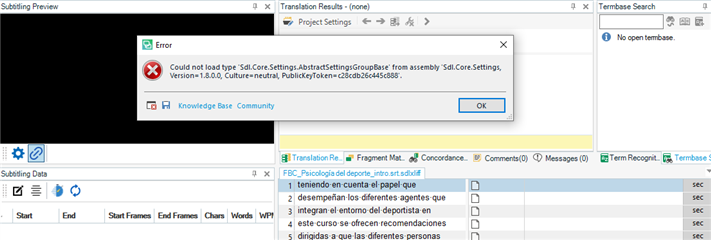
Error message in Trados Studio Subtitling Preview: 'Could not load type 'Sdl.Core.Settings.AbstractSettingsGroupBase' from assembly 'Sdl.Core.Settings'.

This is the error message in detail:
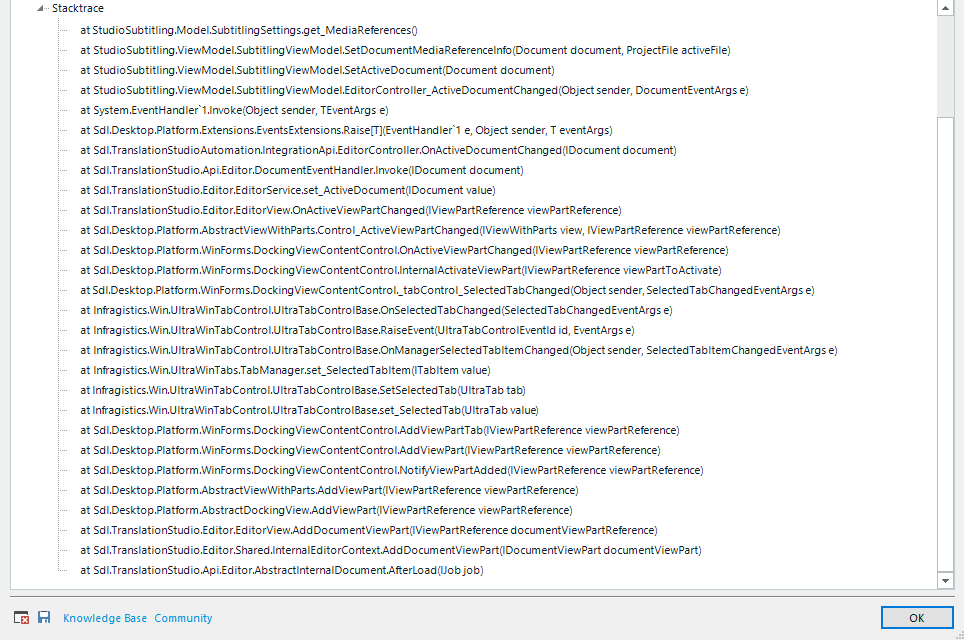
Detailed error message in Trados Studio showing a 'System.TypeLoadException' with a stack trace of the error's source.

Extended stack trace information for the Trados Studio error, showing various method calls and their sources.

Also, once I close that error message and try to use the Settings option in the Subtitling Preview, this happens:

Error message in Trados Studio: 'Initialization of 'Xceed.Wpf.Toolkit.ColorPicker' threw an exception.'

And Trados shuts down. I opened Trados and then I got this message:
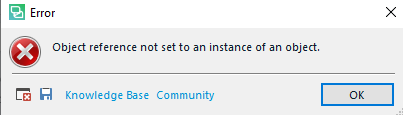
Error message in Trados Studio: 'Object reference not set to an instance of an object.'

I'm totally lost here. Does anyone have any idea why this may be happening?


Generated Image Alt-Text
[edited by: Trados AI at 10:53 AM (GMT 0) on 4 Mar 2024]

emoji
Parents Reply
  • Hello ,

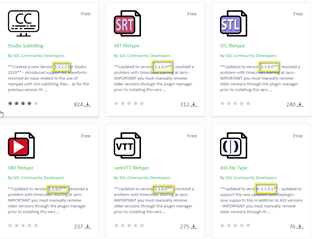
    Thanks- this might be the issue as we have newer versions of the app available.

    Please remove the subtitle app (and file types) and then install the latest versions 

    Screenshot of Trados Studio subtitle app options showing Studio Subtitling, SRT Filter, STL Filter, VTT Filter, and ASS File Type with 'Updated' labels and free price tags.

    Once installed- reopen Studio and go to FILE OPTIONS -FILE TYPES and click additional file types exist and ensure these are then properly installed.

    Now try to create the project using the both the SRT and media file you have.

    Does this now work for you?

    Oana Nagy | QA Engineer | RWS Group

    emoji


    Generated Image Alt-Text
    [edited by: Trados AI at 10:53 AM (GMT 0) on 4 Mar 2024]
Children