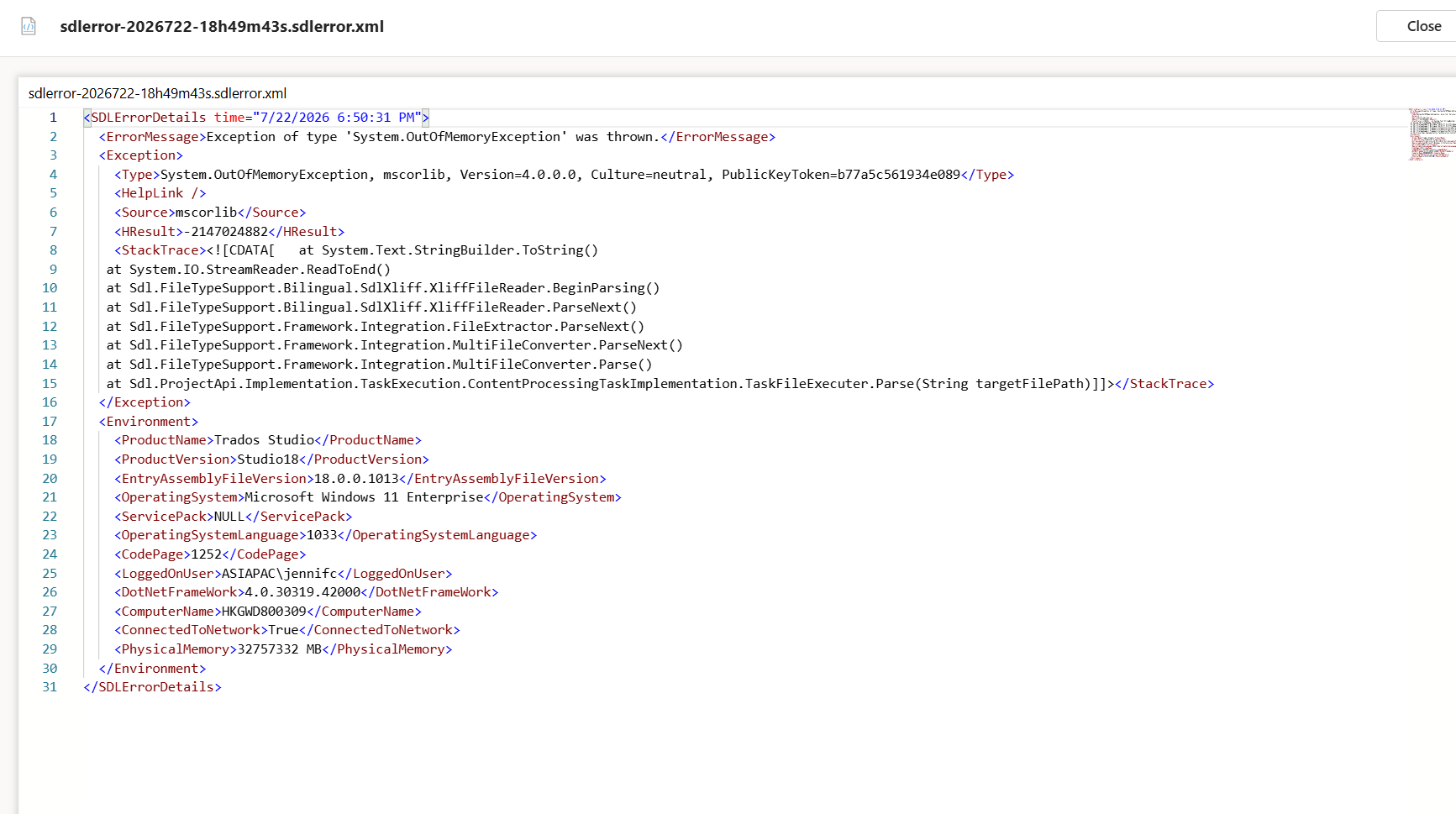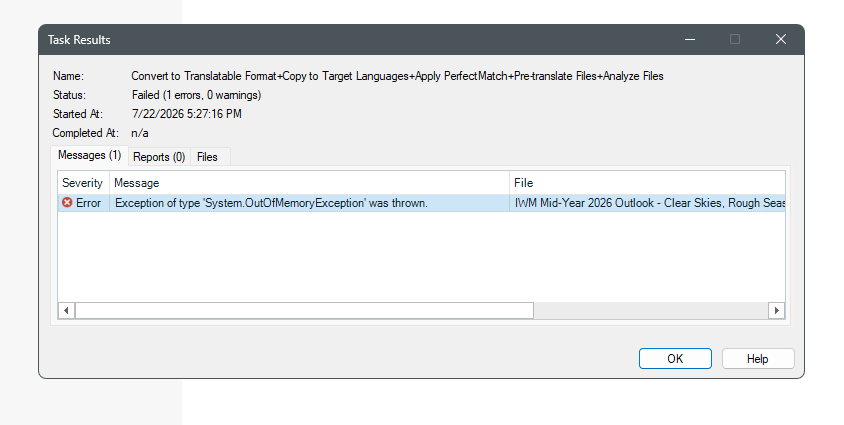
Error message: System out of Memory Exception

Hi Group,

I received above error message since yesterday. Though I deleted old files and even deleted file on my pc, the problem still exist.  

What can I do?

Regards

Jennifer 


Removed AI Suggestion
[edited by: Jennifer Chu at 9:58 AM (GMT 1) on 22 Jul 2026]

emoji
Parents
  • Hello Jennifer,

    The "System Out of Memory Exception" error typically occurs when Trados Studio runs out of available memory to process files. This can happen due to large or complex files, insufficient system resources, or memory-intensive applications running simultaneously. Here’s how you can address this issue step by step:

    ### Step 1: Free Up System Resources

    - **Close Unnecessary Applications**: Ensure that no other memory-intensive applications (e.g., web browsers like Google Chrome) are running while using Trados Studio.

    - **Clear Temporary Files**: Use a system management tool or the built-in Disk Cleanup utility to clear temporary files and free up disk space.

    ### Step 2: Optimize Trados Studio Settings

    - **Disable Auto-Save**: Go to *File > Options > Editor > AutoSave* and disable the auto-save feature temporarily to reduce memory usage.

    - **Reduce Preview Usage**: If you are using the real-time preview feature, disable it by going to *File > Options > Editor > Preview*.

    ### Step 3: Split Large Files

    - If you are working with large or complex files (e.g., PowerPoint or Word documents), consider splitting them into smaller segments before importing them into Tr

    emoji
  • I tried split large files but the error message still pop up. 

    emoji
Reply Children