Translate


Dear RWS / Trados Studio team,
I hope you are doing great and congratulations on the release of Studio 2026. Impressive as usual.
With all due respect, I would like to raise a question regarding multimedia fields in the new Studio 2026 TTB termbase format.
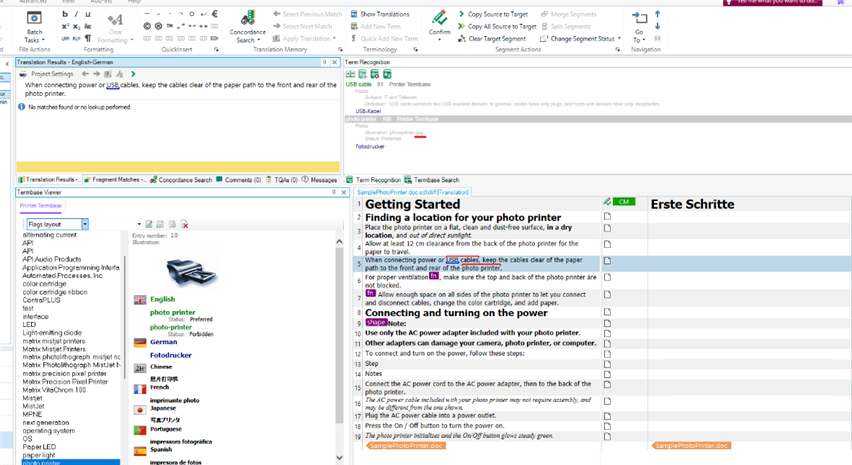
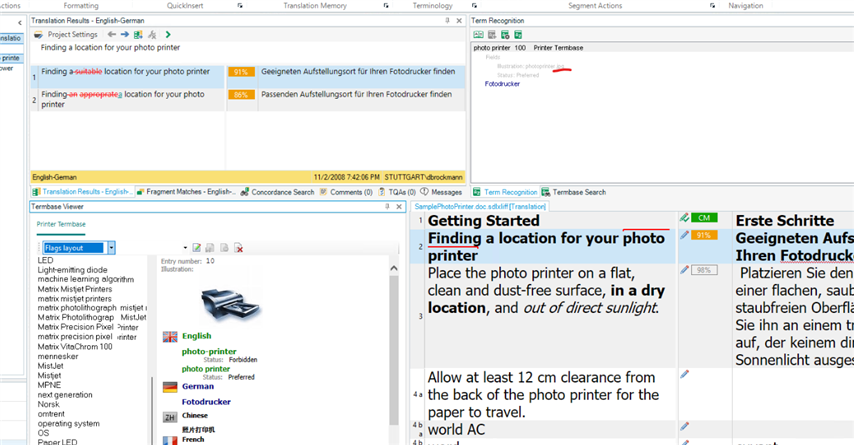
I created a technical termbase exactly as I used to do in MultiTerm-based workflows: the media field is defined, the image file is present in the expected media folder, and the termbase entry correctly contains the media reference.
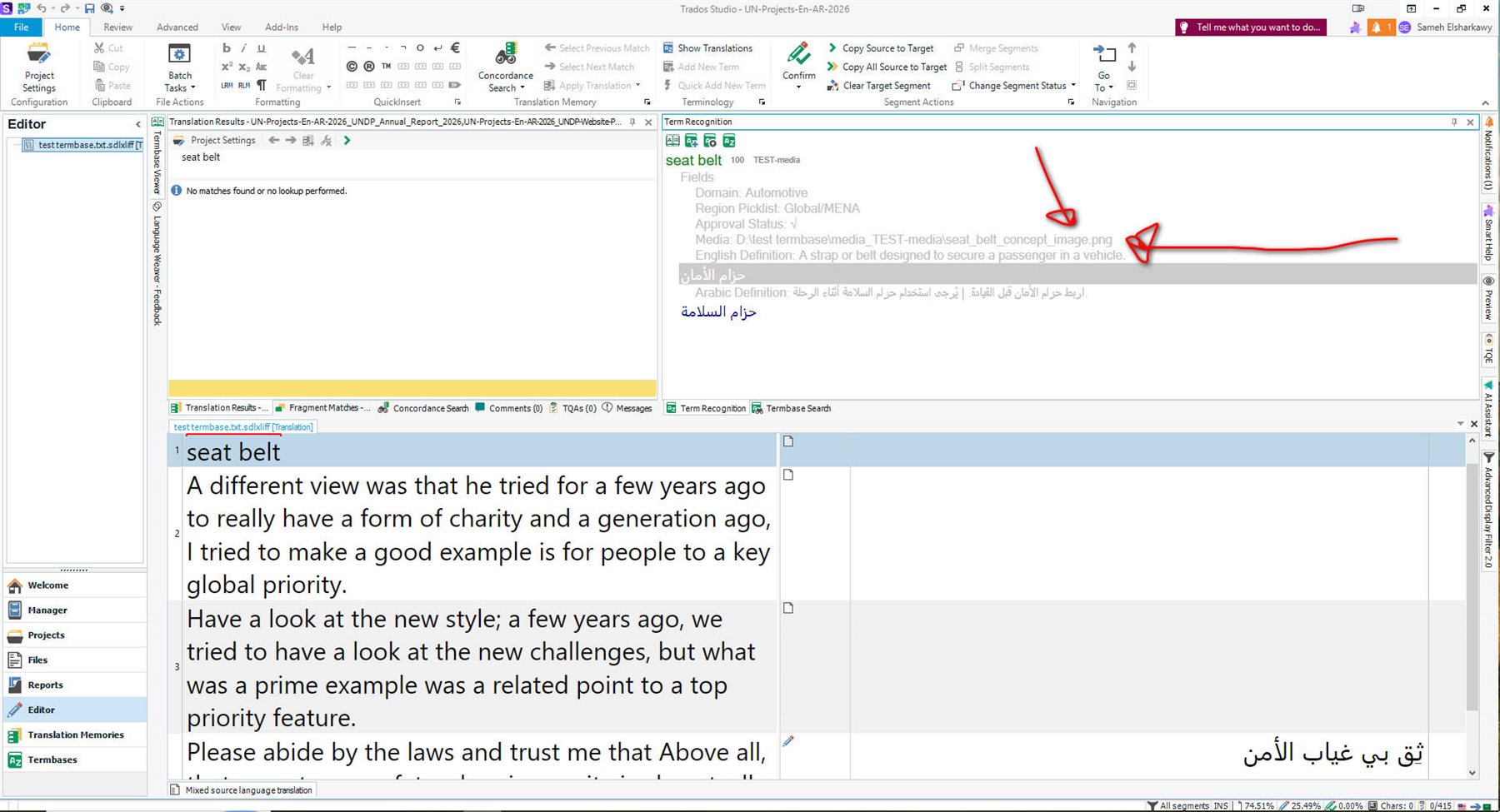
However, when I open and use the termbase in Studio 2026, the image itself is not displayed. Instead, Studio shows only the file path/name of the image.
So my question is very simple:
Am I doing something wrong in the new TTB workflow, or are multimedia/image fields not yet supported visually in Studio 2026 termbase recognition and termbase viewer?
For technical terminology work, images are not a luxury. In many fields, especially automotive, engineering, medical, manufacturing, and product terminology, a picture can remove ambiguity faster than any definition. This was always one of the most valuable features of rich termbases.
The data seems to be there. The media reference seems to be there. But the actual image is not shown.
I would genuinely appreciate clarification on whether this is:
- a configuration issue on my side,
- a current limitation in the new TTB format/viewer, or
- a feature planned for a future Studio 2026 update.
This is meant as constructive feedback from a terminologist who strongly supports the move forward, but also hopes that rich technical termbases will continue to support visual terminology properly. What used to exist in Multiterm, should still be maintained in the new TTB format in my own humble opinion.
Thank you very much for your work and for any clarification you can provide.
Best regards,
Sameh Ragab
Senior Arabic Translator, Editor & Terminology Consultant
ISO 17100 Lead Auditor
TWAS Developer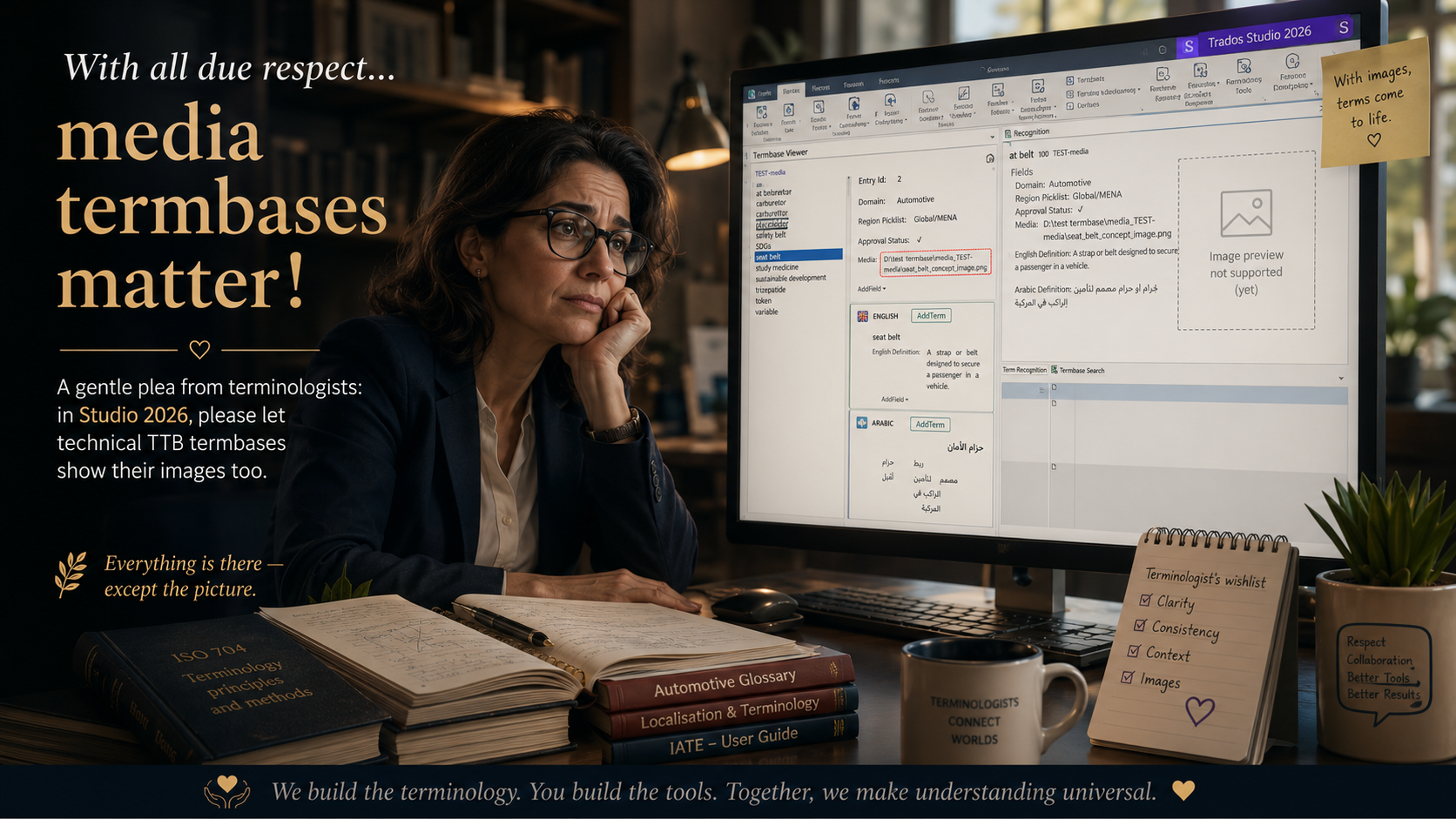
Removed AI Suggestion
[edited by: Sameh Elsharkawy at 10:17 AM (GMT 1) on 10 Jul 2026]