Translate


Hello,
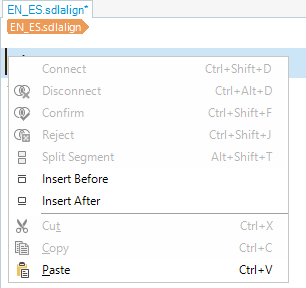
I would like to know if it is possible to disable the synchronized scrolling between the source and target panes in the Alignment Editor in Trados Studio.
If you are familiar with this feature, could you please let me know how to do it?
For example, when I want to connect source segment 896 with target segment 27, I would like to keep the source pane fixed on segment 896 while scrolling back to target segment 27 in the target pane. At the moment, the two panes appear to be synchronized, making this difficult.
Any guidance would be greatly appreciated.
Thank you in advance.
Removed AI Suggestion
[edited by: Motonori Fukuda at 10:18 AM (GMT 1) on 2 Jun 2026]