Memory Result window not showing the difference between TUs and sources

I had this issue since two days ago all of sudden. I didn't touch any options until this happened.

A table showing two rows with translation matches. The first row has a 100% match for 'Treatment and Follow-Up' with Korean text and PHF. The second row has a 53% match for 'RESEARCH CONSENT SUMMARY: (TREATMENT AND FOLLOW-UP)' with Korean text and H.

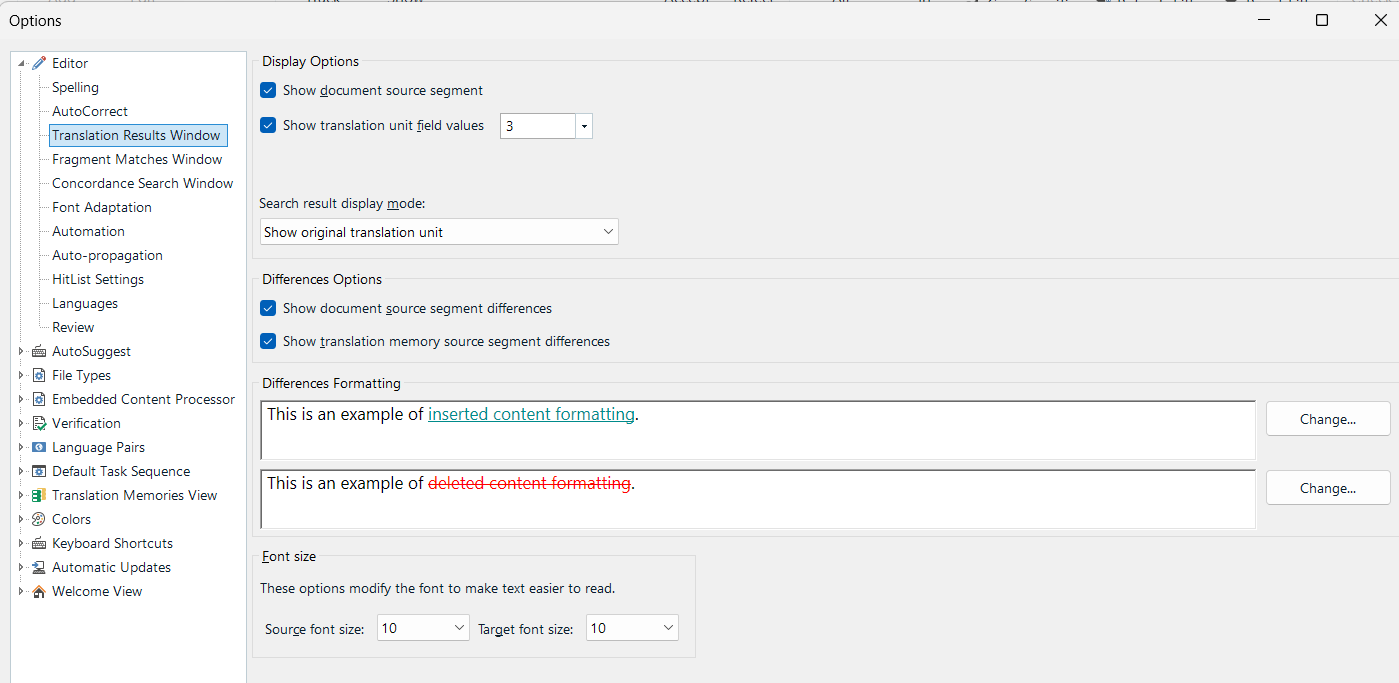
Trados Studio options window showing 'Translation Results Window' settings. Includes options for display, differences formatting with examples of inserted and deleted content formatting, and font size settings.

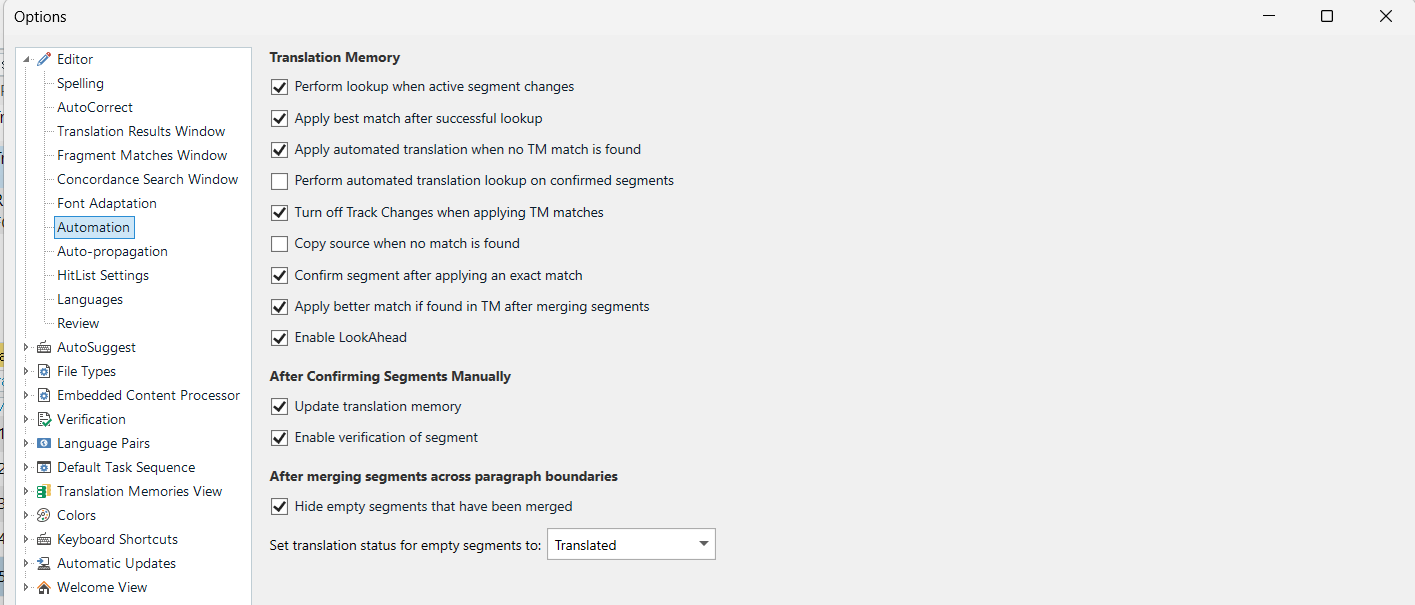
Trados Studio options window showing 'Automation' settings. Includes checkboxes for translation memory options, confirming segments, and merging segments across paragraph boundaries.

And then I saw a question from someone who had the same problem with me.

  TM matches found and inserted but the differences are not shown 

I deleted these two files:

%appdata%\Trados\Trados Studio\Studio18\

%appdata%\Trados\Trados Studio\18\

Problem solved, but it just happened again while I was working on it.

Updated the latest version but it didn't help much.

I would really appreciate it if you could know why it keeps happening and how I can fix it.


Generated Image Alt-Text
[edited by: RWS Community AI at 4:37 PM (GMT 1) on 18 Oct 2025]

emoji
Parents
  • Can someone else apart from a machine provide a solution for this, please? The suggestions regarding the profile settings did not help. I am having the same issue in Trados Studio 2024 with the settings shown above. Differences in source segments are shown like this > WireWiring, when either term should be marked red and crossed out. This lack of visual help is driving me mad and back to Studio 2022 which has a tendency to crash but can at least do that properly.

    emoji
Reply
  • Can someone else apart from a machine provide a solution for this, please? The suggestions regarding the profile settings did not help. I am having the same issue in Trados Studio 2024 with the settings shown above. Differences in source segments are shown like this > WireWiring, when either term should be marked red and crossed out. This lack of visual help is driving me mad and back to Studio 2022 which has a tendency to crash but can at least do that properly.

    emoji
Children
No Data