
Studio 2024 SR1: Welcome View is blank

Hi Studio Users!

I faced a strange Studio 2024 SR1  behavior.  It starts for a long time at “Showing application window”
Trados Studio 2024 SR1 splash screen showing 'Showing application window...' message on a blue gradient background.

As result and the Welcome view is blank.
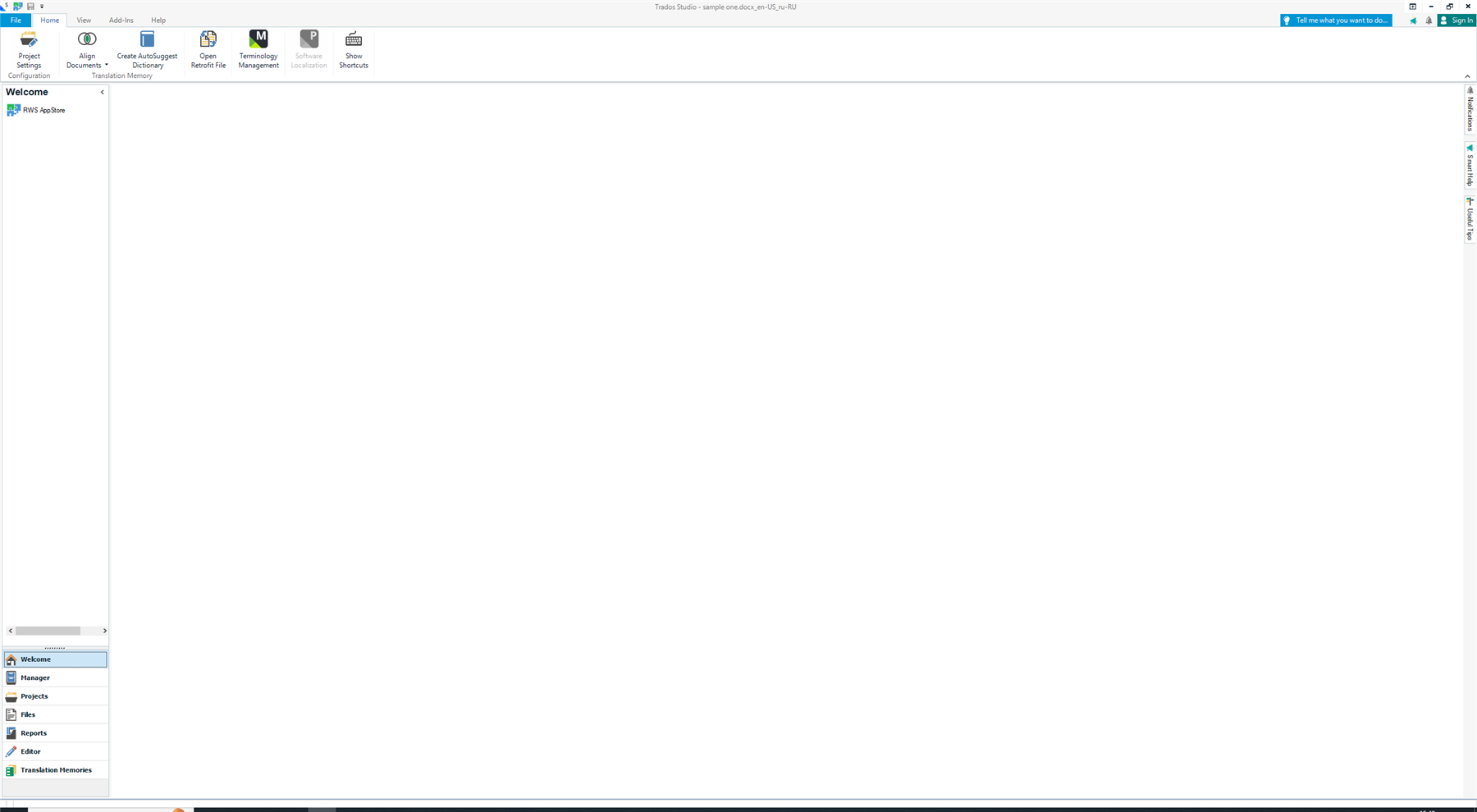
Trados Studio interface with a blank Welcome screen and visible toolbar options like Project Settings, Align Documents, and Terminology Management.

I tied to update the web2view as mention in KB but it didn't helped.

The log file contains error:
ERROR [2025-09-10 11:00:10,949] Sdl.TranslationStudio.UI.Start.Splash.WelcomeControl - Error initializing WebView2
System.InvalidOperationException: CoreWebView2 members cannot be accessed after the WebView2 control is disposed. ---> System.Runtime.InteropServices.COMException: The group or resource is not in the correct state to perform the requested operation. (Exception from HRESULT: 0x8007139F)

The strangest thing is if I disable the internet connection Studio starts fast and with correct Welcome screen.

It seems that Studio tries to connect to some cloud resouce and if fails it effects Welcome screen.
Some internet resources can be unavailable due to  my IPS.

I think the issue can reappear in restricted corp. environment.

It would be great to pinpoint the issue.
Here are the Studio logs:

Studio logs.zip

1. with internet connection and blank Welcome screen
2. no internet and correct Welcome screen.


Generated Image Alt-Text
[edited by: RWS Community AI at 9:02 AM (GMT 1) on 10 Sep 2025]

emoji
  • Hi 

    A reset might help you with this.  To do this just close Trados Studio and then delete these folders:

    %appdata%\Trados\Trados Studio\Studio18\

    %appdata%\Trados\Trados Studio\18\

    You will lose your plugins, and also your settings, but your projects and other resources will remain untouched. Putting the plugins back is trivial via the integrated appstore.

    If you can't find these folders then you need to unhide your hidden files/folders:

    www.howtogeek.com/.../

    Then restart Trados Studio and please let us know if the error persists.

    Kind regards,

    Ana Sabo | RWS Group

    ___________________
    Design your own training!

    You've done the courses and still need to go a little further, or still not clear? 
    Tell us what you need in our Community Solutions Hub

    emoji
  • Hi Ana,

    Thank you for advice.
    I tried to reset Studio settings  and deleted projects.xml file before and it didn't helped.

    Studio started to work correctlly eventually with no actions from my side.
    I noticed that I had some issues with MS services like onedrive in the morning but now there are no issues with Studio and onedrive.

    I think that  Studio Welcome view has some dependence with internet connection.
    If the error appear again I'll update the thread. 

     Thank you for assistance!

    emoji