Translate


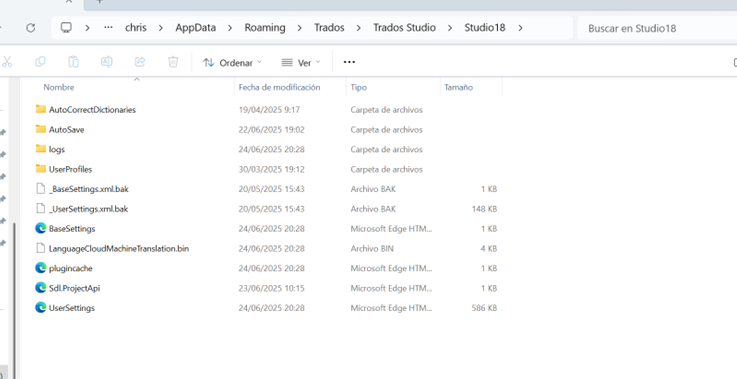
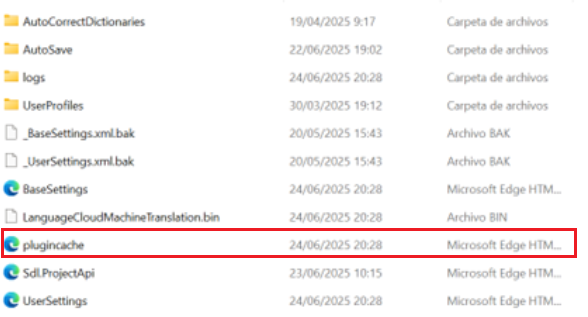
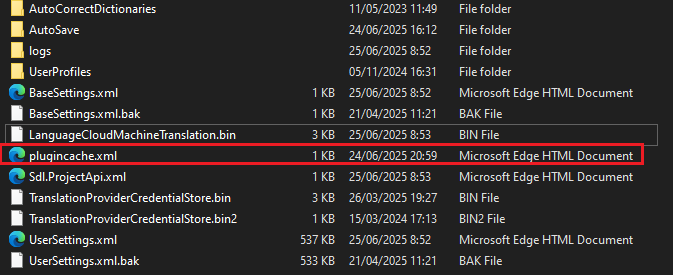
I recently installed Trados Studio 2024 Freelance with Wondows 11 Home on my laptop. It has worked fine til today, but now I can't open it. The initial window comes up and it runs through several steps but after 'Executing start up extensions..' it closes and the programme doesn't start. I have tried restarting the computer, reparing Trados following the instructions on the RWS website, I have added it to Windows Defender's exclusion list, as per instructions with a person on the RWS chat. And I have tried finding solutions in the forums but nothing works.
I am very worried as I am in the middle of a project that is to hand in on Thursday and I can't access it. I have missed the whole afternoon today trying to fix the problem.
If I uninstall the programme and then download it again, will I lose the current project?
Thanks you for any help you can give me.
[locked by: Paul at 7:49 AM (GMT 1) on 26 Jun 2025]