
 Translate


I'm using Trados Studio 2024 - 18.0.2.3255 with Deepl Translation Provider on a project I created a translation memory for. This used to work fine on Windows 10, but not I've moved to Windows 11, it's buggy. Right now, the translation memory is no longer being updated along with the translation, no error messages being displayed.
- I've checked whether I've set it to be updated in the Project settings/.../translation memory and machine translations (it is), and
- have tried the solutions from some of the threads here. The setting in the Batch Processing/Translation memory update field are also correct (ie the same as here: 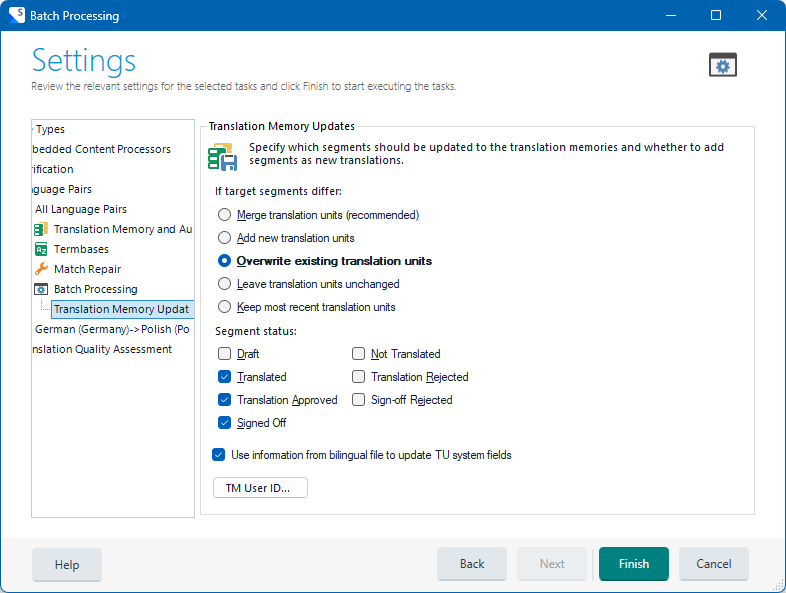
Like I said, this used to work fine, now it doesn't. Anybody have a clue how to fix this?

